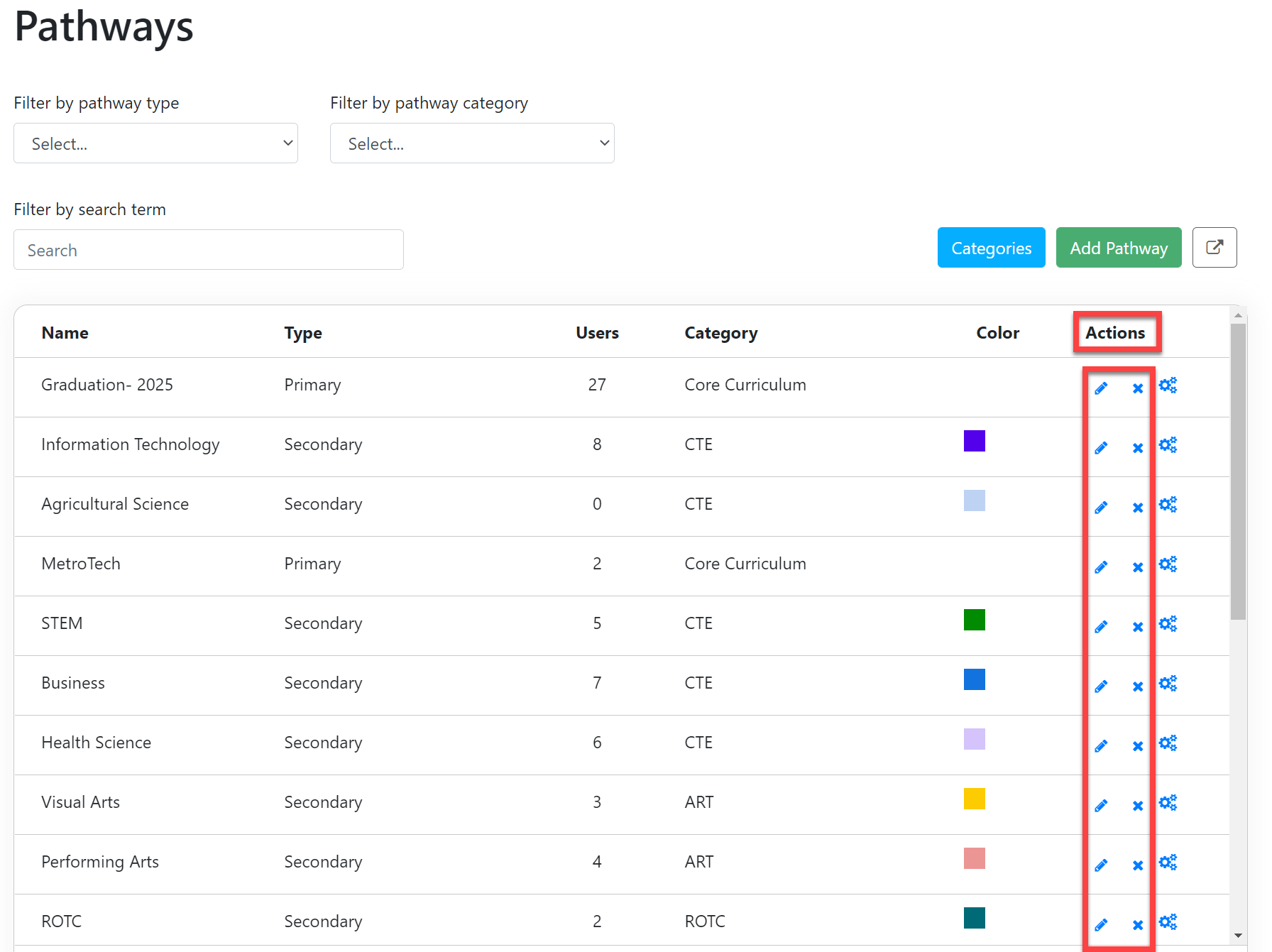
Edit or Delete Pathway Categories
A step-by-step guide for how to edit and delete existing Pathway Categories.
Last updated About 6 hours ago
Edit or Delete Pathway Categories
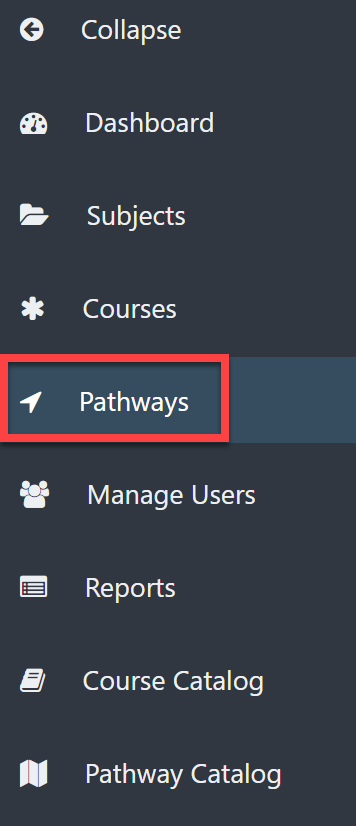
From the Dashboard, select Pathways on the left menu.
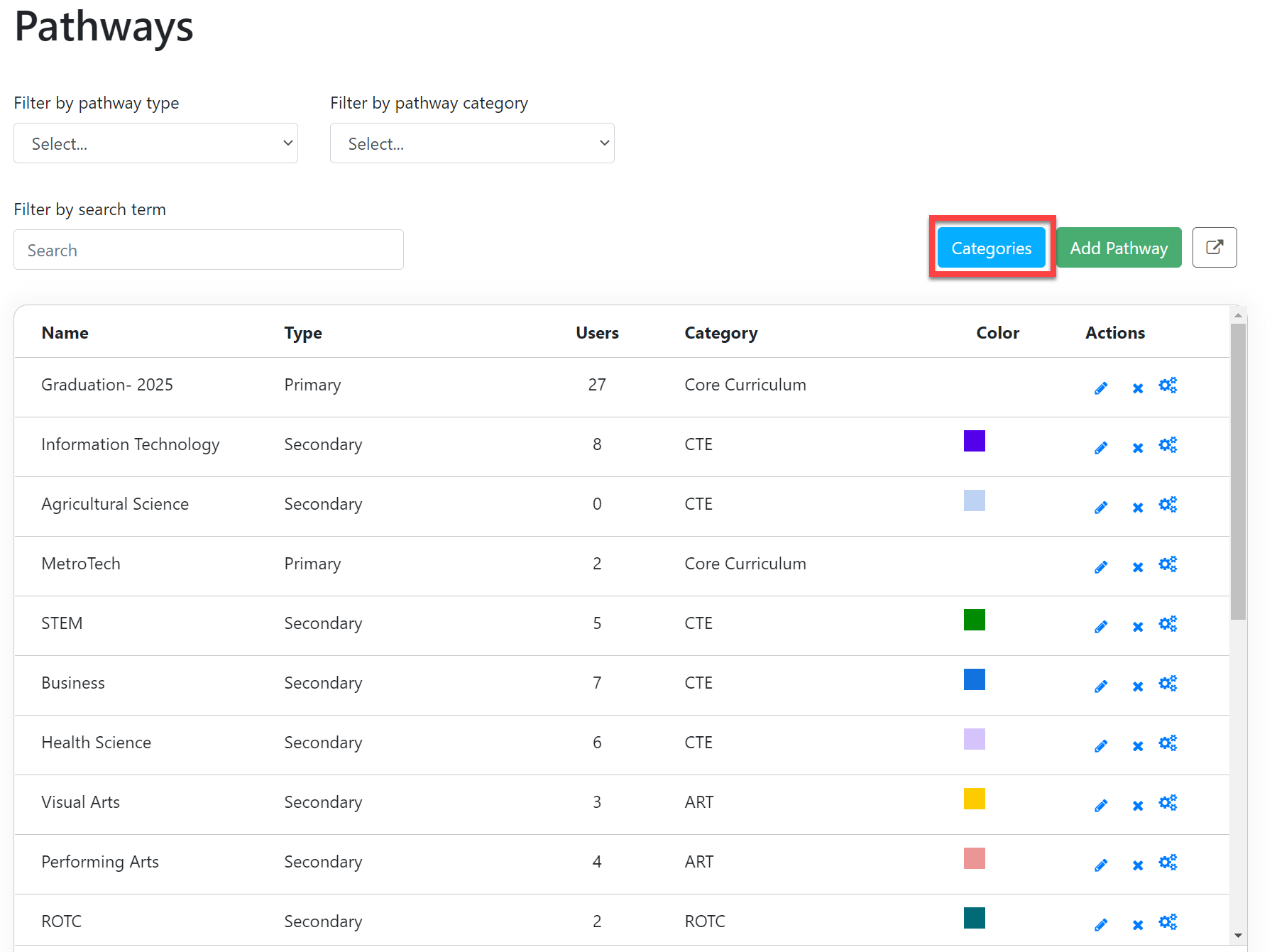
Select the Categories button in the upper right.
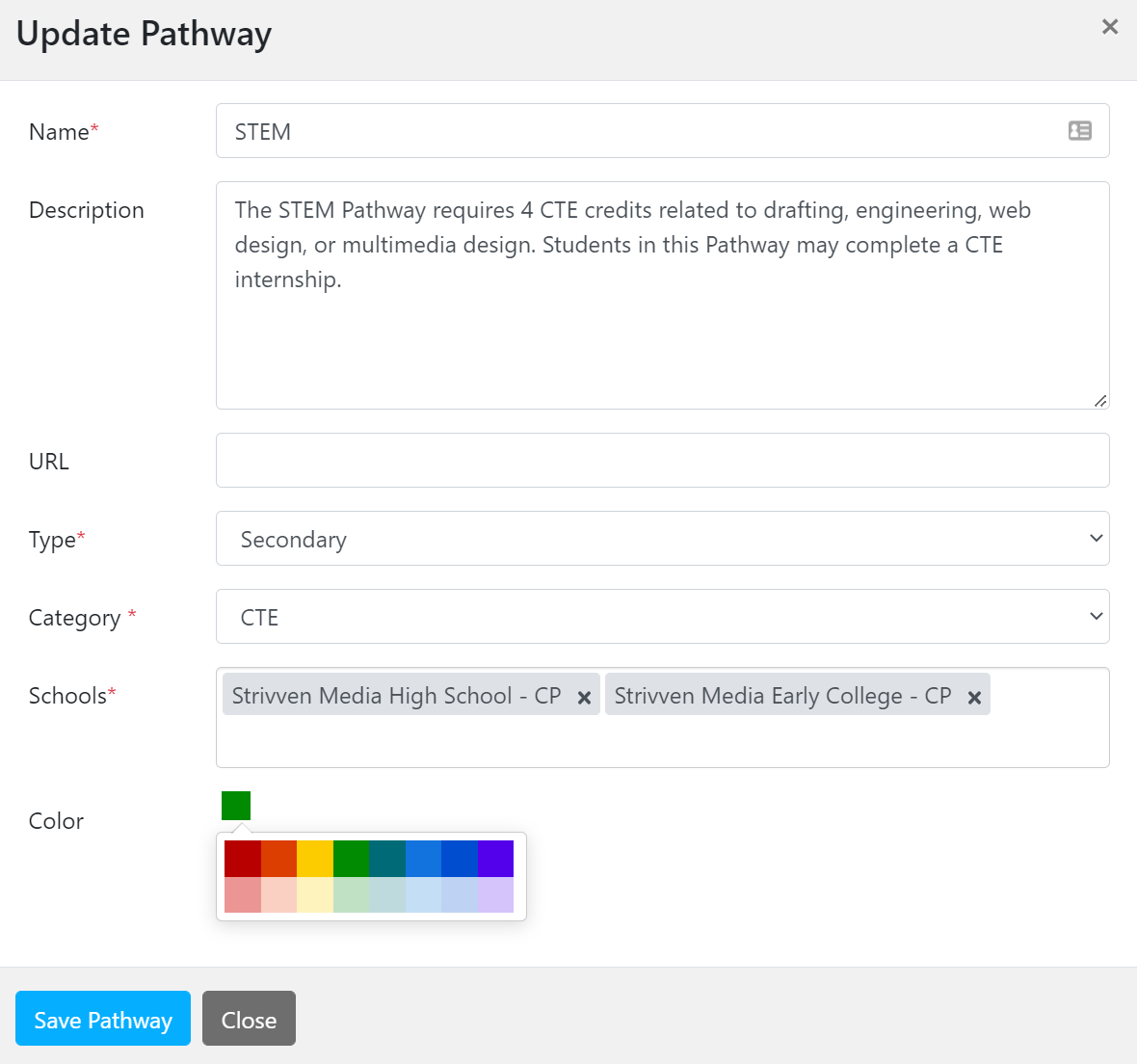
The Pathways Categories Page shows a list of all of the Categories you have created thus far.
Under the Actions column, select one of the following:
The pencil icon to edit the basic information about the Category. Only Secondary Pathways have color coding.
"X" to delete the Category. (NOTE: you cannot delete a Category if it is being used in a Pathway by a student).
The gear icon allows you to edit the Requirements of the Pathway. See Create and Edit Pathway Scaffolding or Add, Remove, and Edit Pathway Requirements.