Archive a Course
This article explains how to Archive and Unarchive a Course.
Last updated About 5 hours ago
Archive a Course
Courses are never deleted, only archived.
Once a Course has been archived, you can unarchive it if needed.
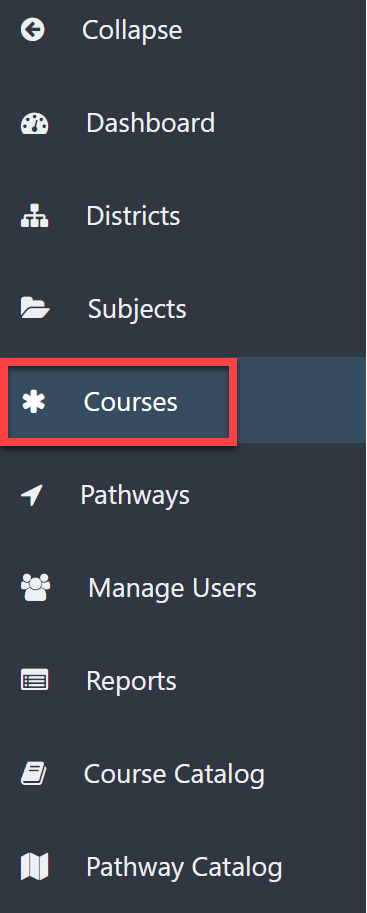
From the Admin Dashboard, select Courses.
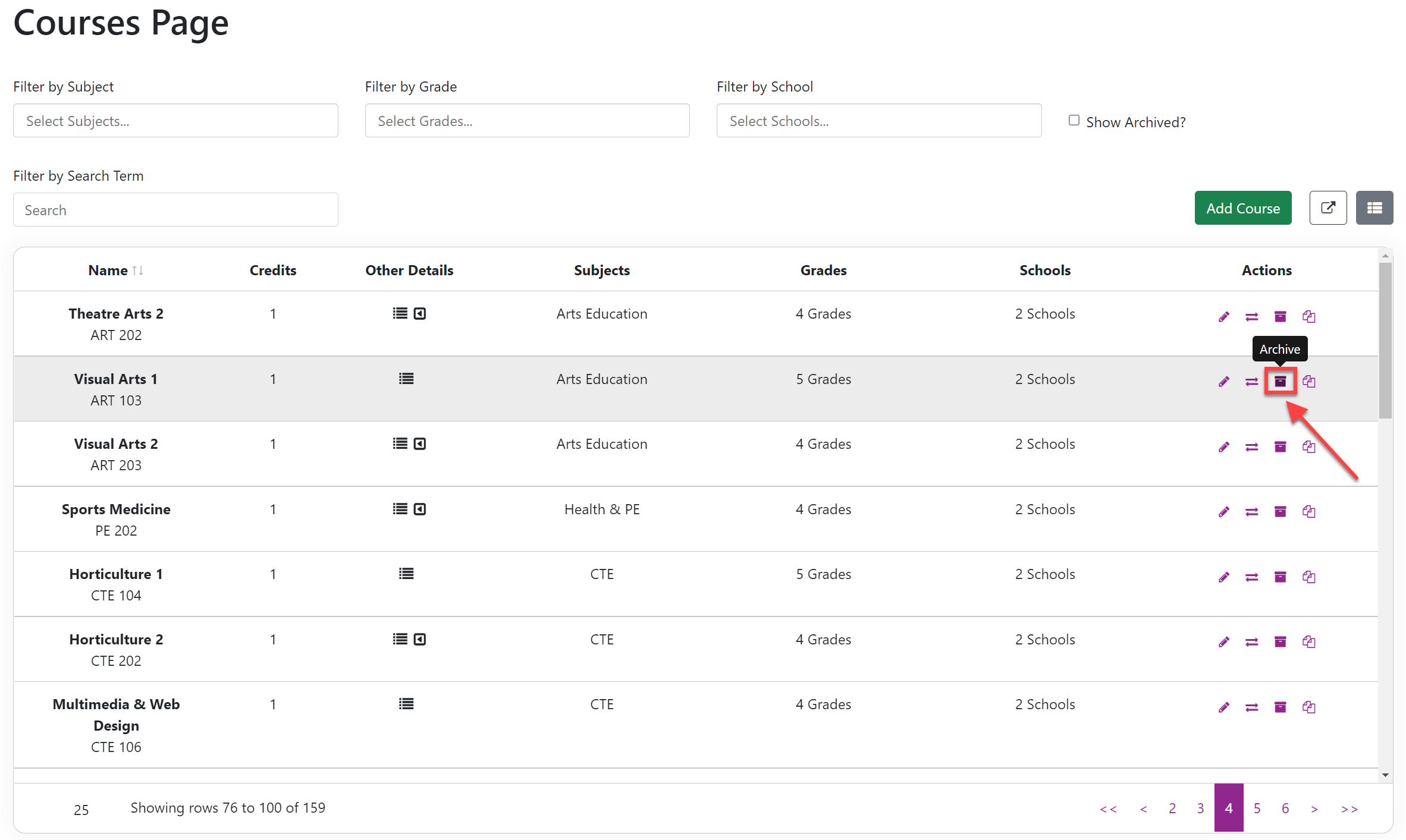
Select the Archive icon to the right of the desired Course under the Actions column.
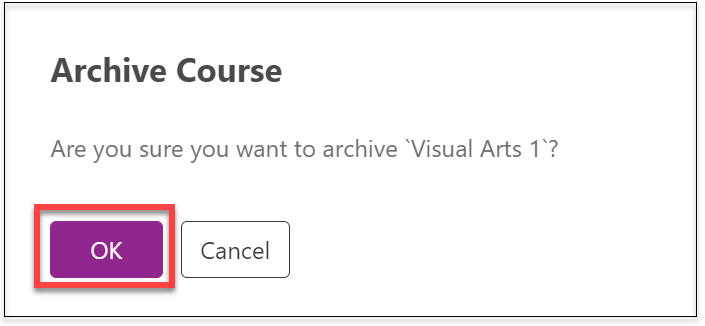
In the Archive Course window, select OK.
To Unarchive the Course:
Add the Show Archived filter.
Select any filters as needed.
Select the Restore icon to the right of the desired Course.
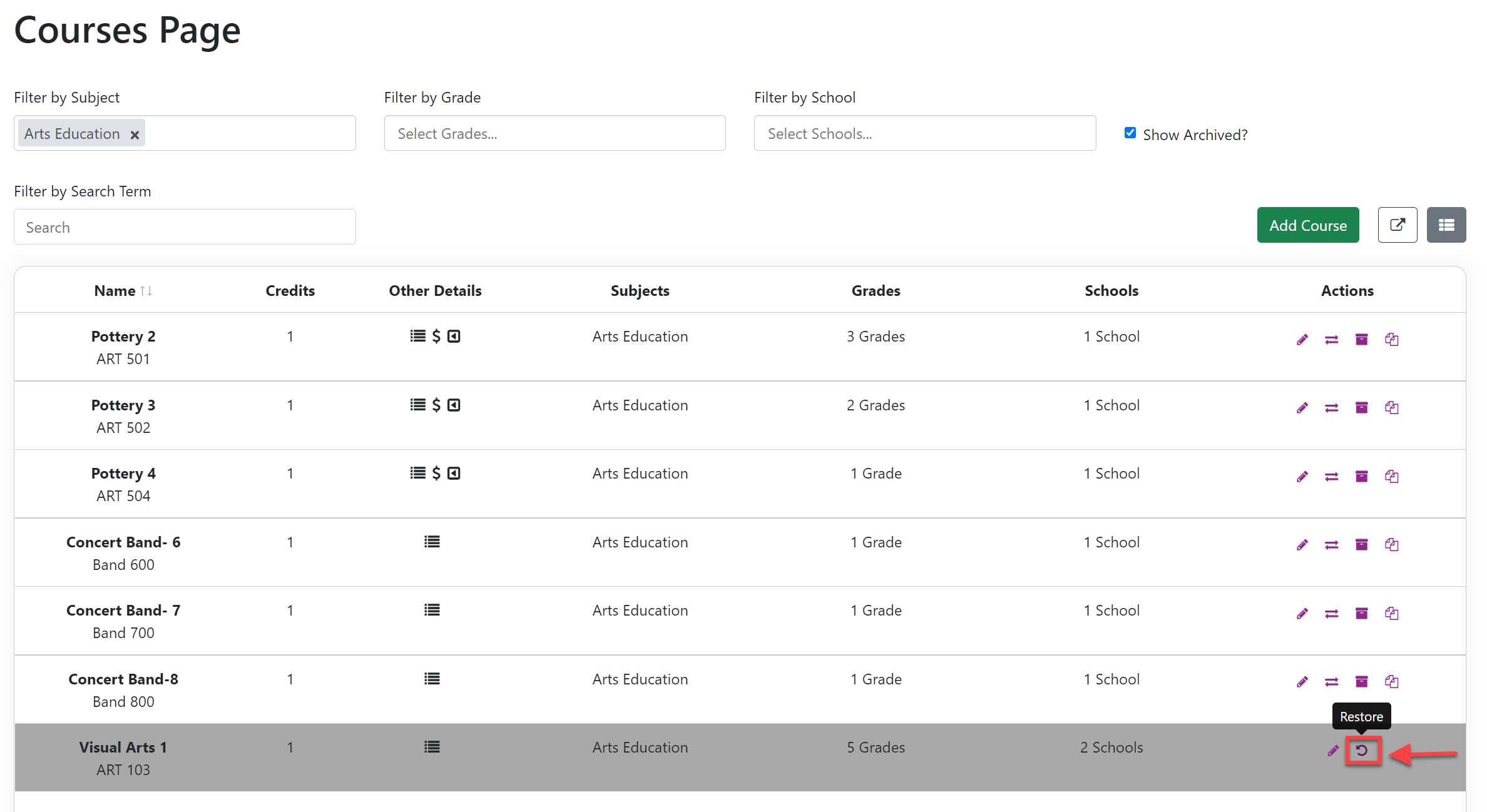
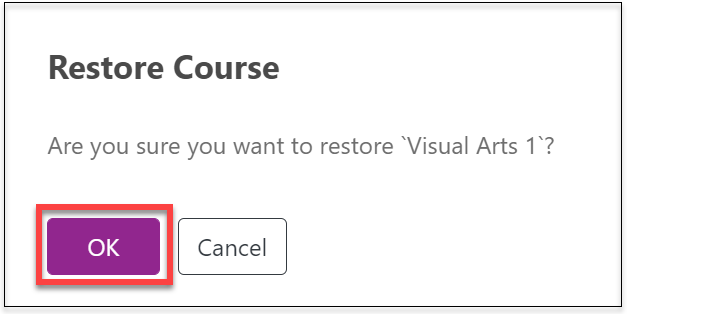
In the Restore Course window, select OK to restore.