Switch Between Dual Roles
This article explains how to alternate between roles if, as a user, you have dual roles within Planner.
Last updated About 2 months ago
Switch Between Dual Roles
If you have dual roles within Planner, you can easily switch between the roles without having to log out and back in.
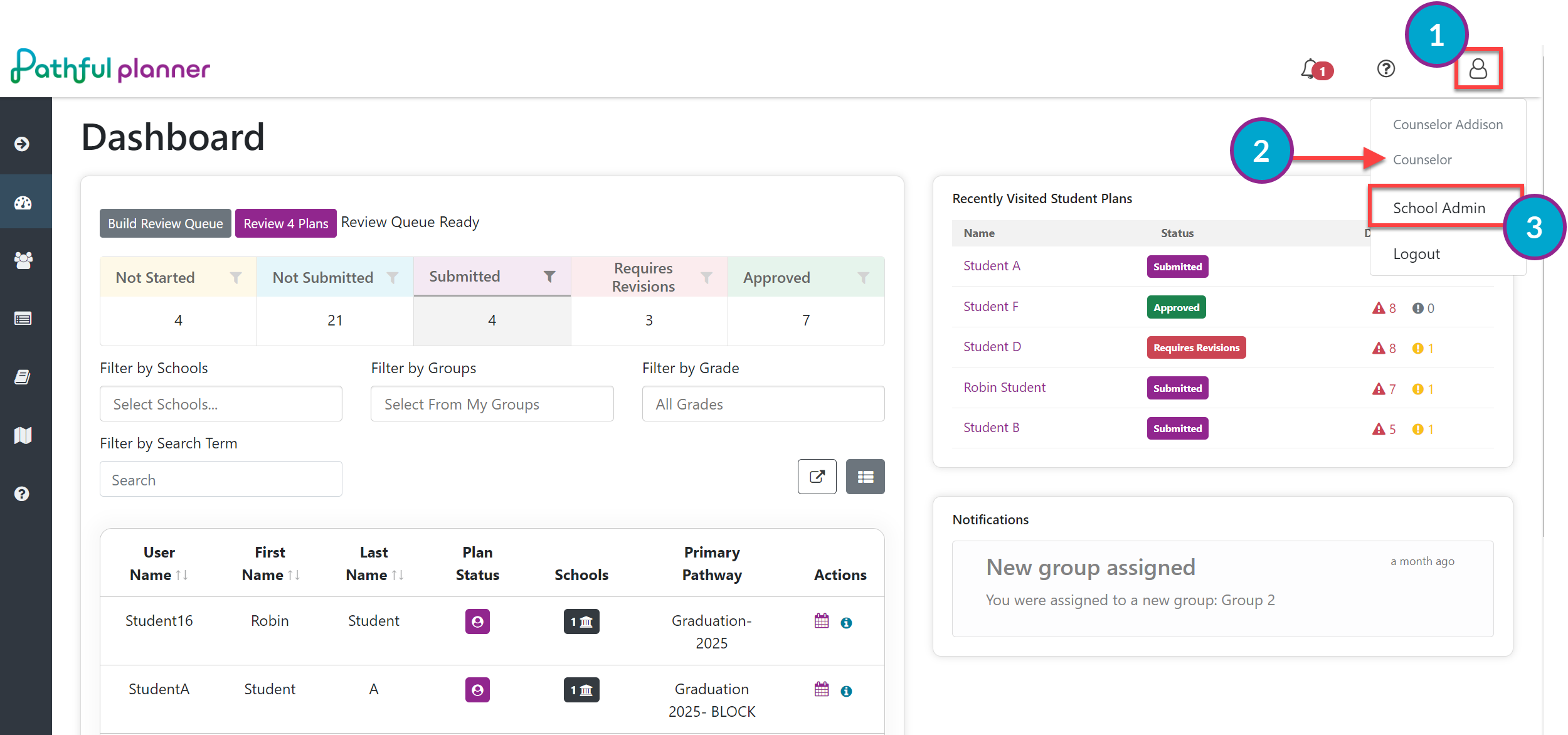
Select the Profile icon in the top right of any screen.
The current logged-in role is displayed first under your name.
Select the desired role.
You will automatically land on the Dashboard for the newly selected role.
You can alternate between roles as needed.