Getting Started in Pathful Planner: The First Steps
This article explains the process of Getting Started in Course Planner. You begin with Subjects, Courses, and then Pathways. It also contains links to other relevant setup articles.
Last updated About 5 hours ago
Getting Started in Pathful Planner: The First Steps
Subjects, Courses, and Pathways are created at the Admin level.
In order to create a Course Catalog and Pathways, you need to follow a specific process:
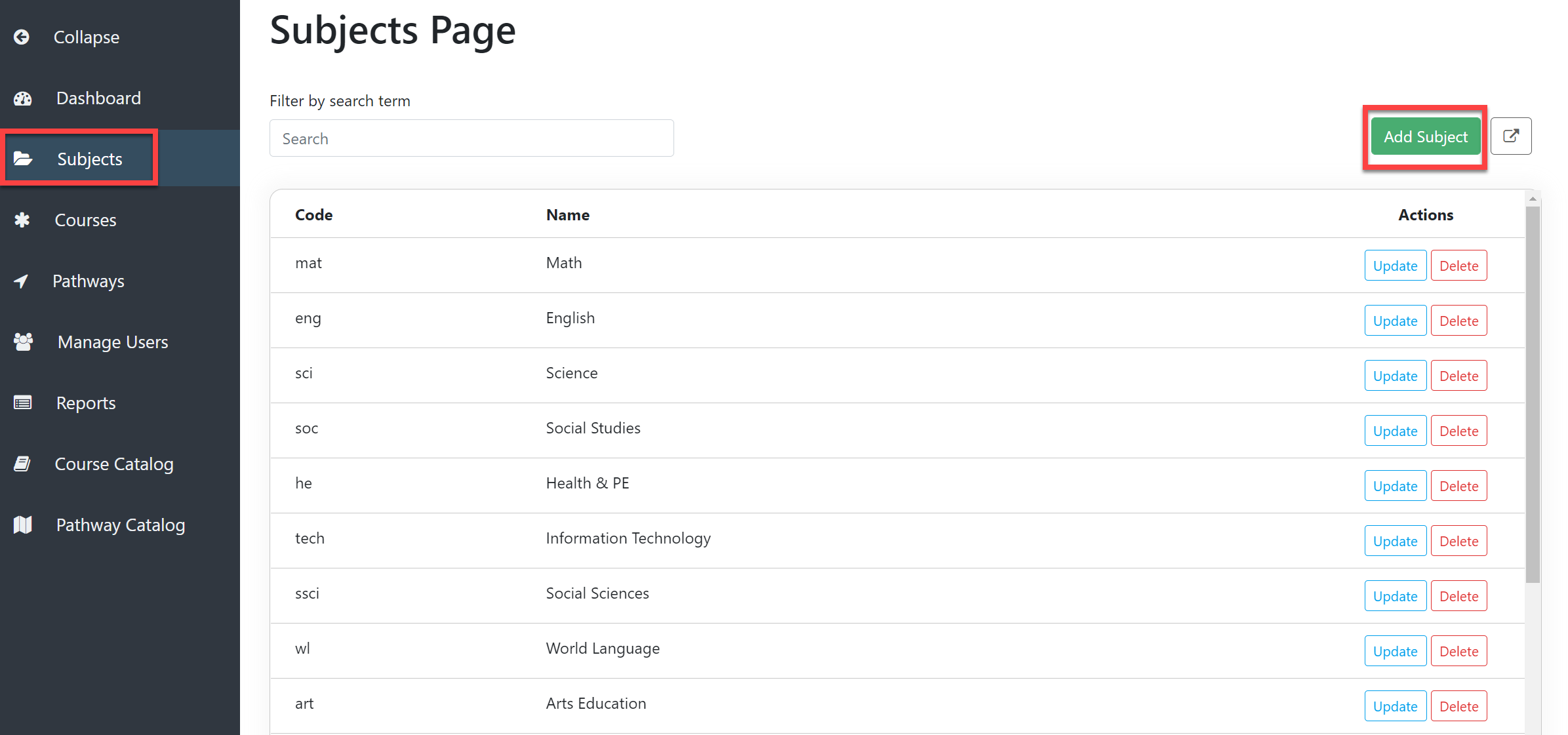
Create Subjects.
Example: Math
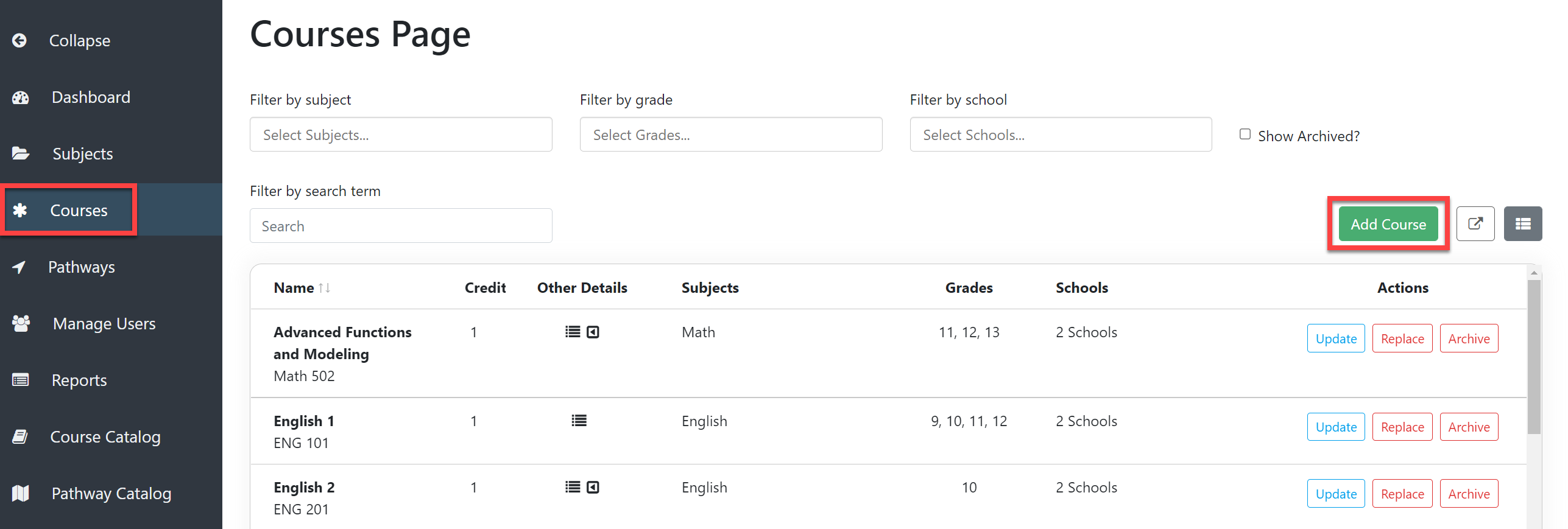
Create Courses.
Example: Math 1, Math 2, and Math 3
See Create a Course.
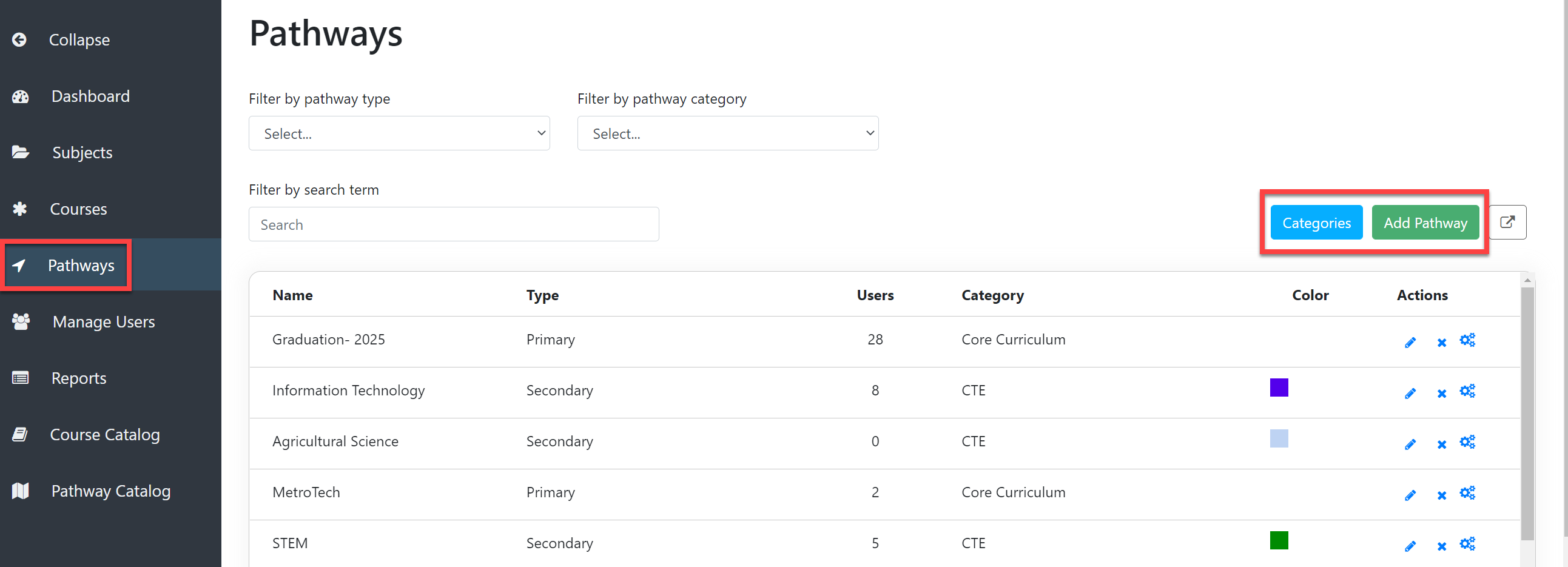
Create Pathways.
Create Categories.
Example: Core Curriculum, CTE, ROTC, Art, etc.
Add Pathways, both Primary and Secondary.
Example: Graduation Pathway requires completion of Math 1, Math 2, and Math 3
See Create a Pathway, Edit a Pathway, and Create and Edit Pathway Scaffolding.
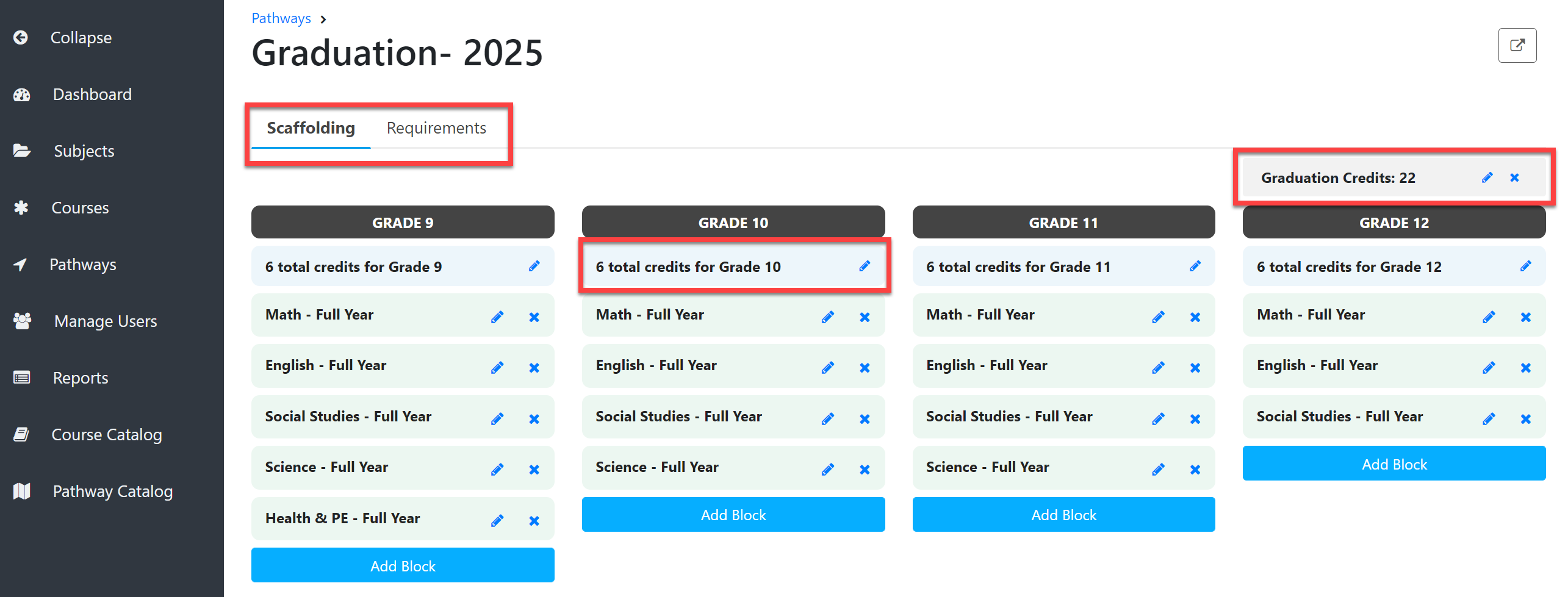
Add specific Subjects and Courses to Pathways as needed.
Edit the number of Graduation requirements and total credits needed per grade level.Planner currently defaults to 32 credits needed for graduation and 8 credits per grade level per year.
All Subjects, Courses, and Pathways can be edited as needed.