Guided Welcome
This article explains the Guided Welcome process and how to navigate through it so you can start selecting your courses.
Last updated 3 months ago
Guided Welcome
The Guided Welcome must be completed yearly, typically the first time the student logs in during the enrollment period.
You must complete the Guided Welcome before you can configure your Plan.
All questions in the Guided Welcome are mandatory.
If you are not taken directly into the Guided Welcome, select Guided Welcome at the top of your Dashboard.
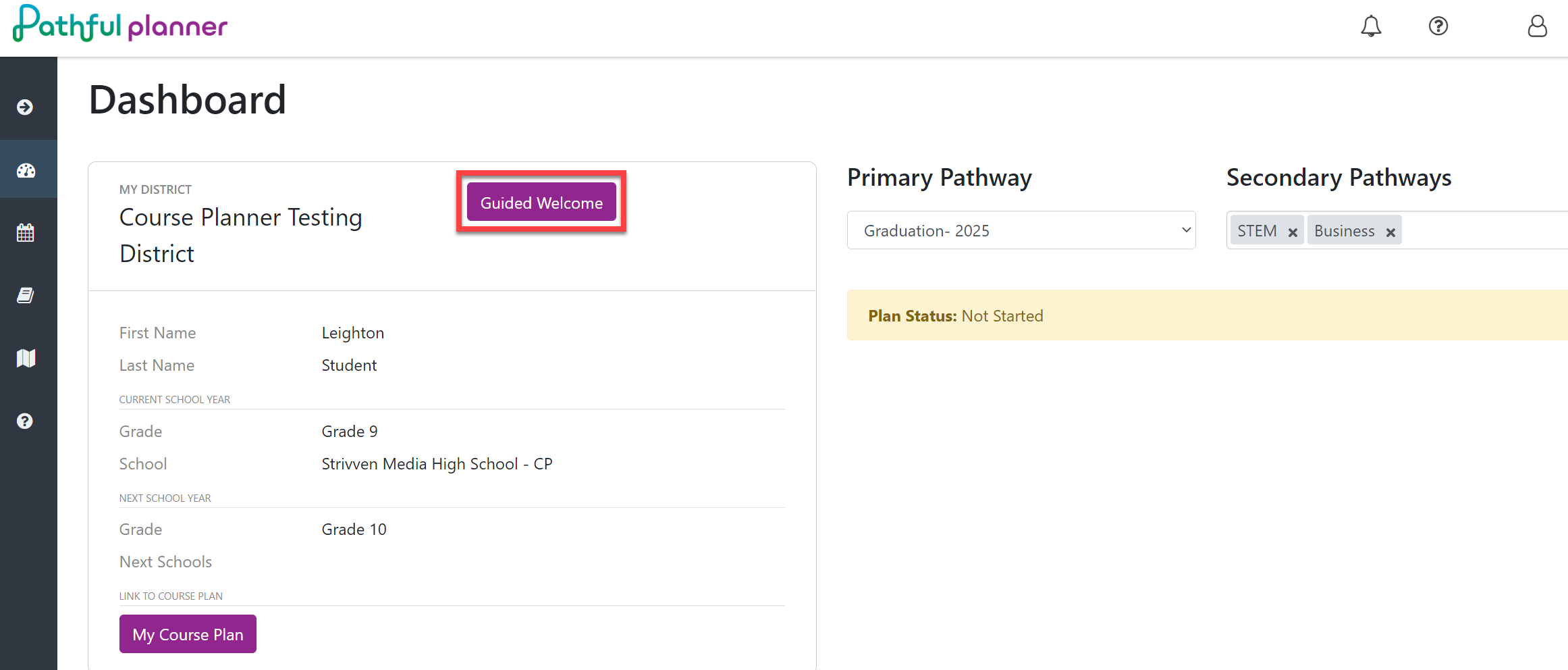
Answer each question for Student ID, Name, Grade, School, Pathway, and Confirmation.
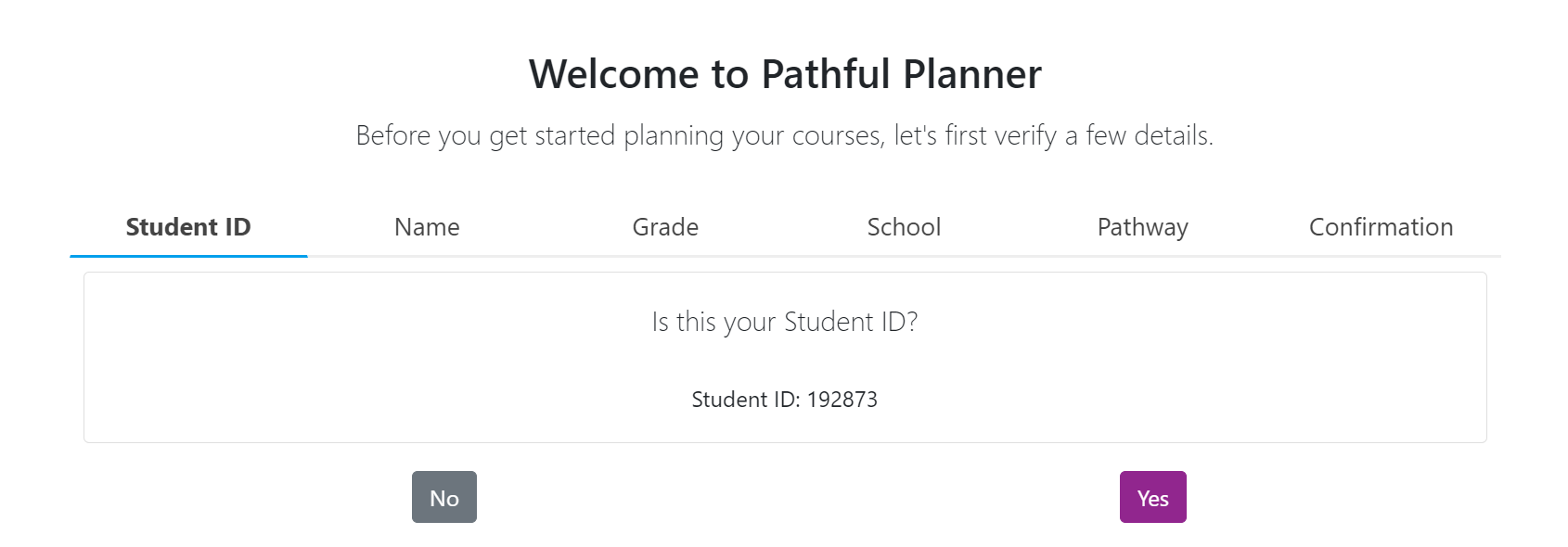
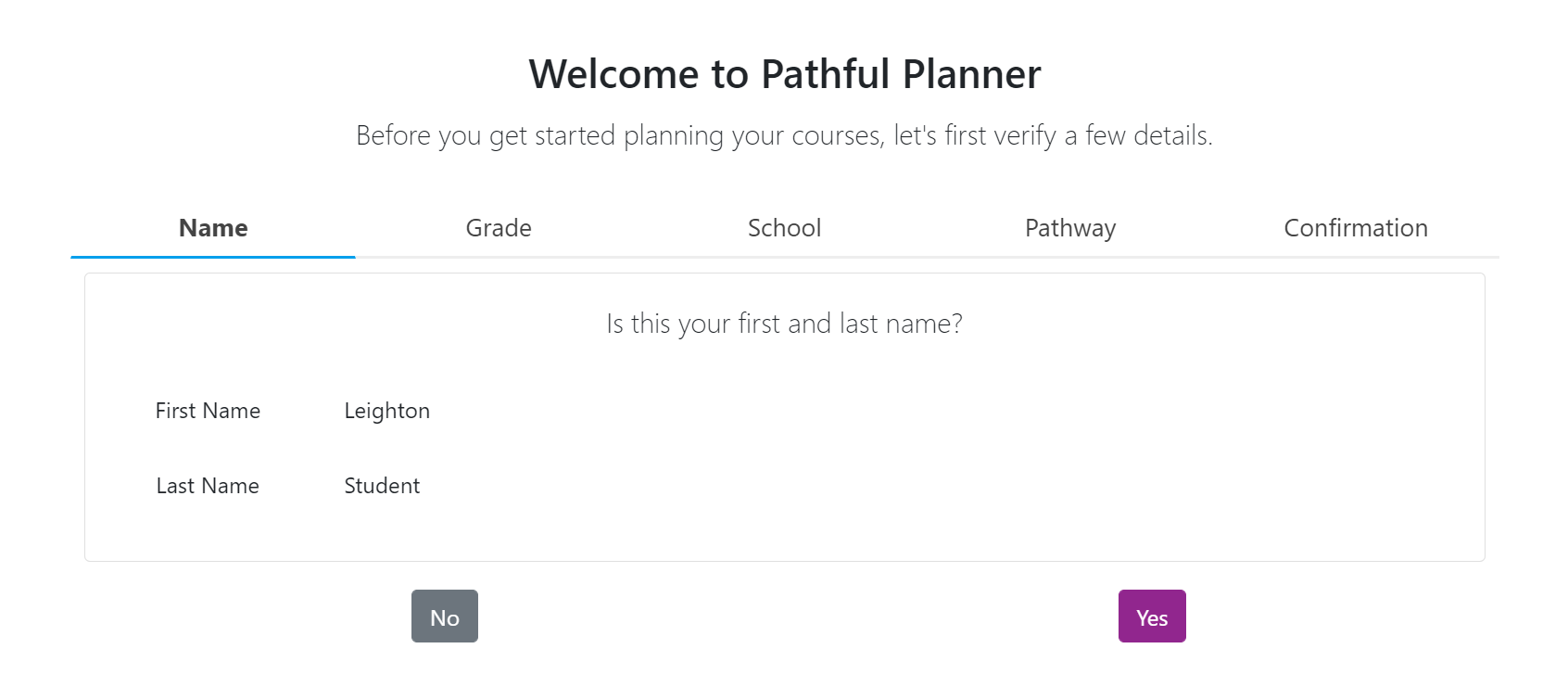
Answering Yes will take you to the next question.
Answering No will send an alert message to your counselor that your information is incorrect.
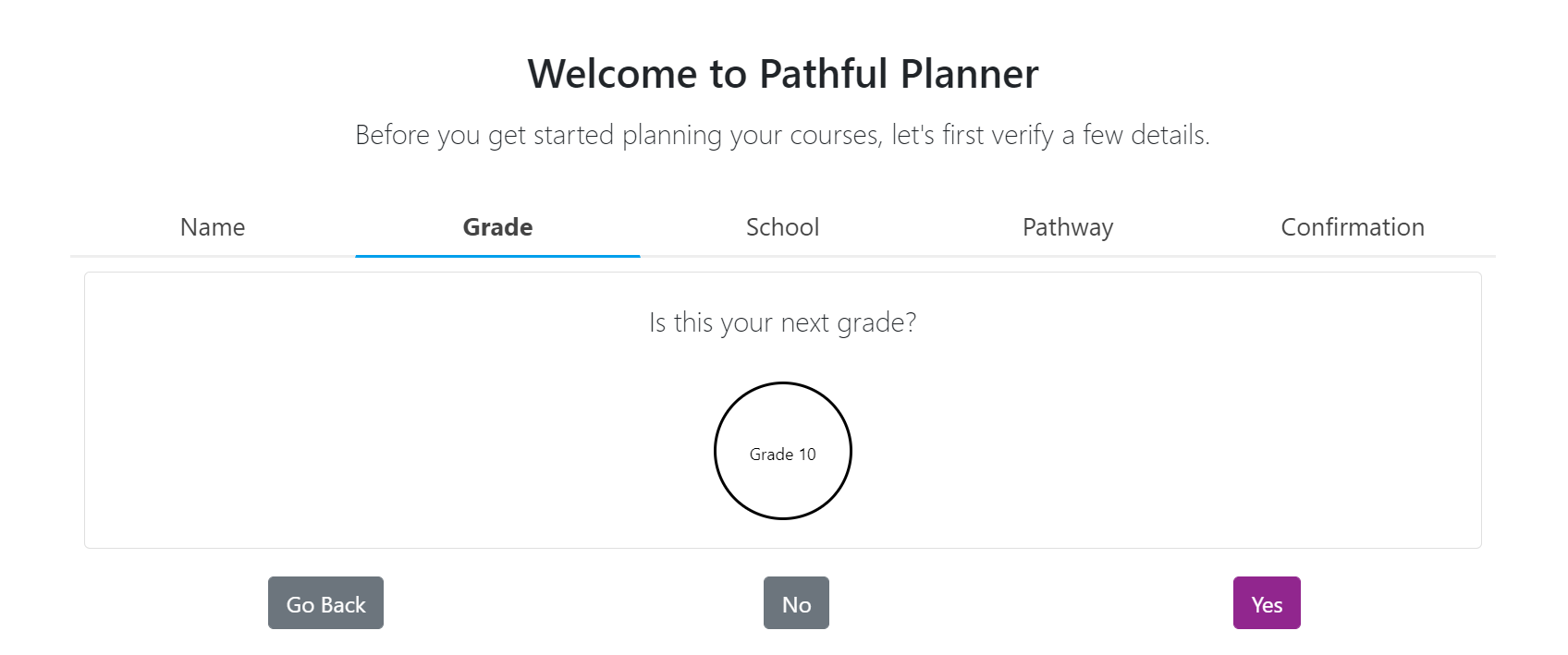
After answering each question, select Continue to go to the next question orGo Back if you need to revisit a previous question.
Guided Welcome questions are as follows:
Student ID
Name
Grade
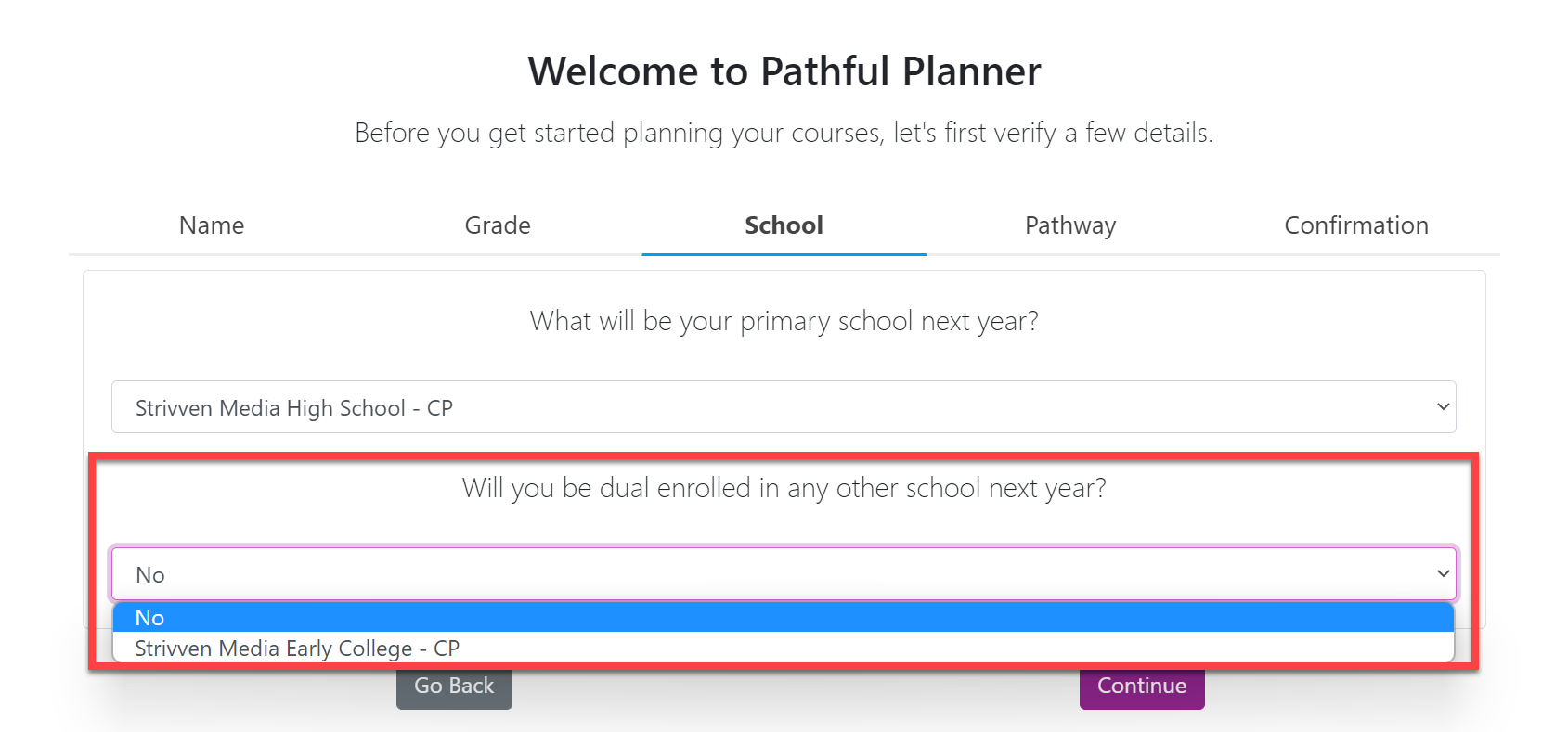
School: Choose your current school. If you are dual enrolled, select the additional school you attend. If you are not dual enrolled, select "No."
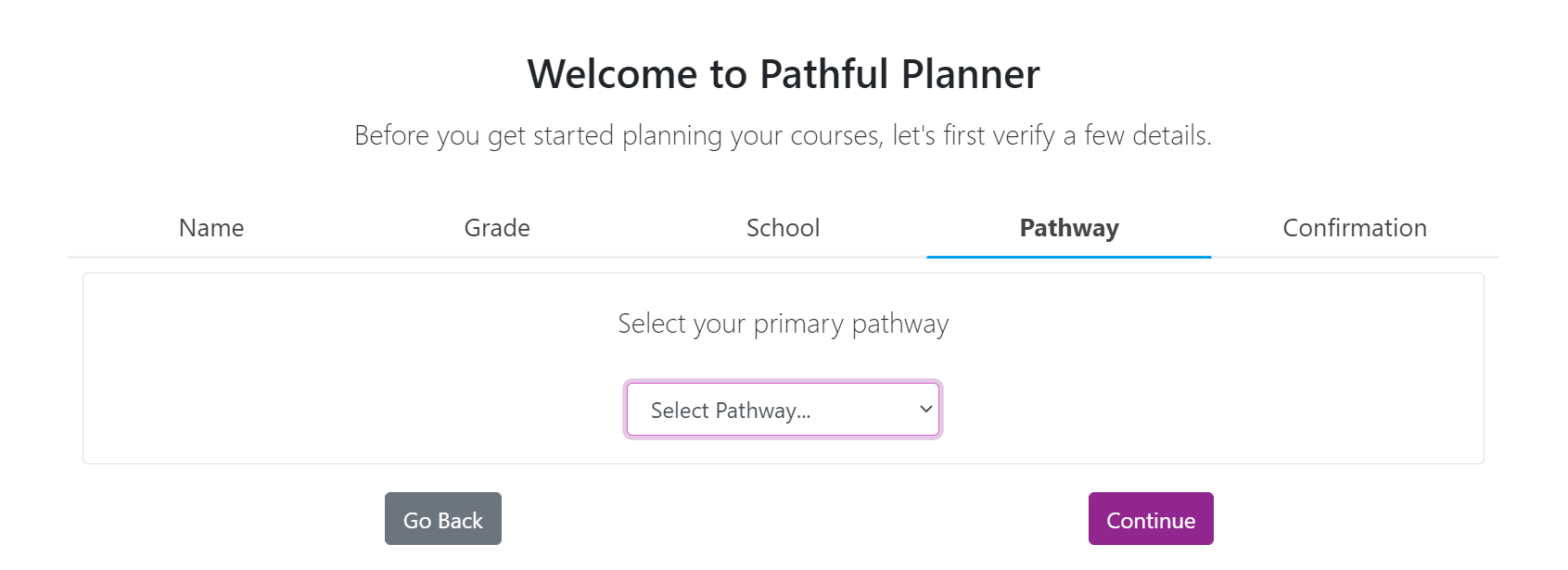
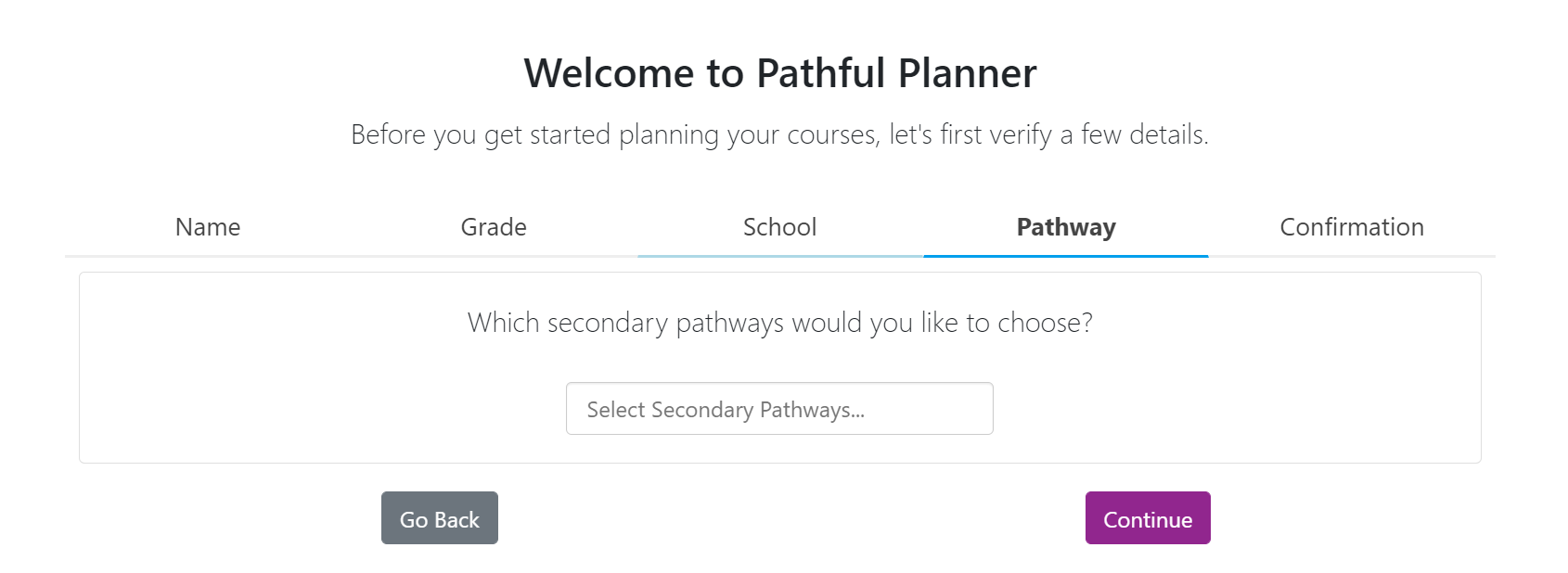
Pathway: Select both your Primary and Secondary Pathways.
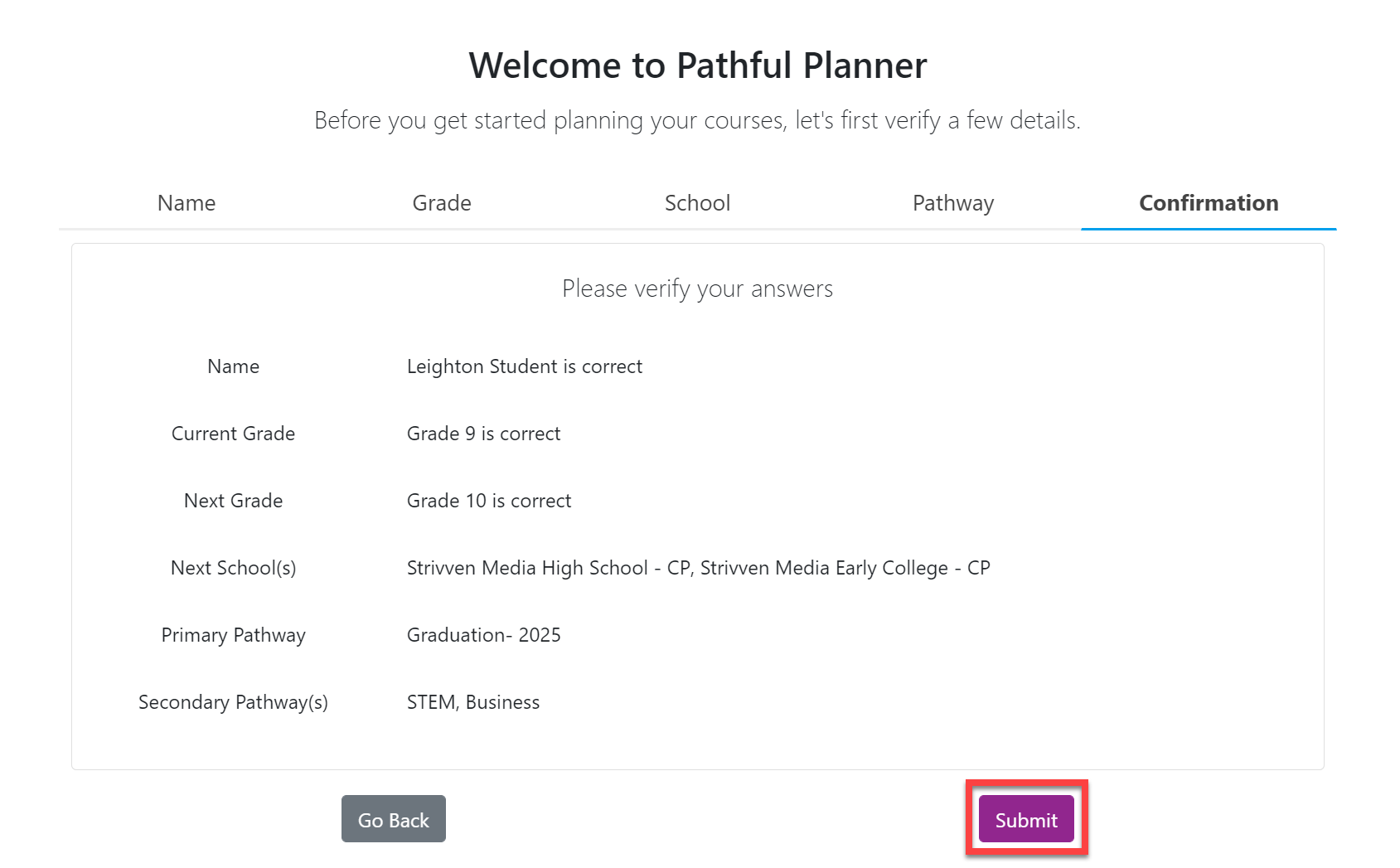
Select Submit on the Confirmation screento complete and submit the Guided Welcome.
Select Close to start selecting your courses.
