Include Postsecondary Years on the Course Plan
This article explains how to add postsecondary years to the Course Plan.
Last updated About 5 hours ago
Include Postsecondary Years on the Course Plan
You can include up to two postsecondary years on the Course Plan if needed.
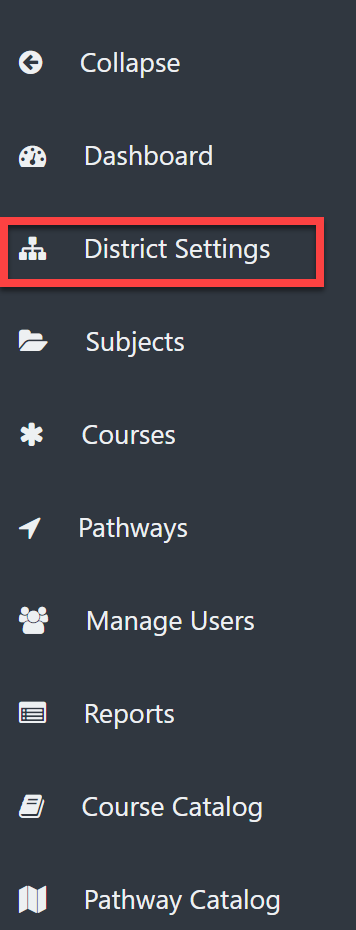
From the District Admin Dashboard, select District Settings.
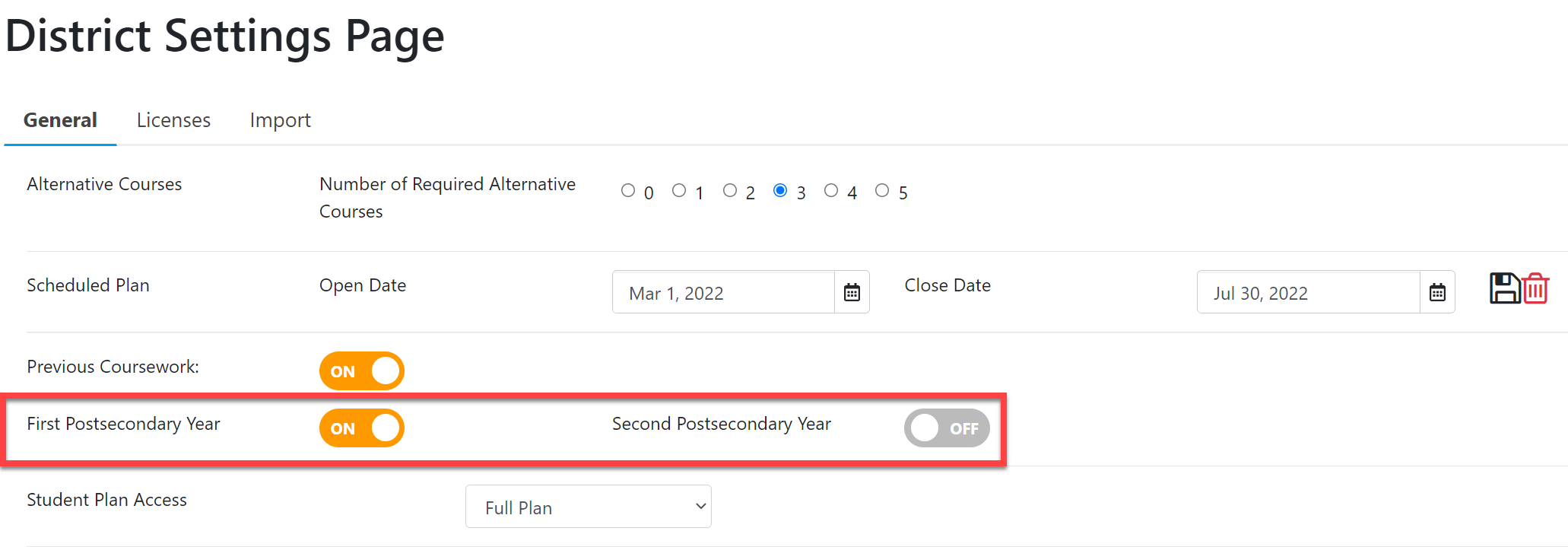
Use the toggle buttons to turn on/off First Postsecondary Year and Second Postsecondary Year.NOTE: Your changes are immediate and automatic. You do not need to Save.
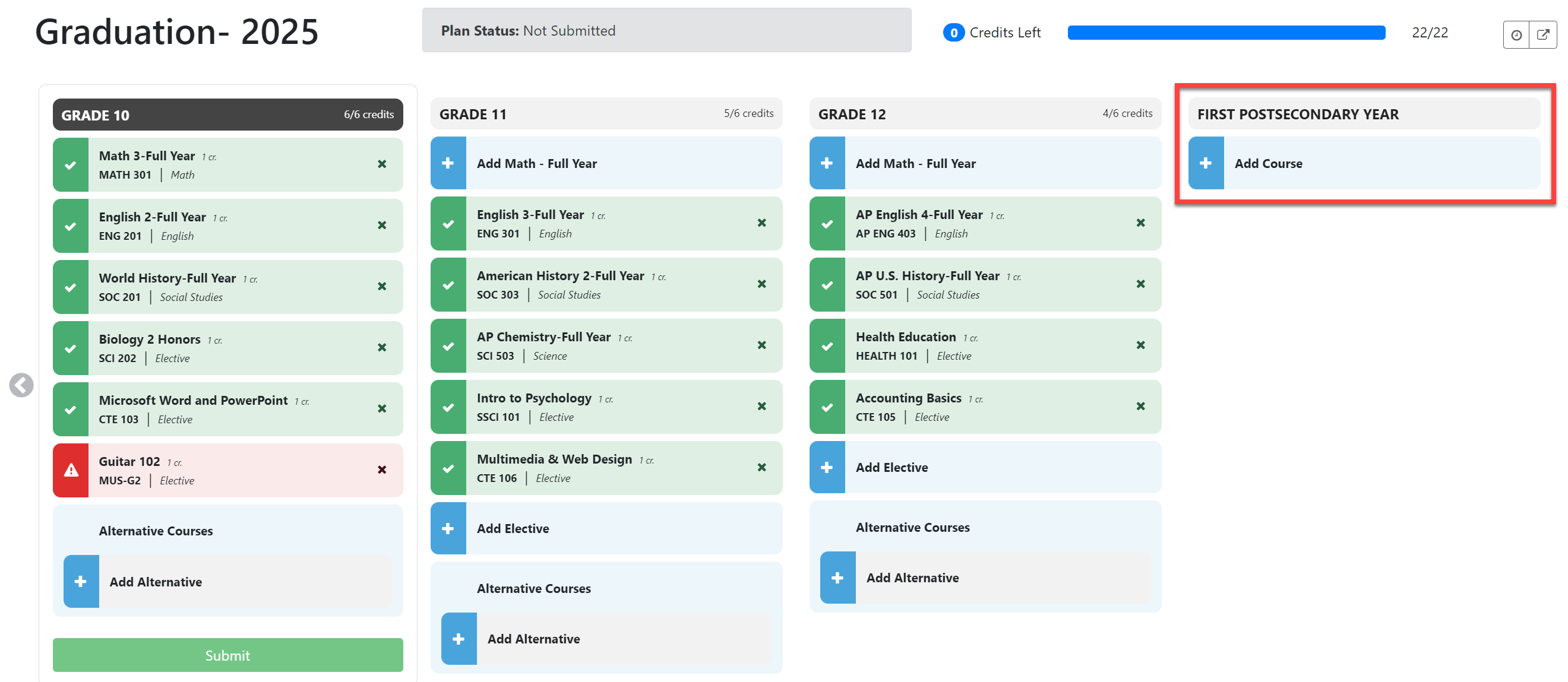
EXAMPLE COURSE PLAN: