View the Pathway Catalog
This article explains Primary and Secondary Pathways and how to use the Pathway Catalog.
Last updated About 5 hours ago
View the Pathway Catalog
There are two types of Pathways: Primary and Secondary.
A Primary Pathway leads to graduation and includes all of the requirements necessary to graduate. You are required to select a Primary Pathway in Course Planner.
A Secondary Pathway is a specialized pathway you choose based on personal interest and career goals. Secondary Pathways might include STEM, Music, Arts, Business, Health Science, ROTC, or others.
You MUST select a Primary Pathway before you can select a Secondary Pathway.
Secondary Pathways are optional in Pathful Planner.
Pathway Catalog
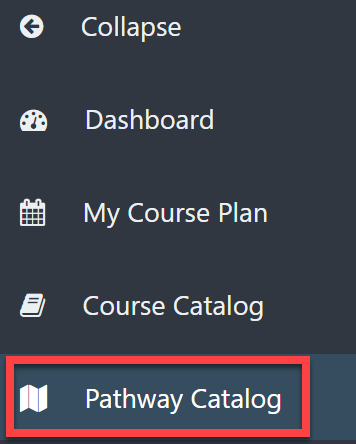
From the Dashboard, select Pathway Catalog on the left menu.
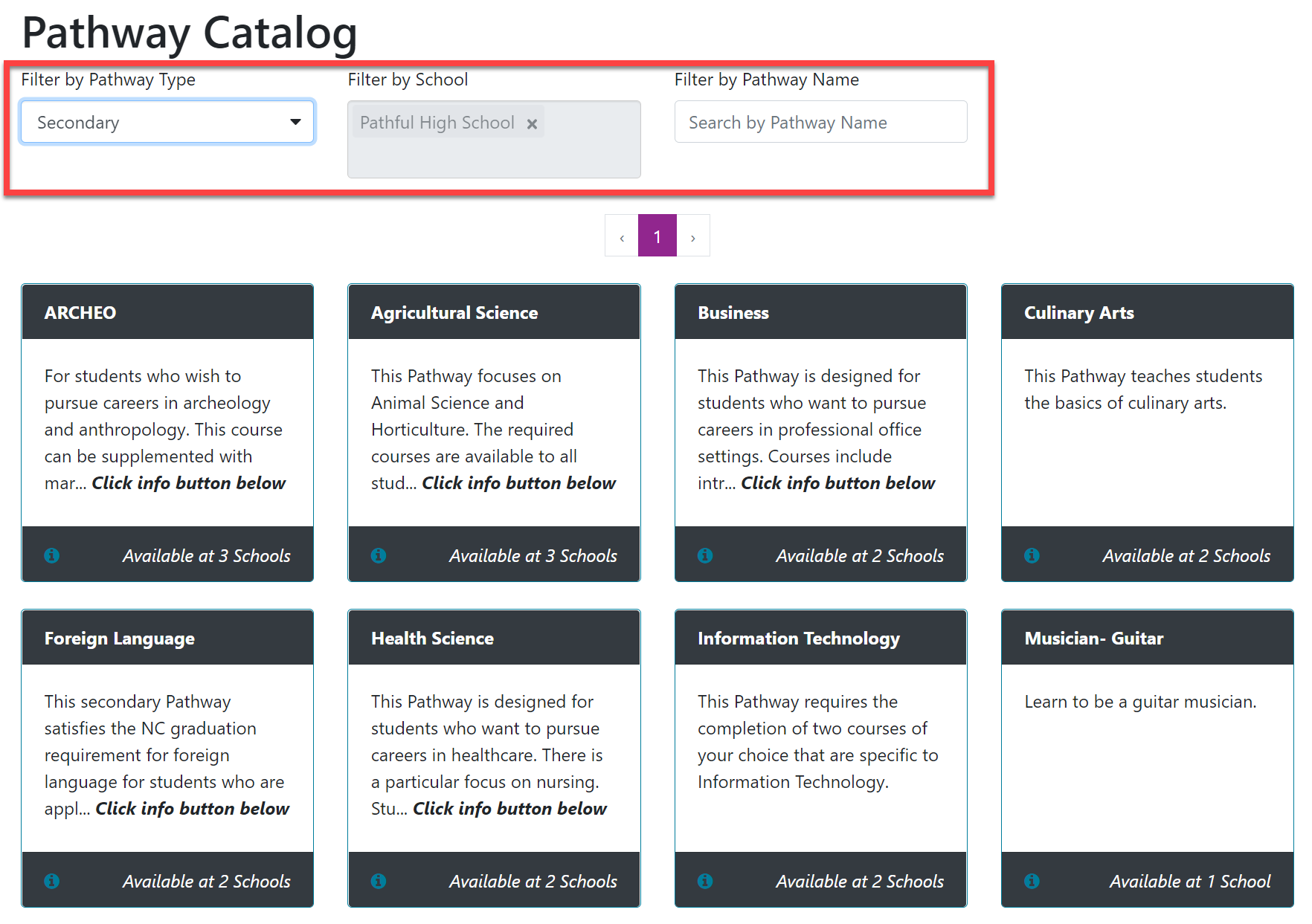
The Pathway Catalog shows a list of all Pathways available at your school.
Use the filters at the top to narrow your search as needed:
Filter by Pathway Type: Primary or Secondary
Filter by School: this automatically defaults to your current school. If you attend more than one school, you can choose which Pathway Catalog you wish to view.
Filter by Pathway Name: type the desired Pathway's name into the Search box.
Pathway Information Cards
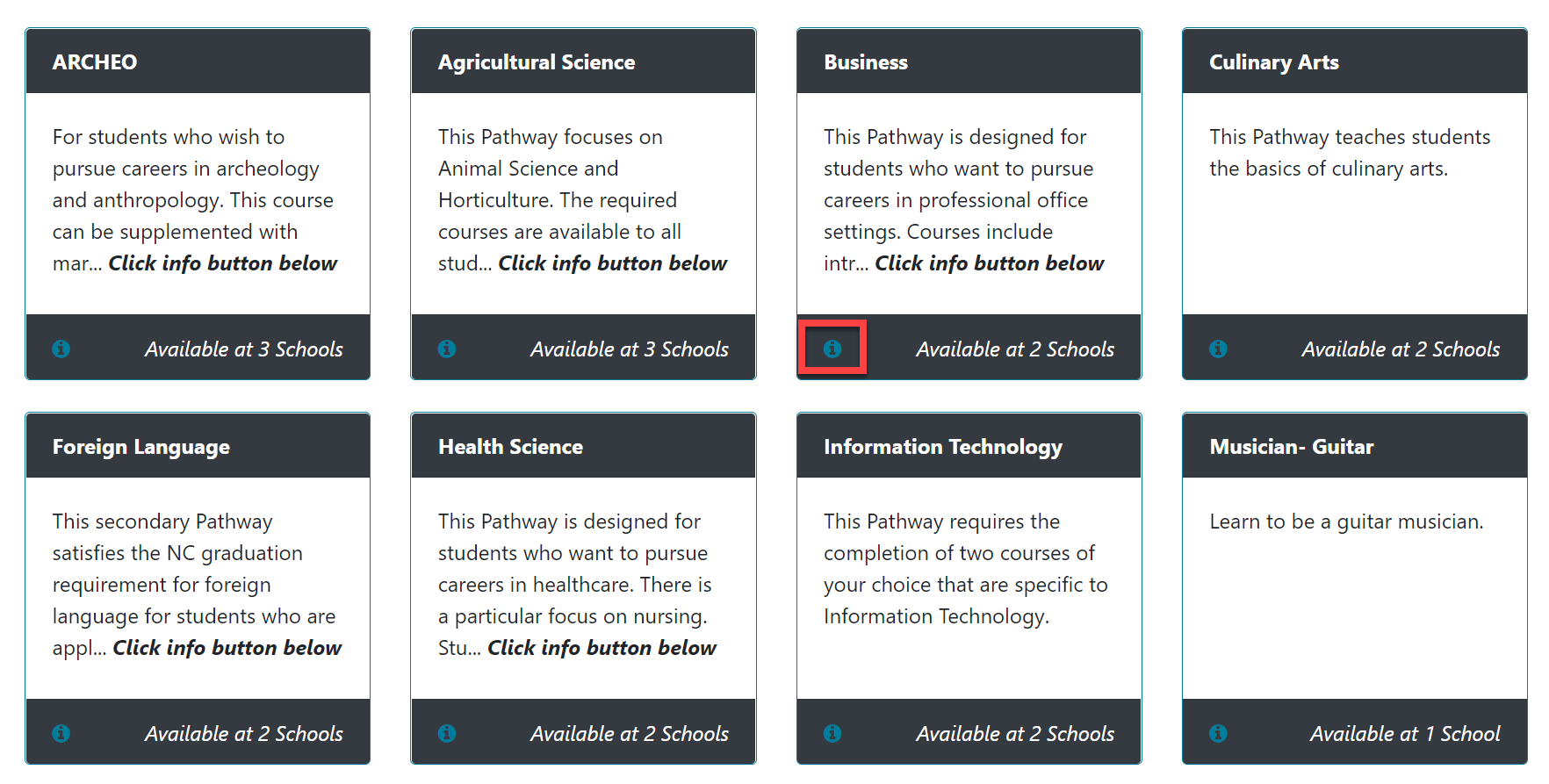
Each Pathway has an information card with a short description. Select the "i" information button on the Pathway Card to see more details about that Pathway.
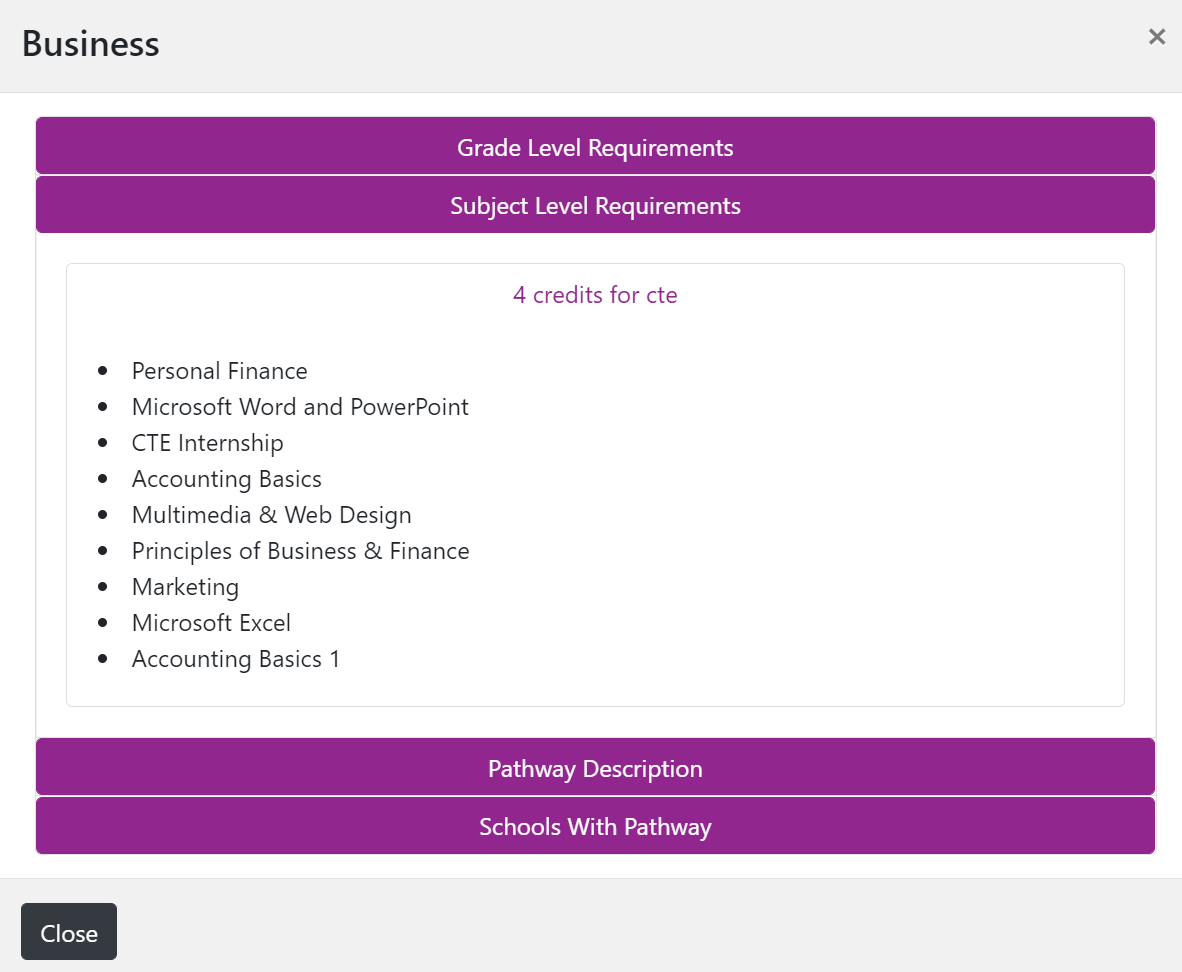
In the pop-out window, select any of the boxes to expand for more detail.
Grade Level Requirments: this refers to a course you must take at a specific grade level (i.e., English 1 in 9th grade).
Subject Level Requirements: the required number of courses you must take within a subject (i.e., 4 English credits overall).
Pathway Description: any additional information about the Pathway.
Schools with Pathway: the schools in your district that offer this Pathway.
Refer to Select a Pathway for more information.