Favorite a Course
This article explains how to Favorite a Course in the Course Catalog and then add that Course to My Course Plan.
Last updated 3 months ago
Favorite a Course
In the Course Catalog, you can Favorite Courses you might want to take later.
There is no limit to the number of Courses you can favorite.
You can unfavorite any Course as needed.
Favorited Courses will show up first when you add Courses to your My Course Plan.
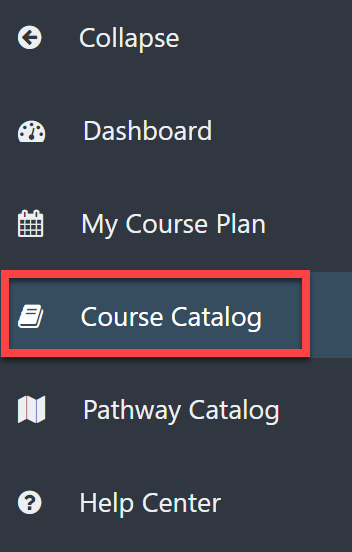
From your Dashboard, select Course Catalog from the left menu.
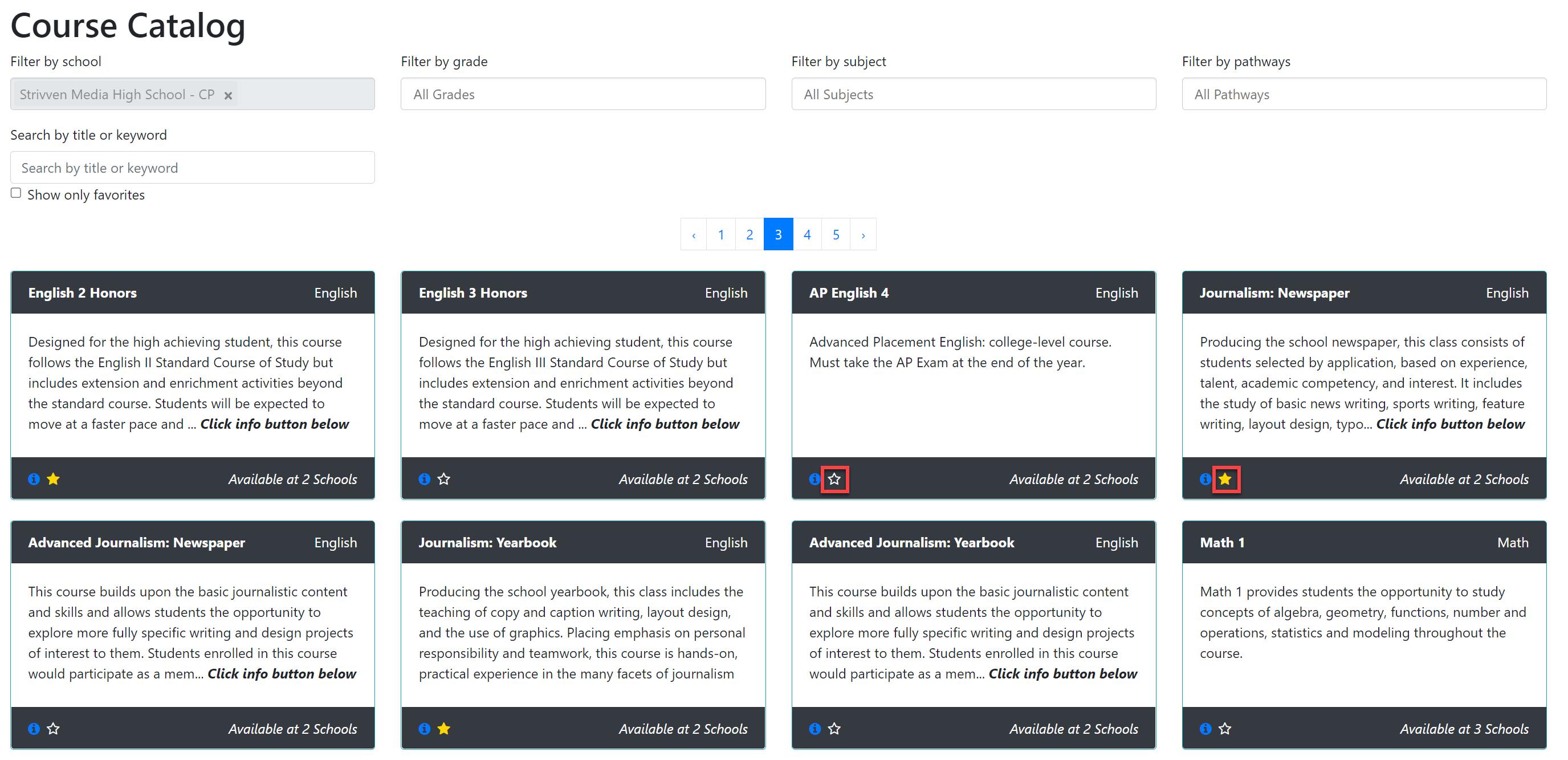
From the Course Catalog, select the star button to favorite any Courses you may want to take.
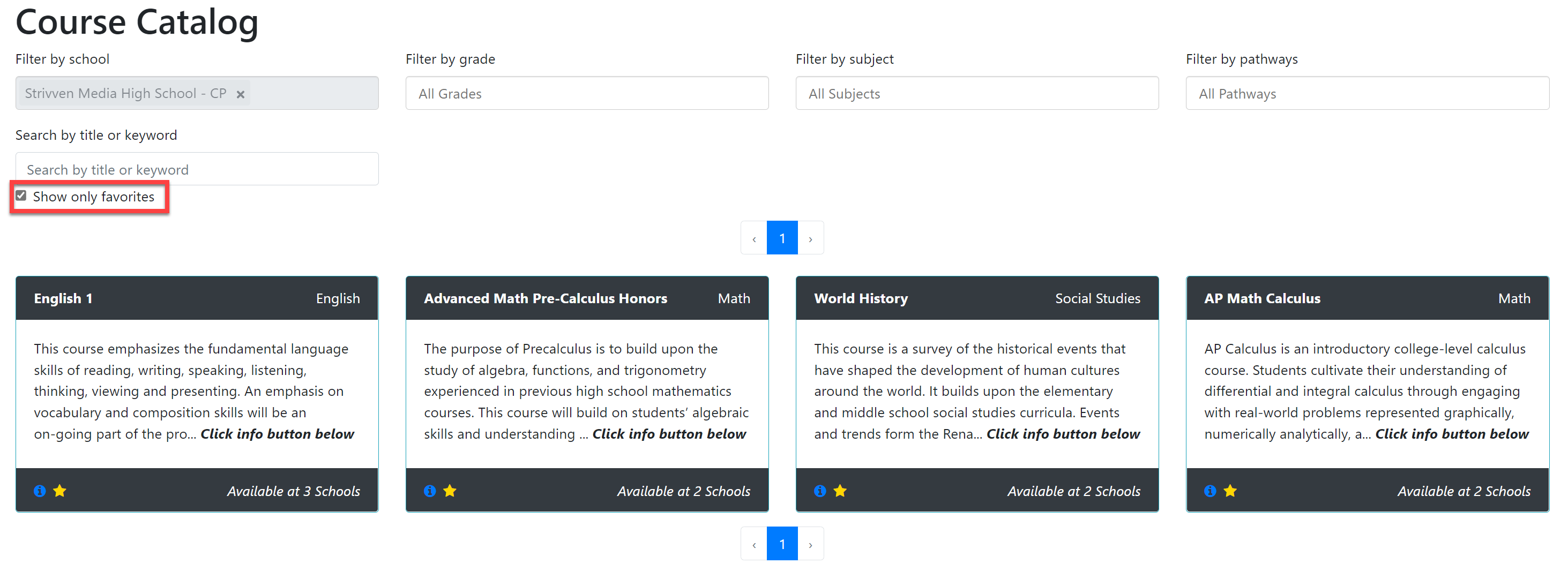
Select the Show Only Favorites checkbox to sort the Course Catalog by your Favorited Courses only.
Refer to Add a Favorite Course to My Plan for more information.