Submit My Plan
This article explains how to submit your Plan to your Counselor or Advisor for review.
Last updated About 5 hours ago
Submit My Plan
Once your Plan has been submitted, you cannot make any changes without contacting your Counselor or Advisor.
Do not click Submit until you are certain you have selected your courses appropriately.
Changes to a submitted plan require action by your Counselor or Advisor.
Submit My Plan
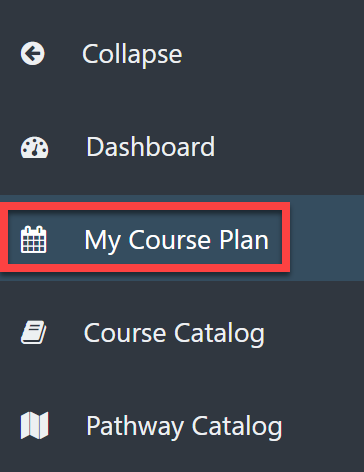
From the Dashboard, select My Course Plan from the left menu.
Edit your Plan as needed.
See Edit My Plan for additional help.
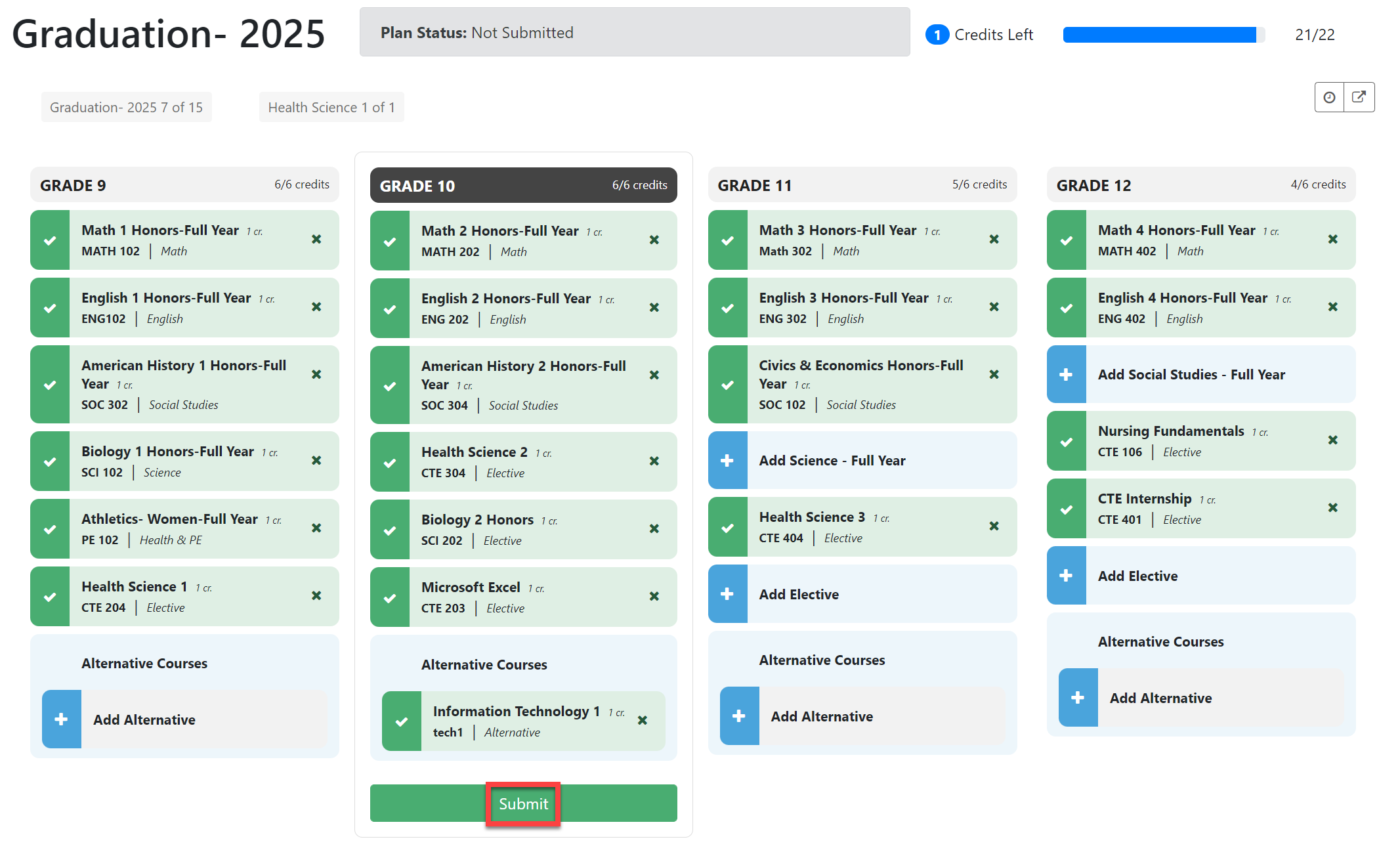
Click Submit when you are certain you have made the correct choices.
Upon submission, the Submit button will change to Plan Submitted.
Your Dashboard will automatically change the plan status to Submitted.