View the Status of My Plan
This article defines each of the Plan Statuses in Course Planner.
Last updated About 5 hours ago
View the Status of My Plan
You can view the status of your Plan in multiple places:
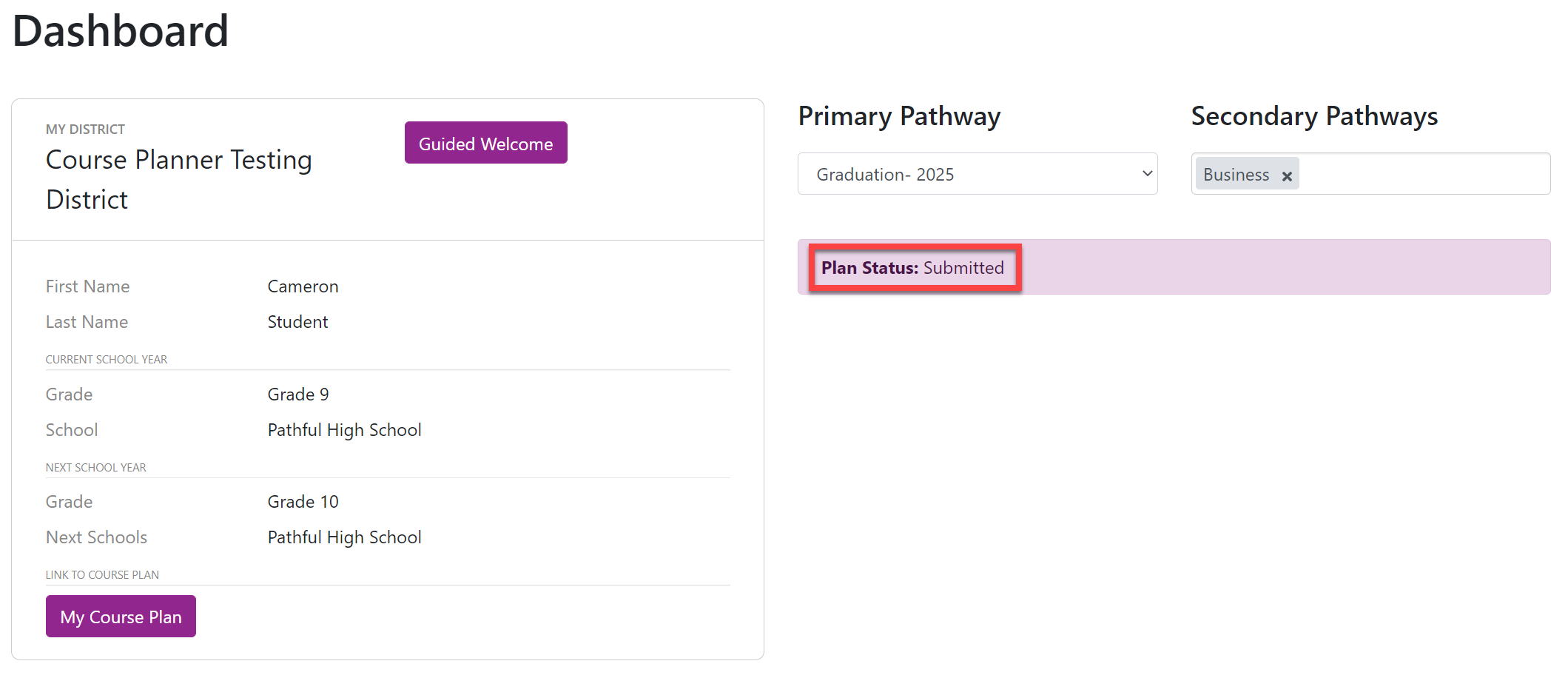
On your Dashboard: your plan status is shown on the right.
On your actual Course Plan: your plan status is shown at the top of the Planner page.
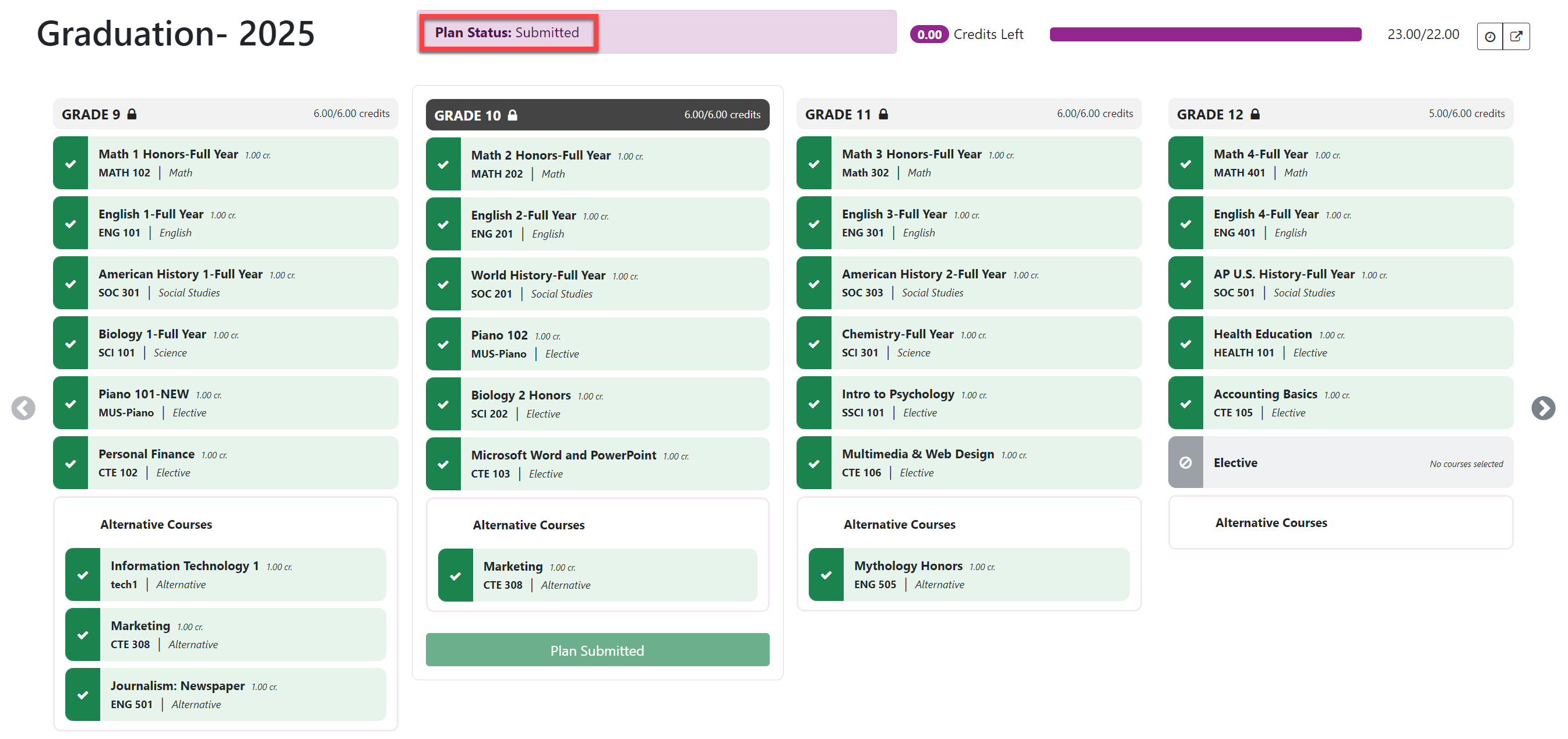
Plan statuses can be any of the following:
Not Started: You have not completed the Guided Welcome for the upcoming academic year.
Started: You completed the Guided Welcome but have not yet submitted your Course Plan.
Plan Submitted: You have completed your Course Plan and submitted it to your Counselor for approval.
Plan Approved: Your Course Plan was approved by your Counselor.
Requires Revisions: Your Course Plan was denied by your Counselor, who likely sent you a message with the changes needed. It is best practice to communicate with your Counselor if you have questions about how to change your Course Plan before you resubmit it for approval.