Edit your School Profile
This article explains how to edit your Common App School Profile within Pathful Explore.
Last updated About 5 hours ago
Edit your School Profile
From the College Centraldrop-down, select Common App.
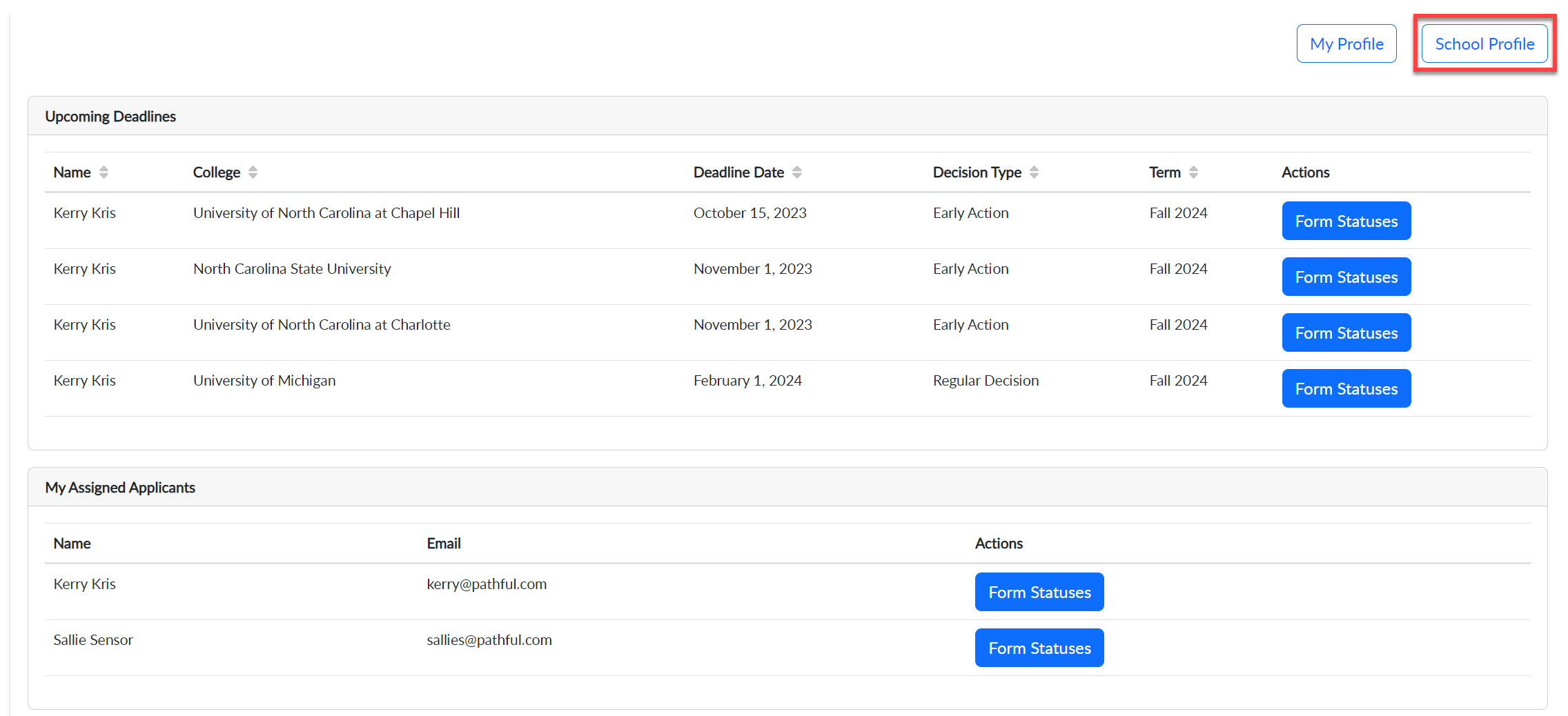
From your Common App Dashboard, select School Profile.
Select Update School Profile.
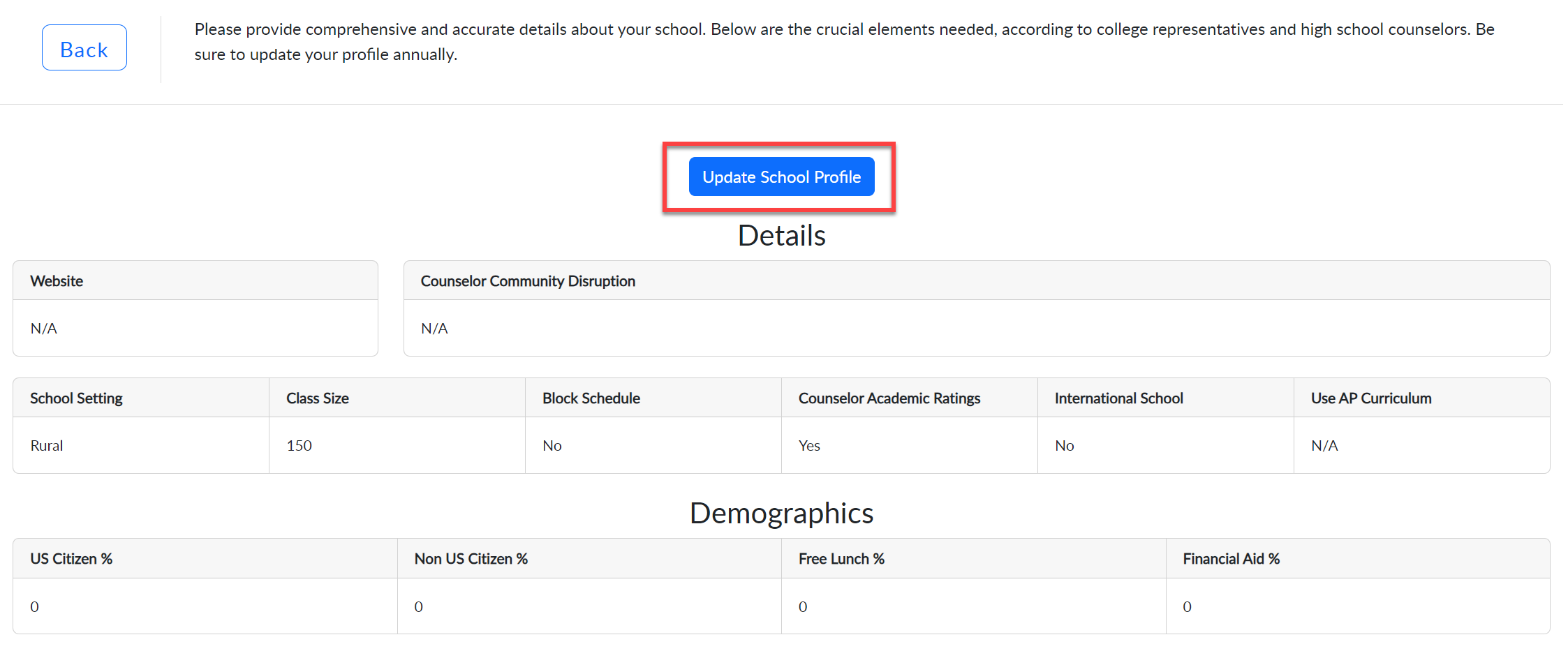
Make any necessary changes.
Select Update School Profile at the top or bottom of the form once you have made your changes.
NOTES ABOUT THE SCHOOL PROFILE:
The School Profile must be completed and re-submitted to Common App at the start of each school year, typically in August. You can make changes as needed anytime during the school year.
The School Profile only has to be completed by one person for the entire school. Each individual users does NOT need to complete a School Profile. Pathful suggests you designate one person in your organization be responsible for completing and maintaining the School Profile.