Report: Students Without Counselors
This article explains the Students Without Counselors Report and how to use it.
Last updated About 5 hours ago
Report: Students Without Counselors
The Students Without Counselor Report lists all students who have not been assigned to a Counselor in Pathful Planner.
Groups are created by Admin level users (District or License). Refer to Create a Group or Edit a Group for more information.
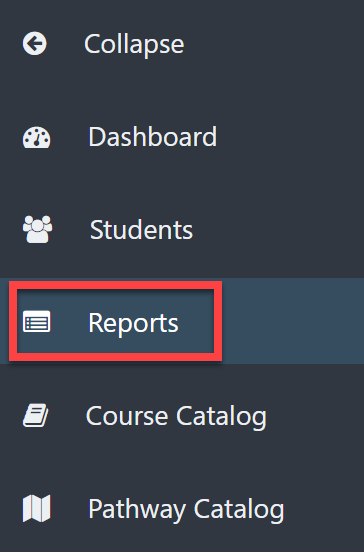
From your Dashboard, select Reports on the left menu.
From the Reports page, select Students Without Counselors from the drop-down menu.
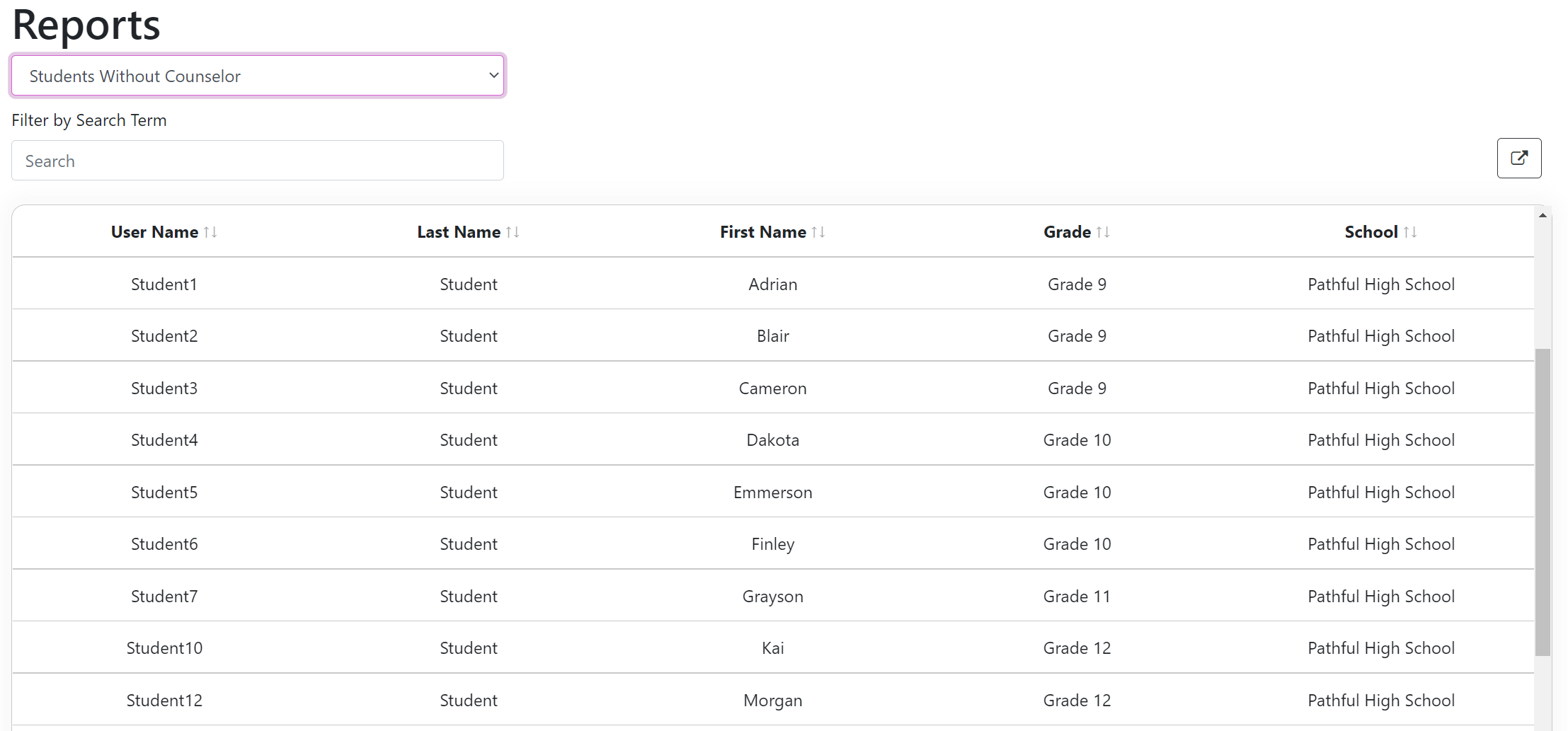
The report will automatically generate a list of students if there are any, who meet this criterion.
You can type a student's name directly into the Search box if needed.