Select a Pathway
This article explains how to change your Primary or Secondary Pathway.
Last updated About 5 hours ago
Select a Pathway
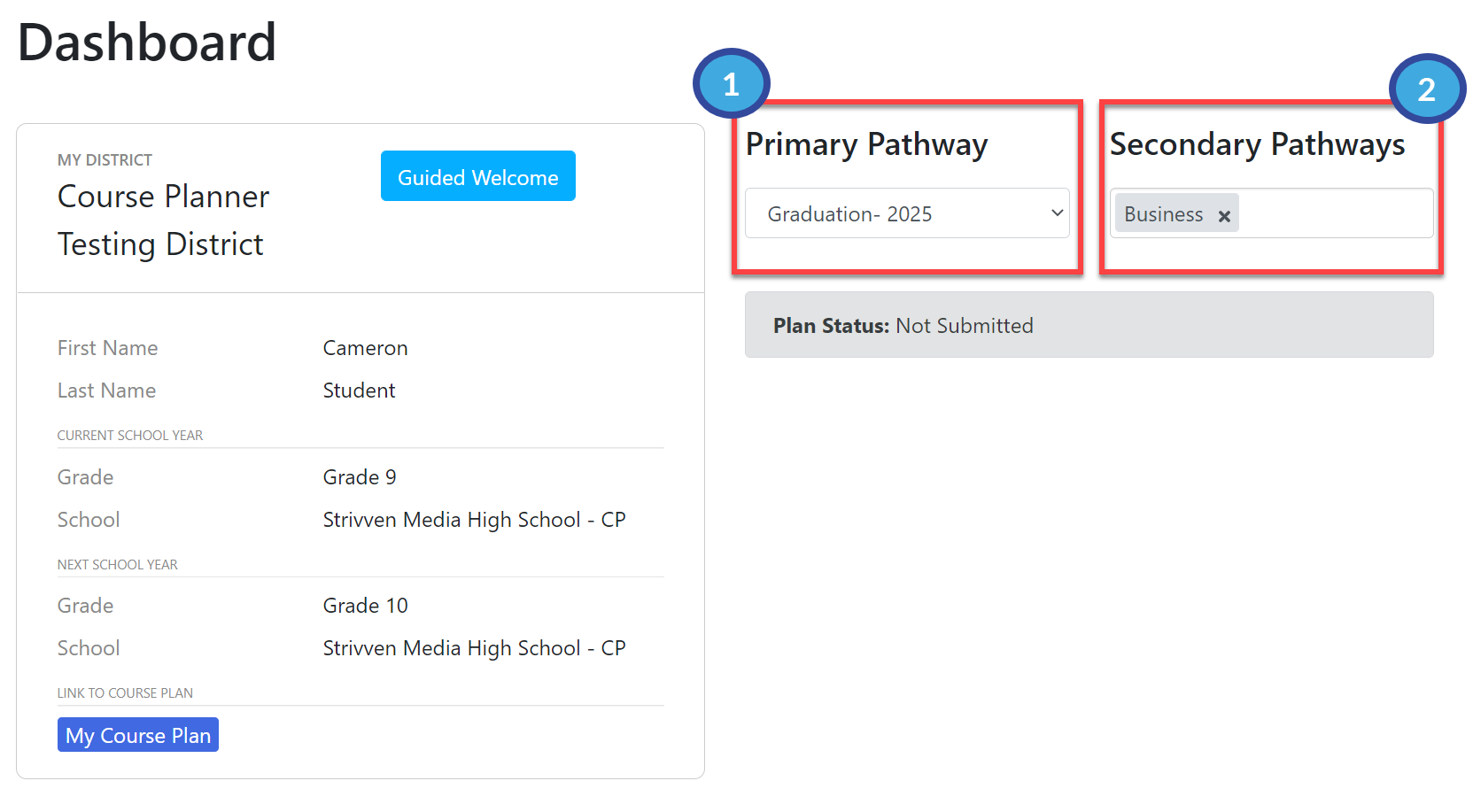
From the Student Dashboard, you can view, select, and change your Primary and Secondary Pathways.
You should not make changes to your Pathways without consulting your Counselor or Advisor.
If you change your Primary Pathway at any time, your Course Plan will be erased, and you will have to start over.
You MUST select a Primary Pathway during the Guided Welcome in order to choose courses for your Plan. If you have previously used Pathful Planner, the Pathways you selected will already be selected in the Guided Welcome.
From the Dashboard, click the Primary Pathway drop-down and select the one appropriate for you. Refer to the Pathway Catalog if you need to read about Pathways.
Click inside the Secondary Pathway box to select your desired Secondary Pathway. You may select more than one Secondary Pathway, but you should consult with your Counselor or Advisor before doing so.