Display Additional Plan Years- School Level
This article explains how to set additional years at the school level for display on the students' Course Plan.
Last updated About 5 hours ago
Display Additional Plan Years- School Level
Pathful Planer can be customized to display additional years on the Course Plan.
You can add the following additional columns:
Previous Coursework: these are courses a student may have taken before high school that may count toward graduation requirements or meet a prerequisite.
First Postsecondary Year: this allows districts to track what courses students take in their first year post-high school.
Second Postsecondary Year: this allows districts to track what courses students take in their second year post-high school.
Additional Plan Years are set at the District level but can be changed at the school level. School settings override District settings.
From the District Admin or School Admin Dashboard, select Settings.
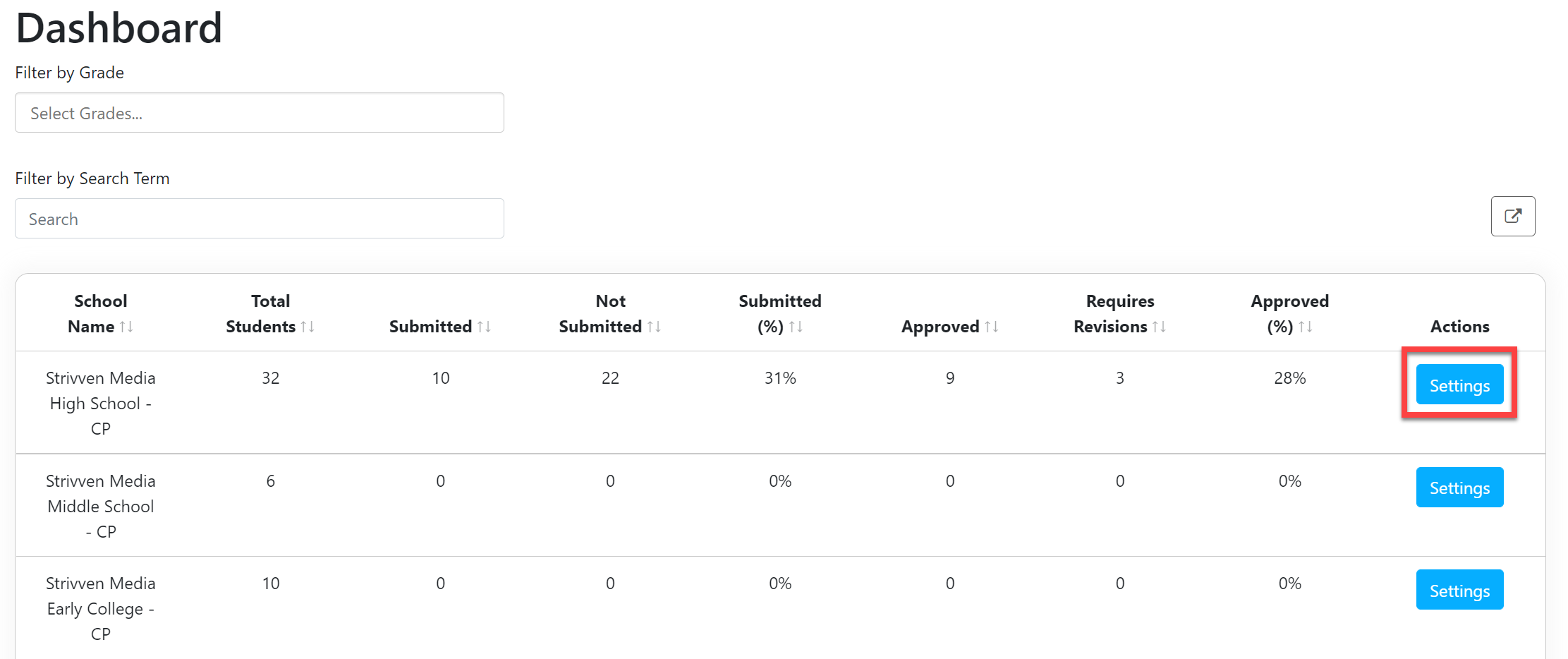
In the License Settings window, scroll down to the Customize Plan Years section.
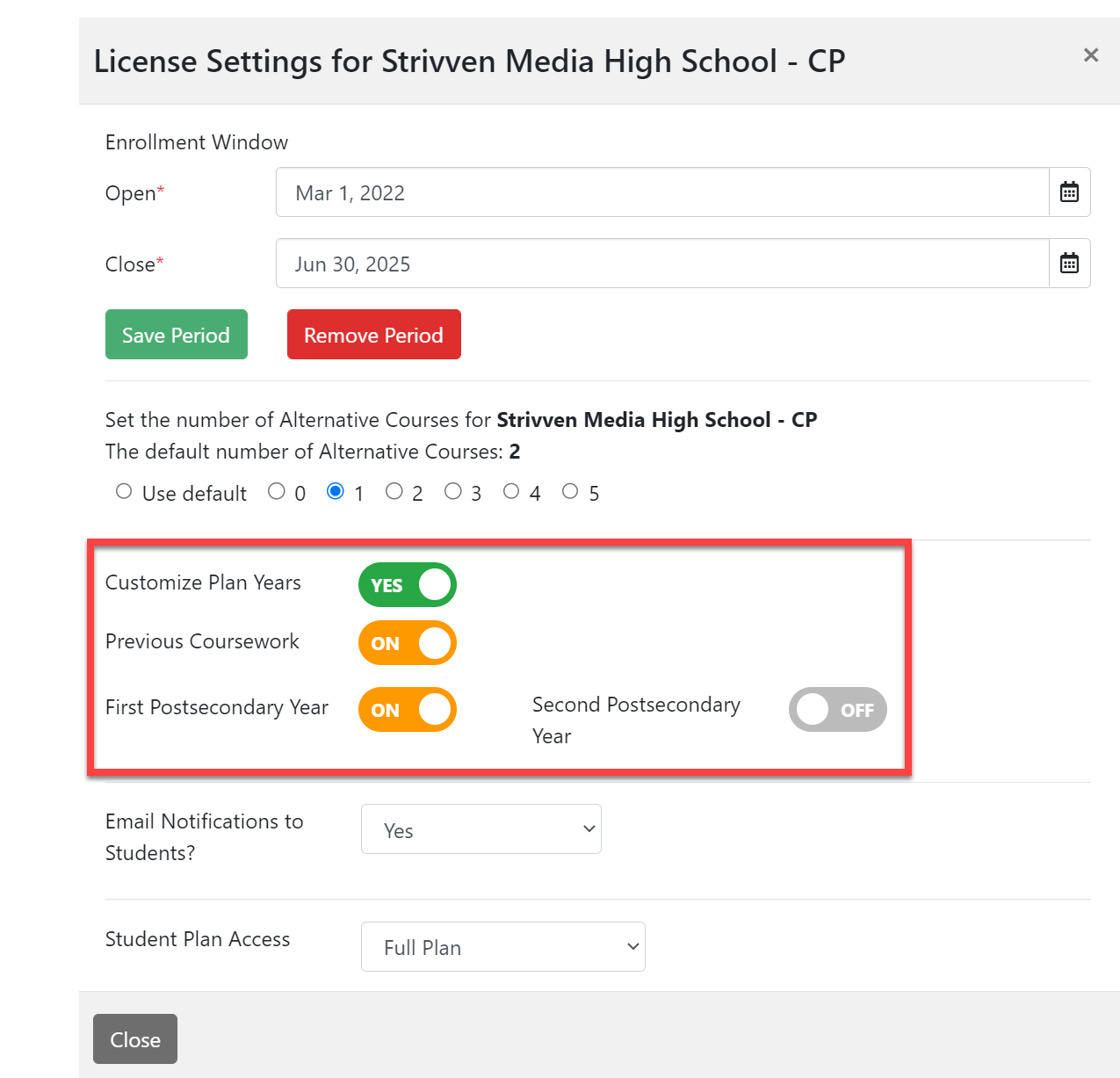
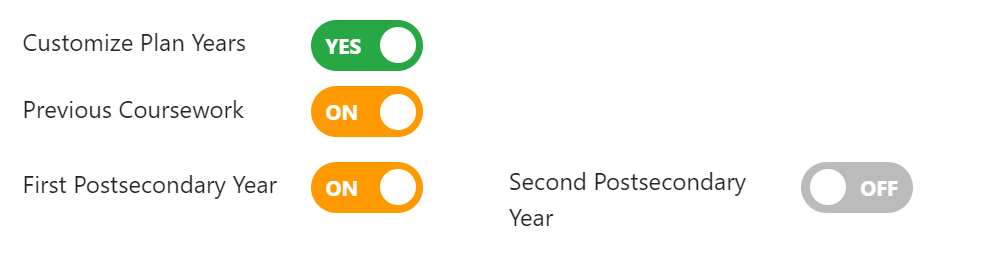
Set the toggle buttons as desired:
Customize Plan Years for License: Yes (i.e., you want the school-level setting to be different than the district setting)
Previous Coursework: On or Off
First Postsecondary Year: On or Off
Second Postsecondary Year: On or Off (This can only be set to "On" if the first postsecondary year is set to "On").
Select Close. Your changes are immediate and visible to students the next time they log in to Course Planner.