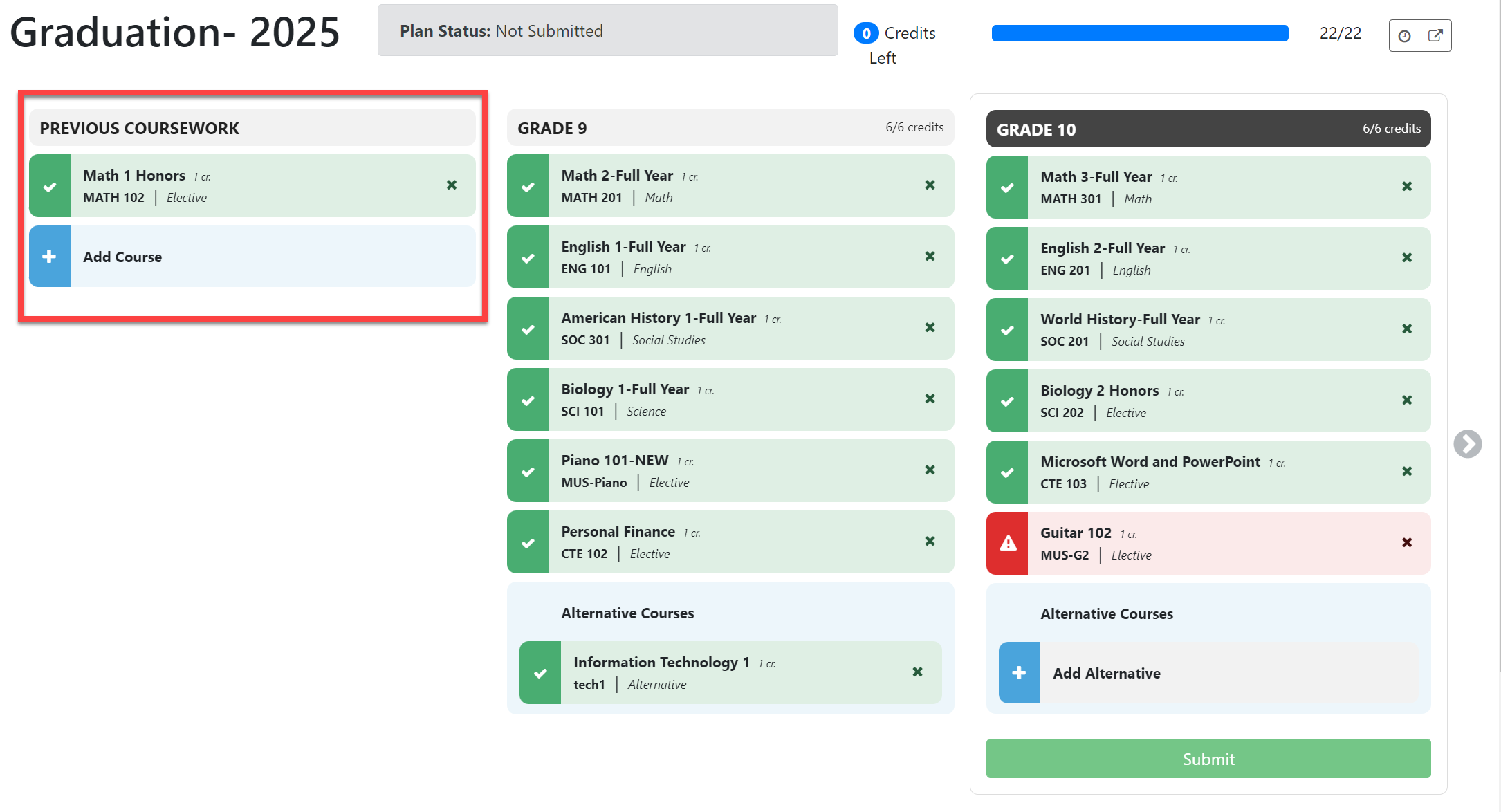
Display Previous Coursework
This article explains the Previous Coursework setting and how to display it on the student's Course Plan.
Last updated 3 months ago
Display Previous Coursework
Previous Coursework can be displayed on the Course Plan.
Previous Coursework refers to courses taken before high school where students may have earned graduation credit or met a prerequisite for a high school course.
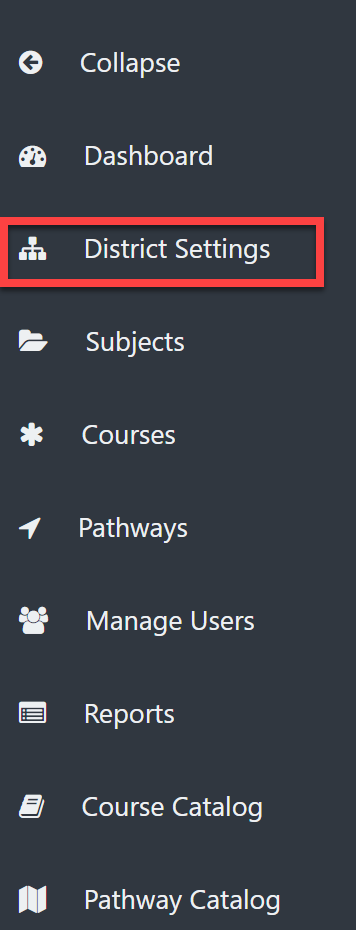
- From the District Admin Dashboard, select District Settings.
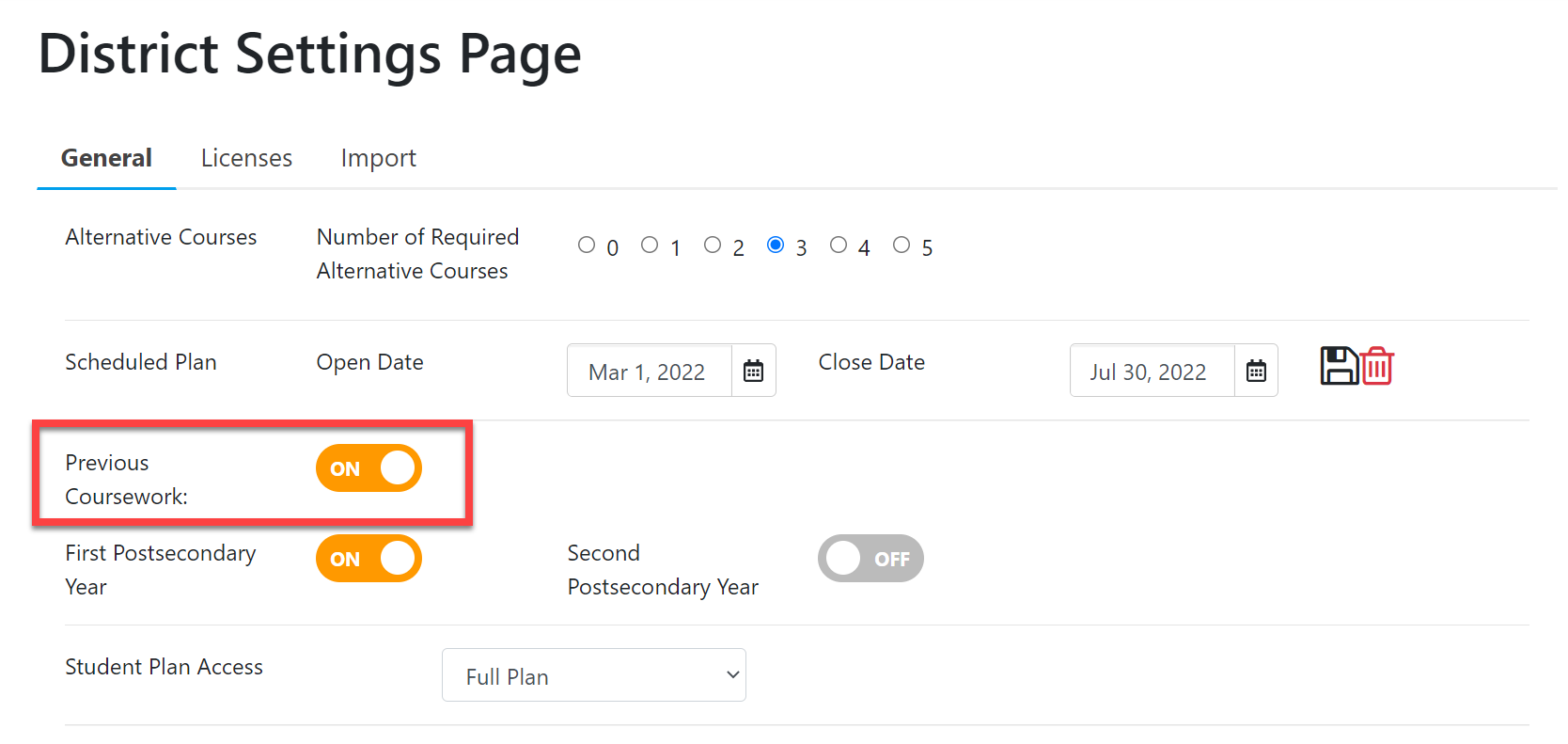
- Use the toggle button to the right of Previous Coursework to set this column to display on the student's Course Plan.NOTE: Your changes are immediate and automatic. You do not need to Save.
EXAMPLE COURSE PLAN: