Set the Number of Required Alternative Courses- School Level
This article explains how to set the number of required alternative courses at the School level.
Last updated 3 months ago
Set the Number of Required Alternative Courses- School Level
The number of required Alternative Courses defaults to the District setting but can be changed by individual schools.
The School settings override the District level setting.
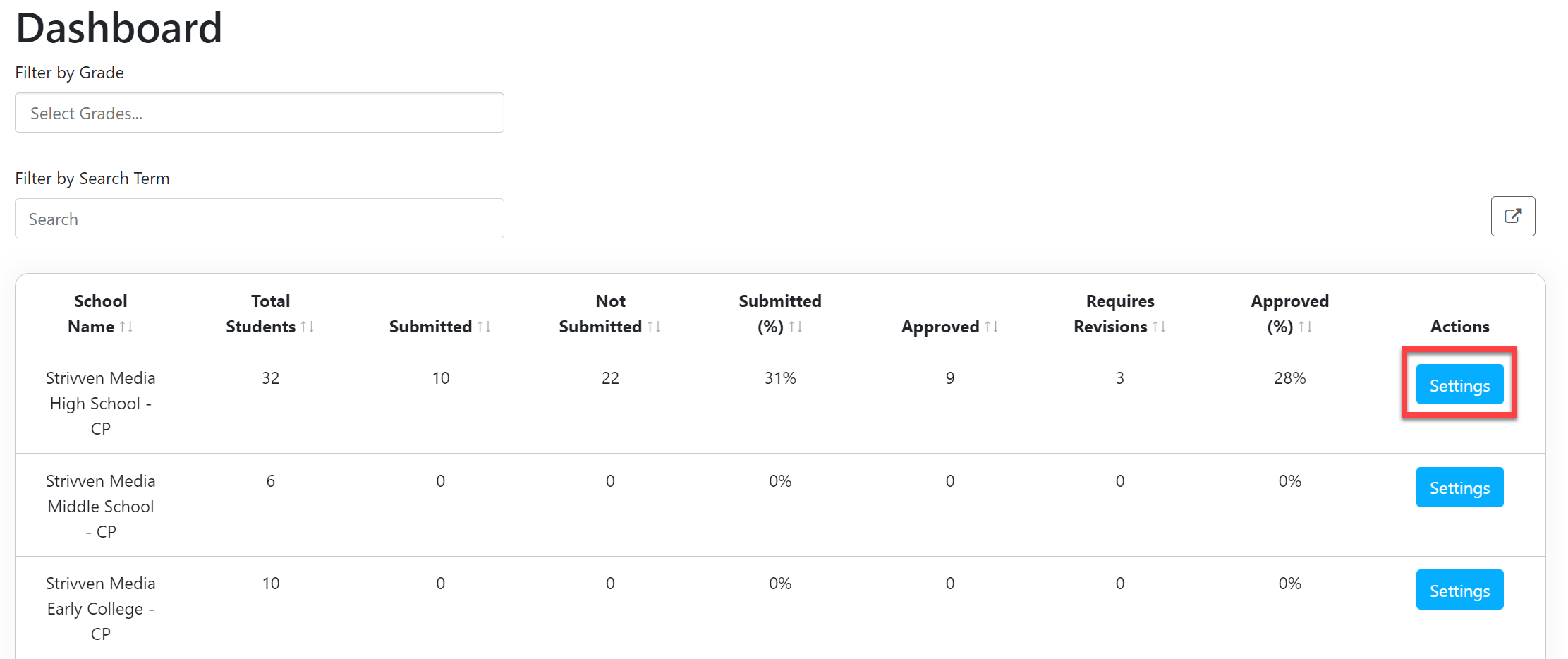
From the School Admin Dashboard, select Settings.
In the License Settings window, scroll down to the Set the Number of Alternative Courses section.
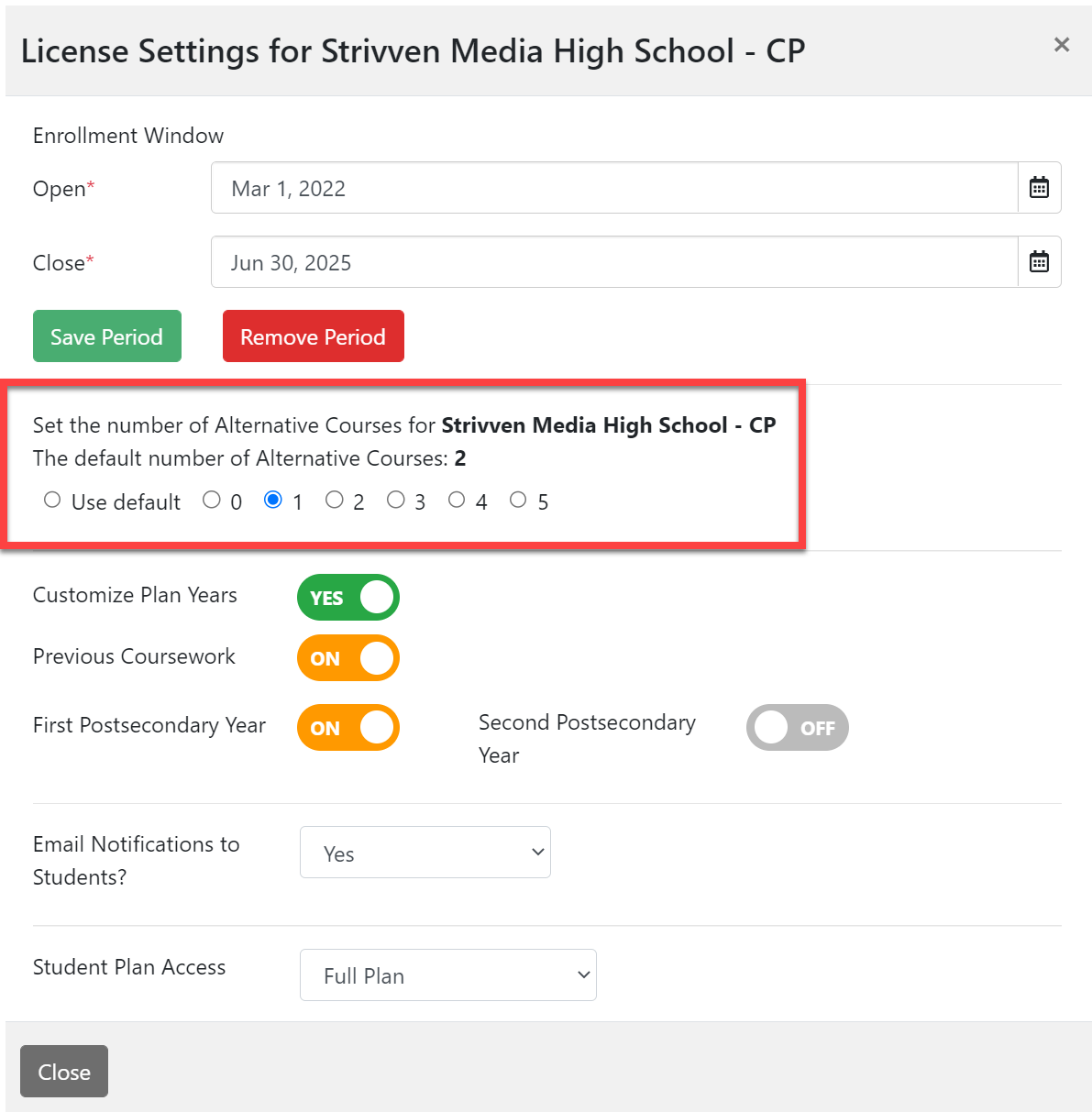
The district default number appears. Set the number of Alternative Courses desired for the school by clicking one of the buttons.You can choose any number from 0 to 5. Use default refers to the number set at the district level.

Select Close at the bottom of the window when you are done.NOTE: Your changes are automatic and will be enforced the next time students log in to Pathful Planner.