Edit your Profile
This article explains how to edit your Common App profile within Pathful Explore.
Last updated About 5 hours ago
Edit your Profile
Teachers and Counselors must update their Profile at the start of each school year. Your Profile can be updated as needed anytime during the school year.
It is a 2-step process to Edit your Profile:
Step 1: This is done at the beginning of the school year, typically in August. This step allows students to invite you to their Common App. This must be completed before a student can invite a counselor or teacher to Common App.
Step 2: Once a student has invited you to their Common App, you must complete the second part of the Profile and submit it to Common App. You are now ready to assist students with Forms and Recommendations.
From the College Centraldrop-down, select Common App.
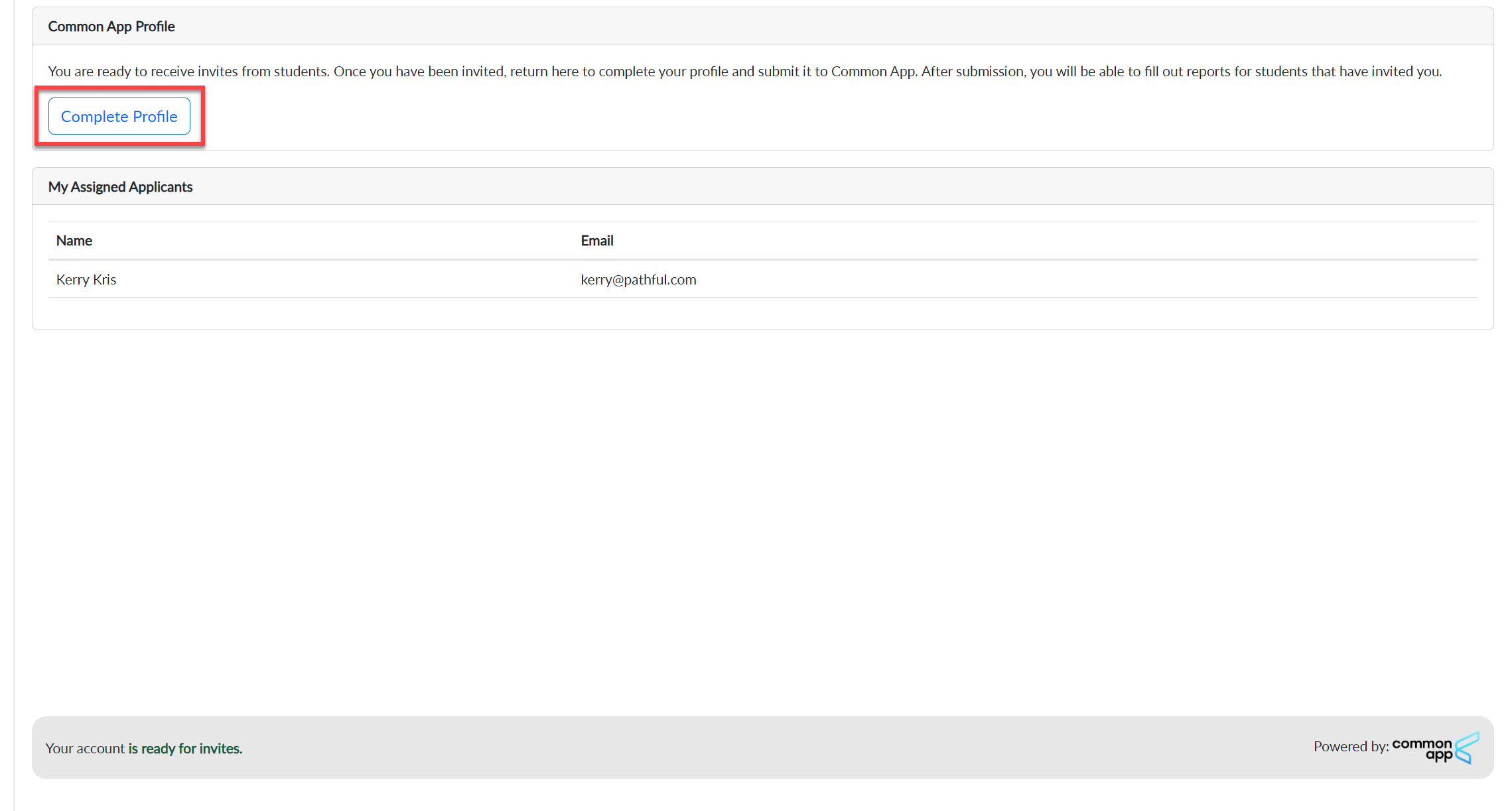
The first time in the new school year you choose to use Common App in Pathful Explore, select Complete Profile on your dashboard. You will do this twice, as noted above- once at the start of the school year and once after a student has invited you to their Common App.
Complete all of the required fields or make any necessary changes.
Select Submit at the bottom of the form.
If you are doing this as part of Step 1, you will see a message indicating your account is ready for invites. If you are in Step 2, you will see a confirmation message that your Profile has been submitted to Common App.
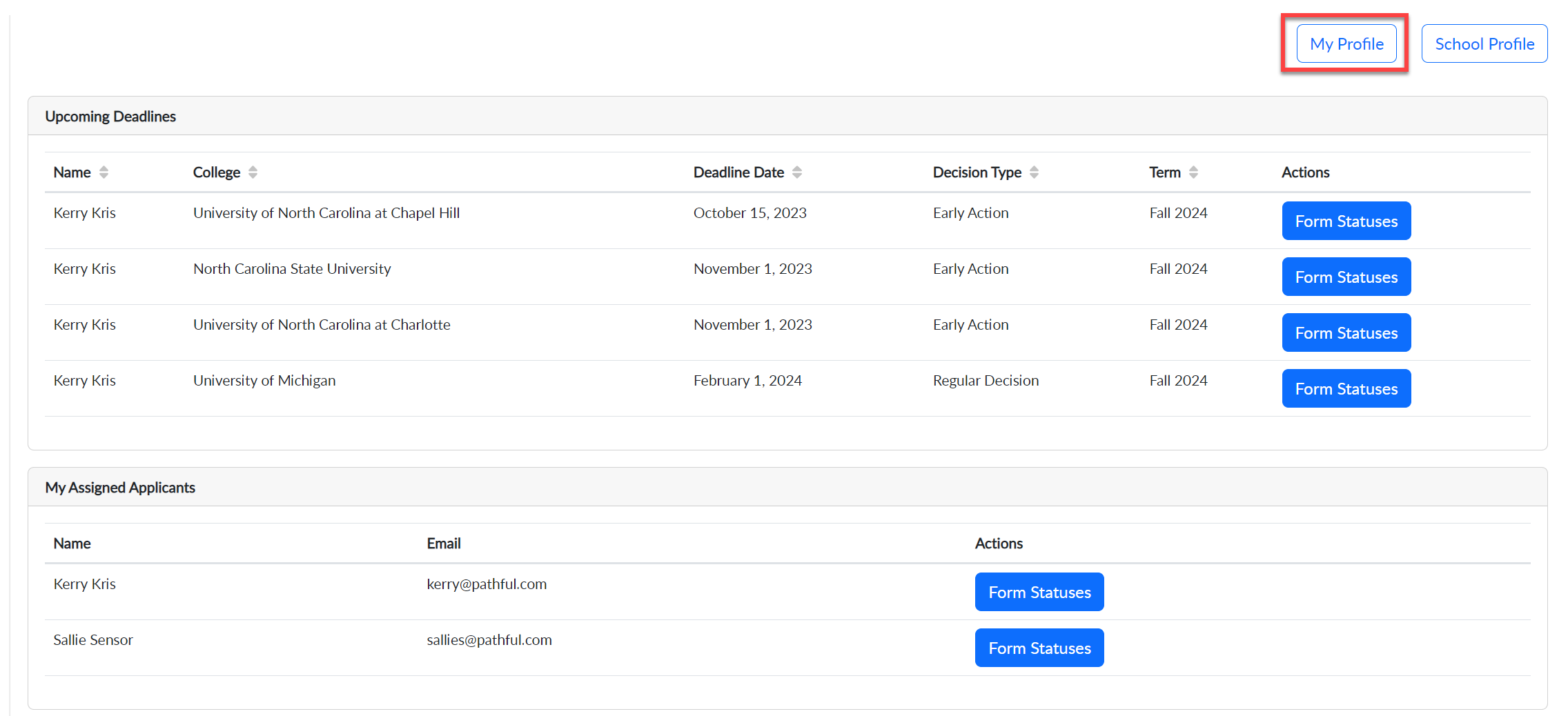
If you need to make any changes to your Profile after it has been submitted to Common App, select My Profile on your dashboard.