Add a Reflection
Add a reflection to an Experience.
Last updated 4 months ago
Add a Reflection
Experiences refer to the type of experience.
Instances are hours you want to log to an Experience.
Reflections allow you to explain what you learned from a particular Instance or the overall Experience.
From the My Tracker menu, select My Experiences.

Create a new Experience or select one from your dashboard. NOTE: You cannot add a Reflection to a Submitted or Approved Experience.
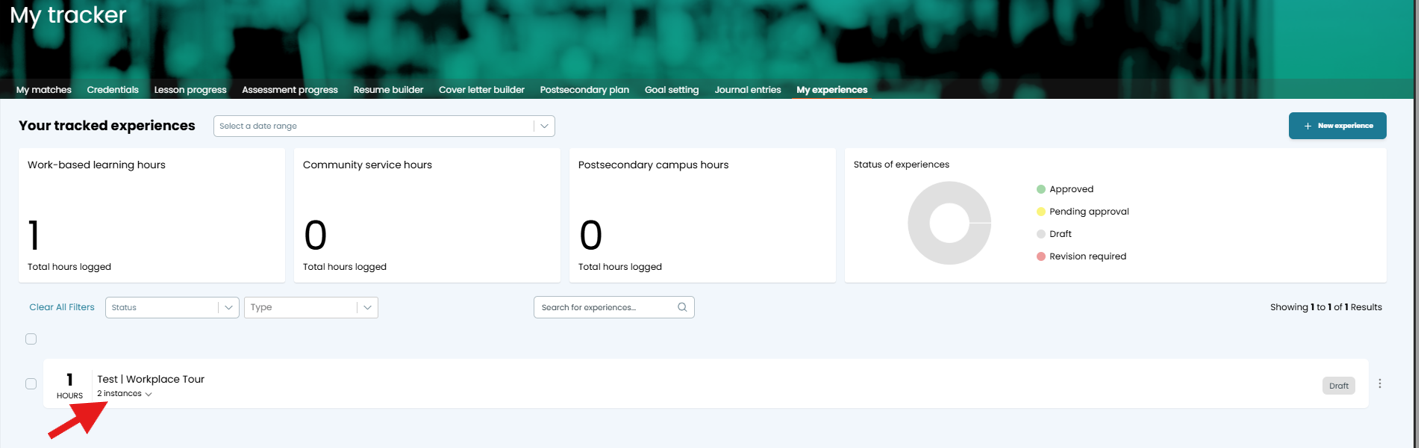
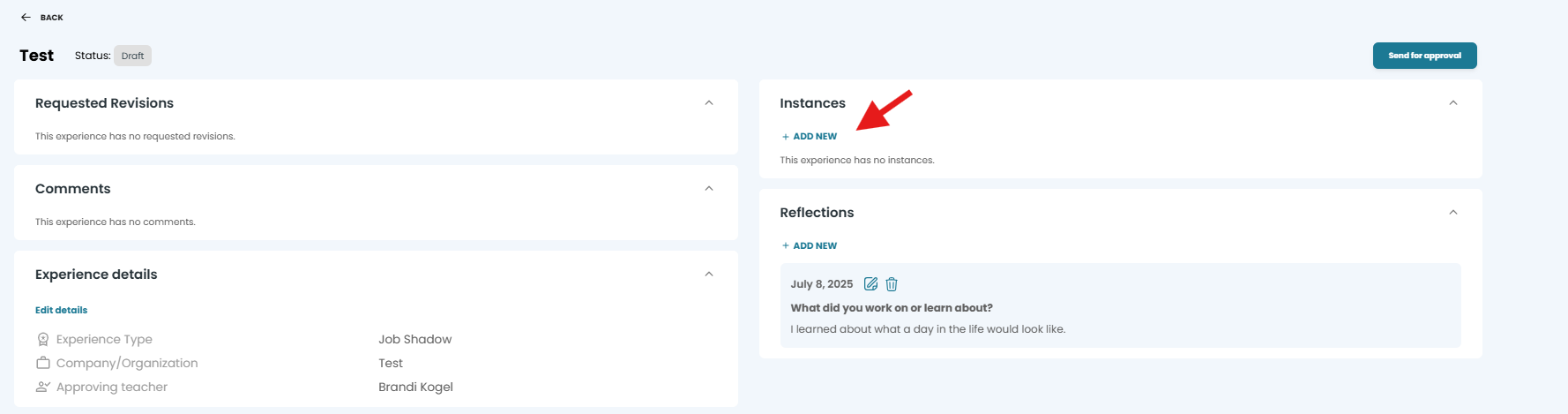
Click on the Reflections section.
Select +Add New.
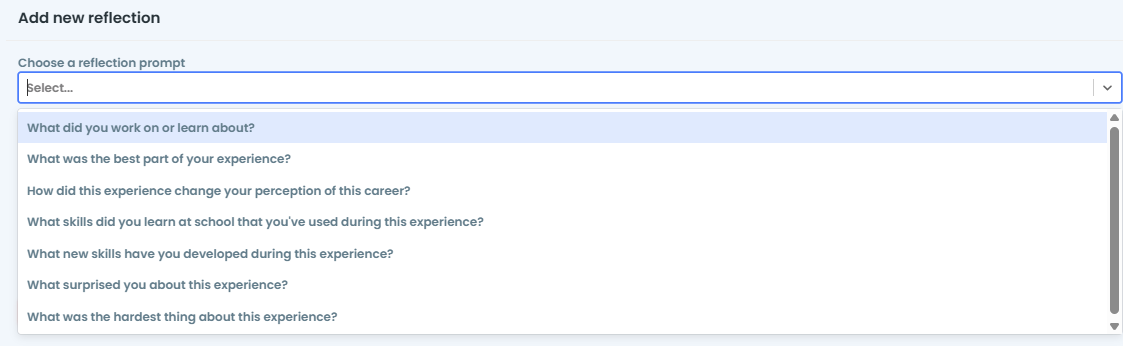
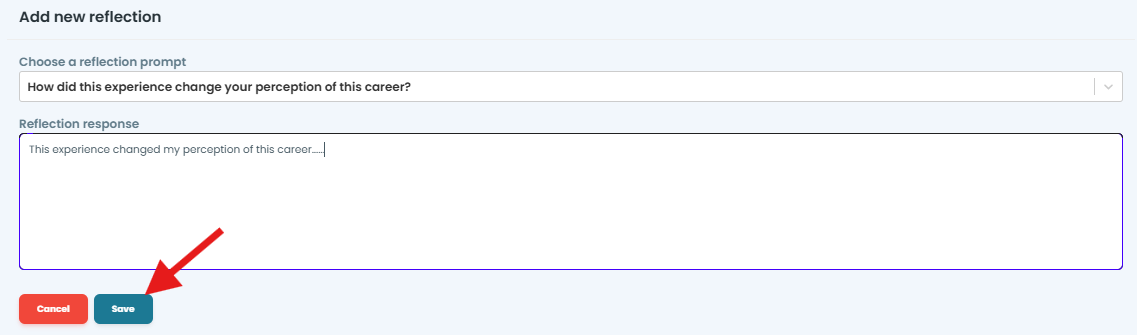
Select a Reflection prompt.
Type your response.
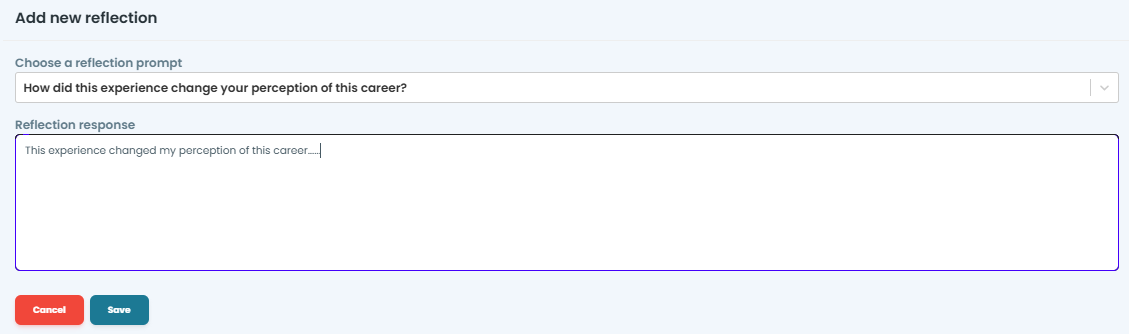
Select Save.
Was this helpful?
Still need help? Ask the team