Forgot my Password
If you forgot your password, follow these steps to reset it.
Last updated About 2 months ago
From the main Pathful page locate your school's login page.
Click on "Forgot Password".
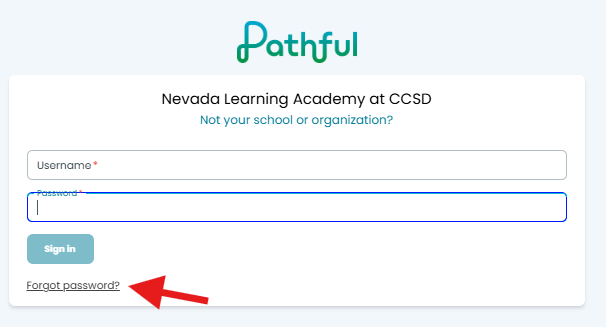
Enter the email address associated with your Pathful account and click "Send Email".

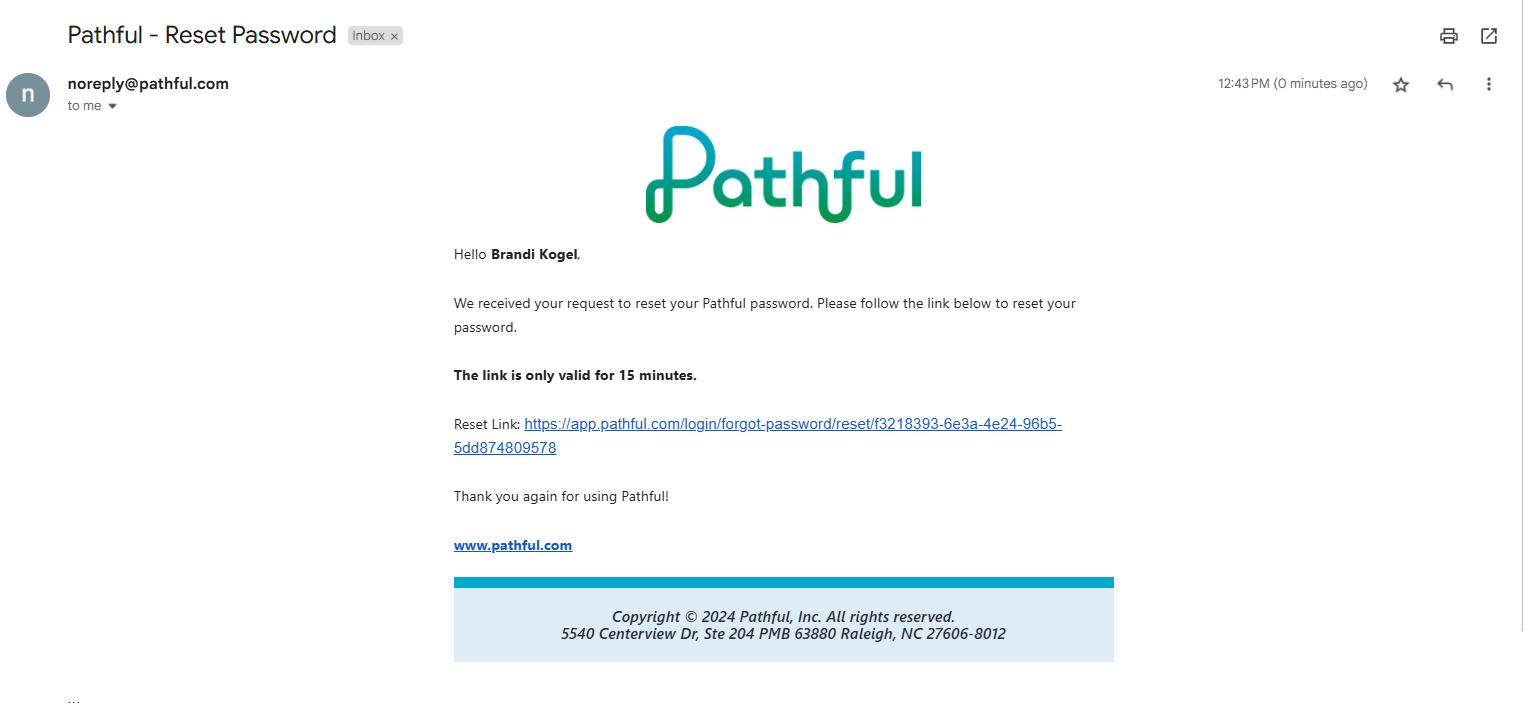
Check the associated email for the Password Reset Link. NOTE: Email will come from noreply@pathful.com so be sure to check your spam folder.
This is what the email will look like. NOTE: The password reset link is only valid for 15 minutes.
Was this helpful?
Still need help? Ask the team