Navigating the Pathful Platform
Last updated About 2 months ago
Navigating the Pathful Platform
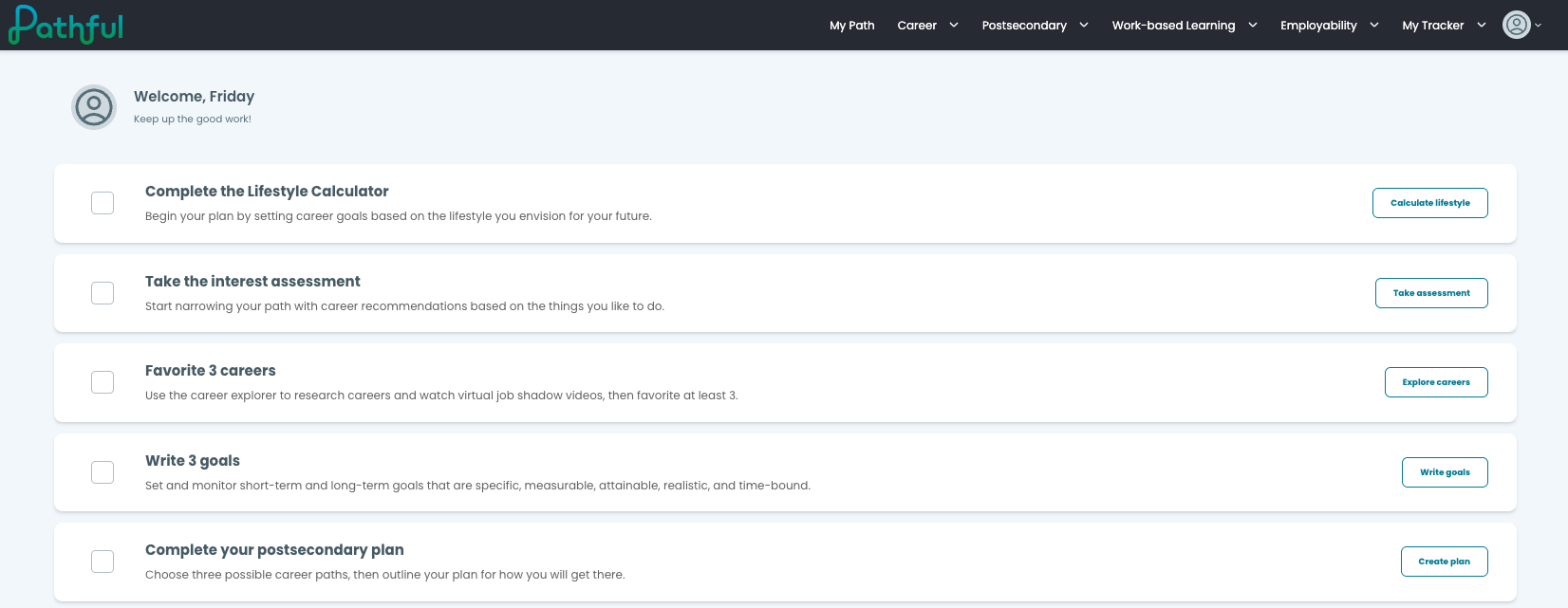
The top navigation menu organizes Pathful into seven main sections. Use the descriptions below to find what you need.
My Path — Your personalized homepage. View assigned tasks, recommended activities, and a snapshot of your progress across the platform.
Career — Explore Career Profiles, Career Clusters, and interest-based assessments. Access Career Central to search, filter, and save careers to My Careers.
Postsecondary — Research colleges, scholarships, and training programs. Complete postsecondary planning activities and build your college list.
WBL (Work-Based Learning) — Find and manage work-based learning opportunities including job shadows, internships, and employer connections.
Employability — Build workplace readiness skills. Access lessons, assessments, and resources focused on professional skills and career readiness.
My Tracker — Log and track work-based learning hours, experiences, and milestones required by your school or district.
My Data — Review your assessment results, saved careers, completed activities, and overall platform progress in one place.
/
Menu options visible to you depend on your district's Pathful plan. Not all sections may appear for every user.
Was this helpful?
Still need help? Ask the team