Withdraw a Session Request
Remove a session request permanently or save it as a draft.
Last updated About 2 months ago
From your Dashboard, select My Sessions.
Select the Requested tab.
Select the card for the desired session.
Select Withdraw.
Choose the desired action:
Cancel
Withdraw and Save as a Draft (this allows you to edit as needed and then resubmit the request)
Delete Session (this removes the session permanently)
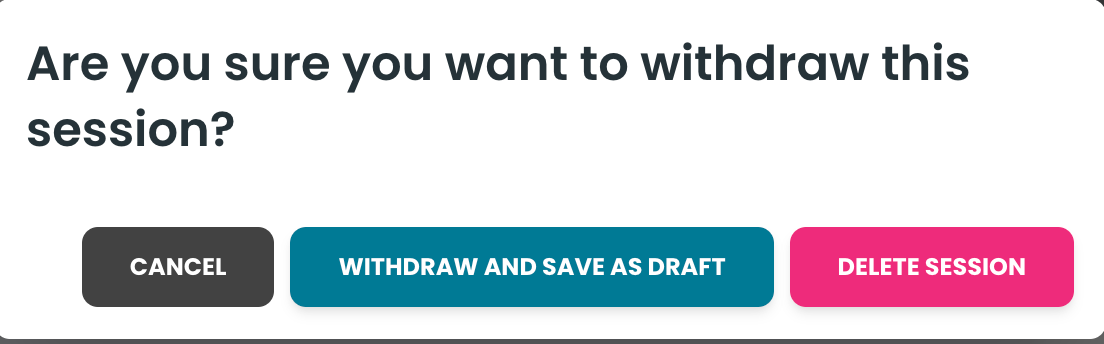
If you select Delete Session, you must confirm the selection.
Was this helpful?
Still need help? Ask the team