Assignment Details Report
Generate a report regarding assignment details within a selected timeframe.
Last updated 3 months ago
Assignment Details Report
From My Data, select “Reports”

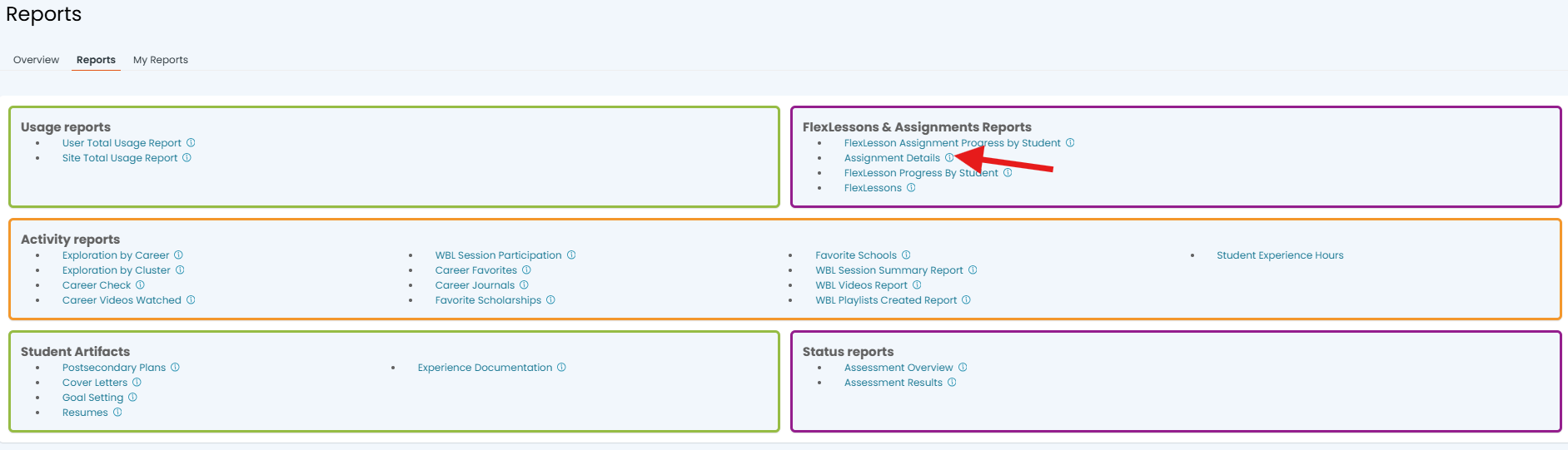
Under FlexLessons & Assignment Reports click on "Assignment Details":
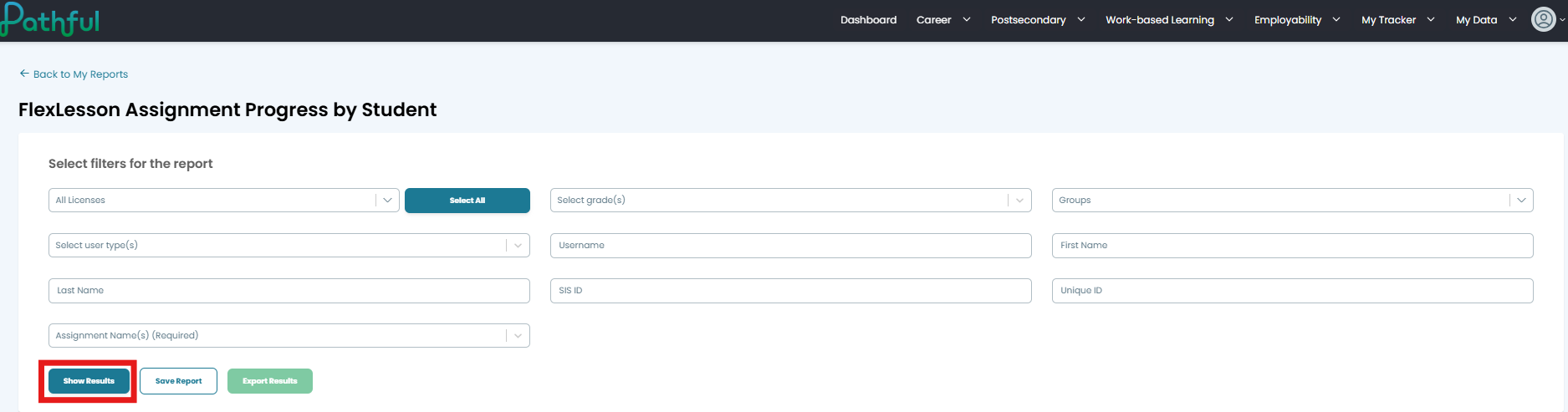
Fill out the fields for each filter and click "Show Results"
Your results will populate at the bottom of the screen. From there you can save the report for future use
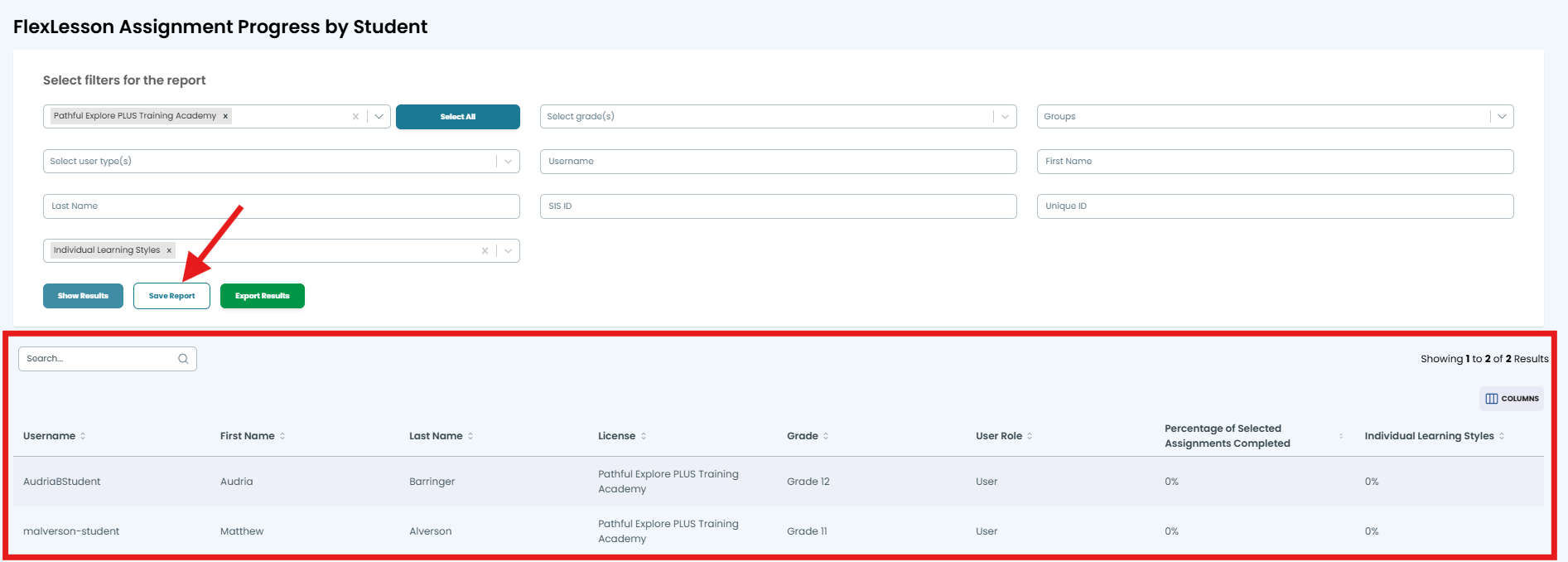
Note: Saving the report saves the data for that particular point in time. Accessing your saved report does not refresh the data included in the report.
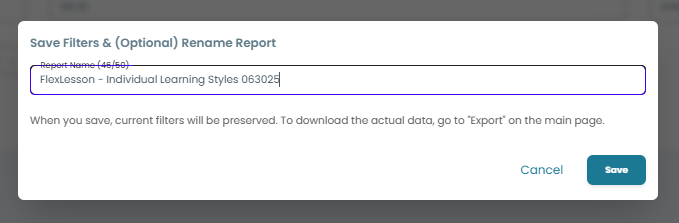
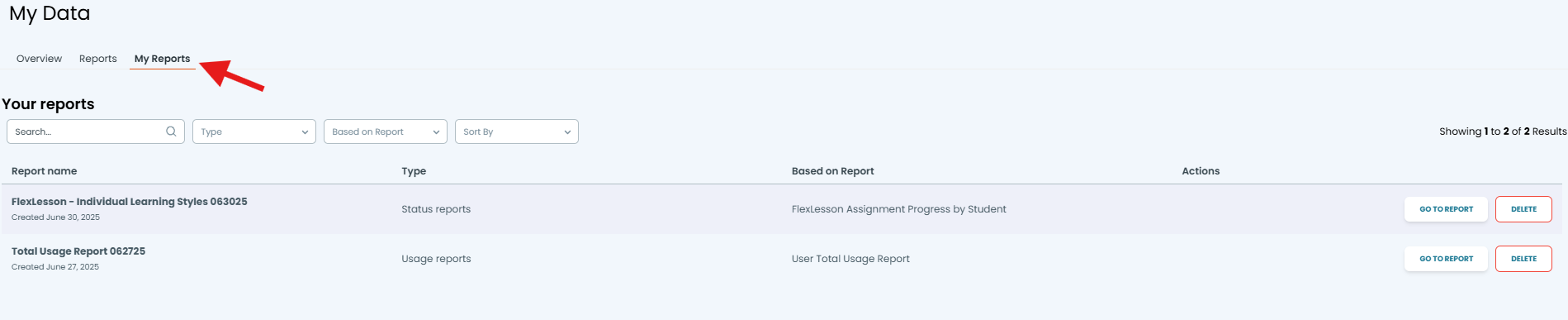
Once saved, your report can be found under My Reports under My Data:
Was this helpful?
Still need help? Ask the team