FlexLesson Assignment Progress by Student
This report provides at-a-glance progress for selected assignments that you manage.
Last updated About 2 months ago
From My Data, select Reports:
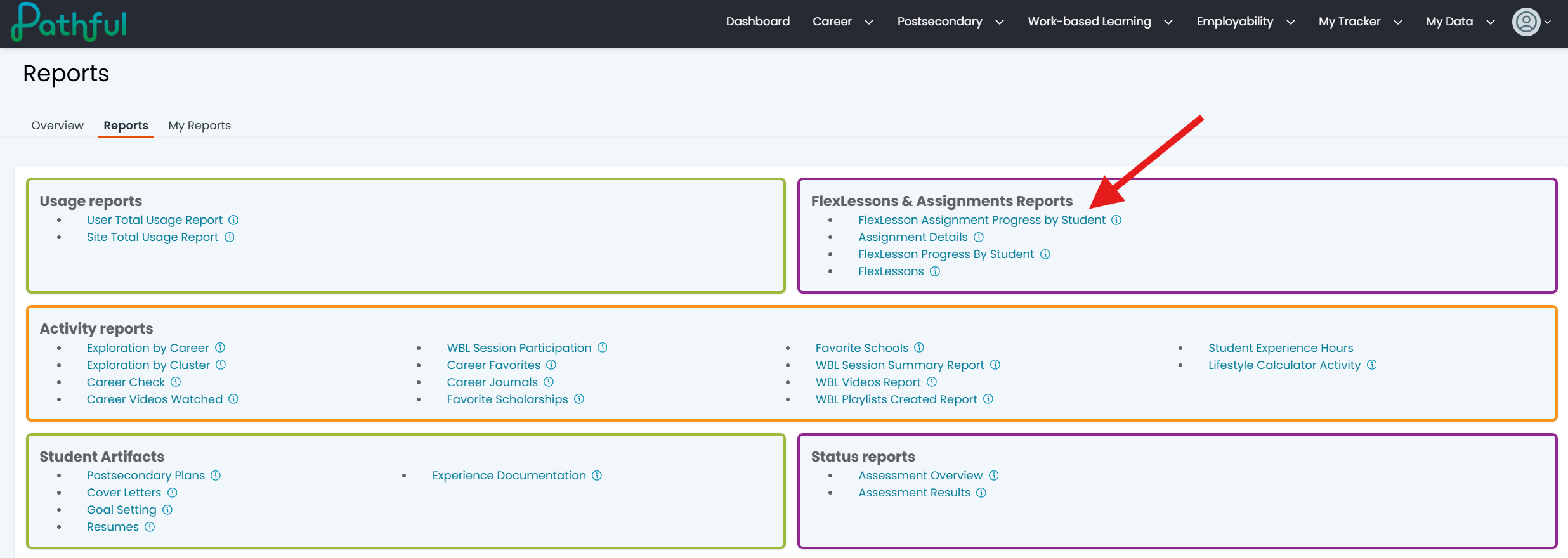
In the FlexLessons & Assignments Reports sub-menu, select FlexLesson Assignment Progress by Student:
Fill out the required field – Assignment Name as well as any optional fields you would like to filter by. Descriptions of optional fields are below:
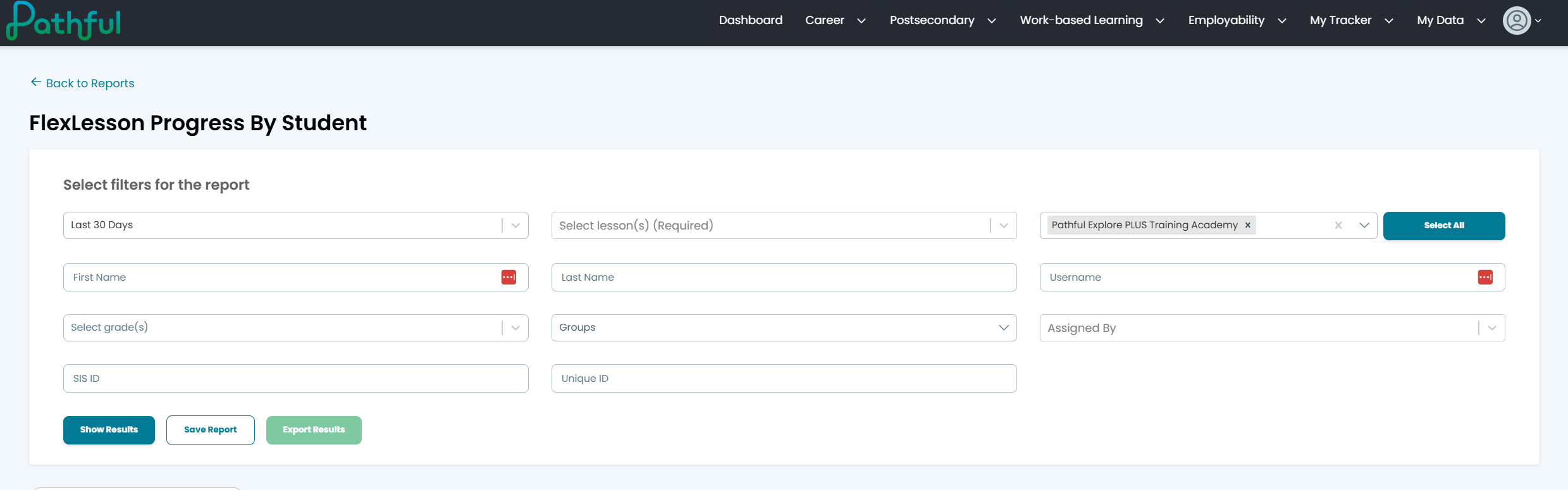
Licenses - If your account is part of multiple licenses(i.e. schools) filter by the selected license
Grade(s) - Filter by the selected User Grade(s)
Groups - Filter by users in a selected Group
User Types - Filter by the selected User Type – User (students), Staff (Teachers), or Administrators
Username - Filter by the given Username
First Name - Filter by the given First Name
Last Name - Filter by the given Last Name
SIS ID - Student Information System ID
Unique ID -
Assignment Name(s) - Filter by the select Assignment
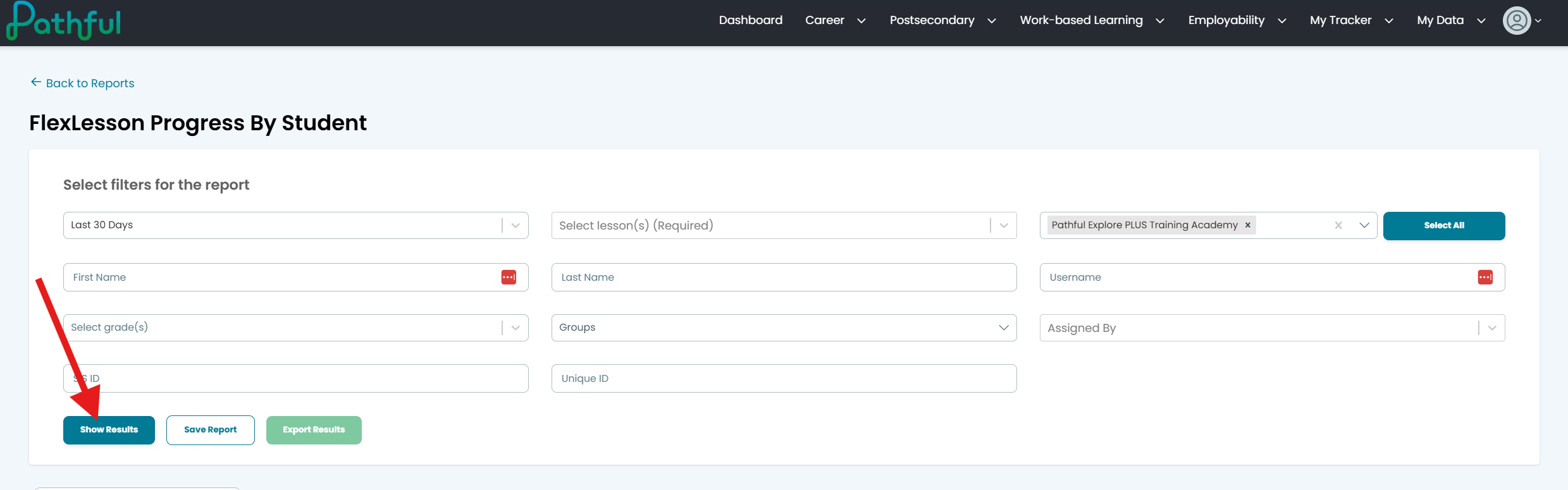
Click Show Results to produce a list of all users that have been assigned the selected Assignment, a total percentage of the selected assignments completed, and a breakdown of percentage completed by assignment:
Was this helpful?
Still need help? Ask the team