View My Credentials
Locate, save, and print your Pathful micro-credential certificates to show completion of Units and Courses.
Last updated About 2 months ago
View My Credentials
Most Pathful Courses and Units lead to micro-credentials that show you have completed the requirements for the Course or Unit. The micro-credential certificates can be saved and printed as needed.
From the My Tracker menu, select Credentials.
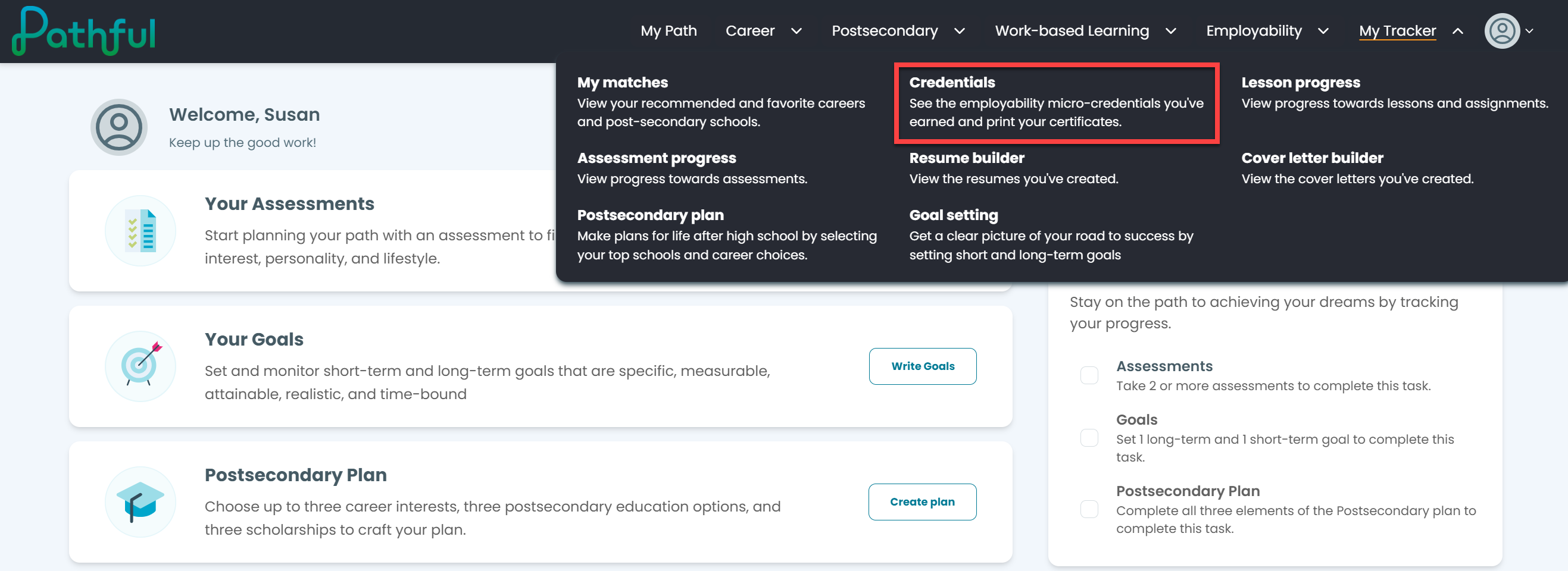
You will see a list of the Courses you have started and/or completed.
Completed Courses will have a certificate icon.
Select the icon to open the certificate.
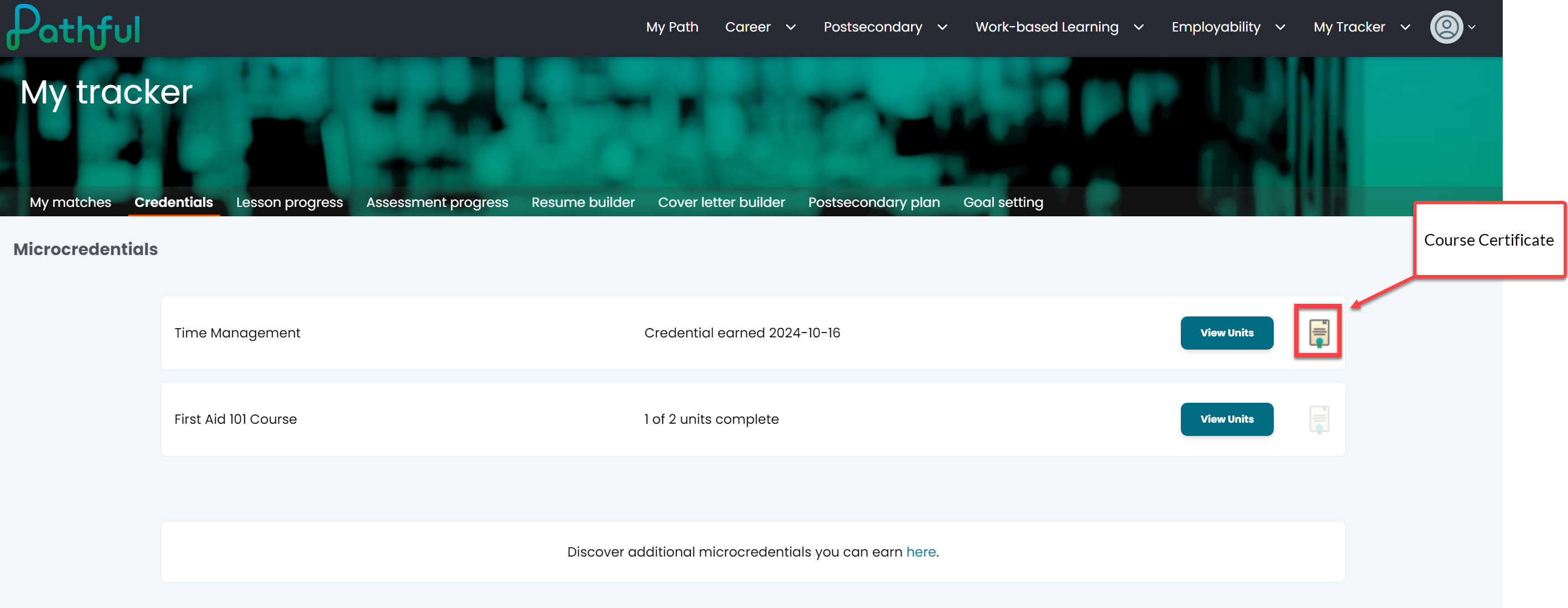
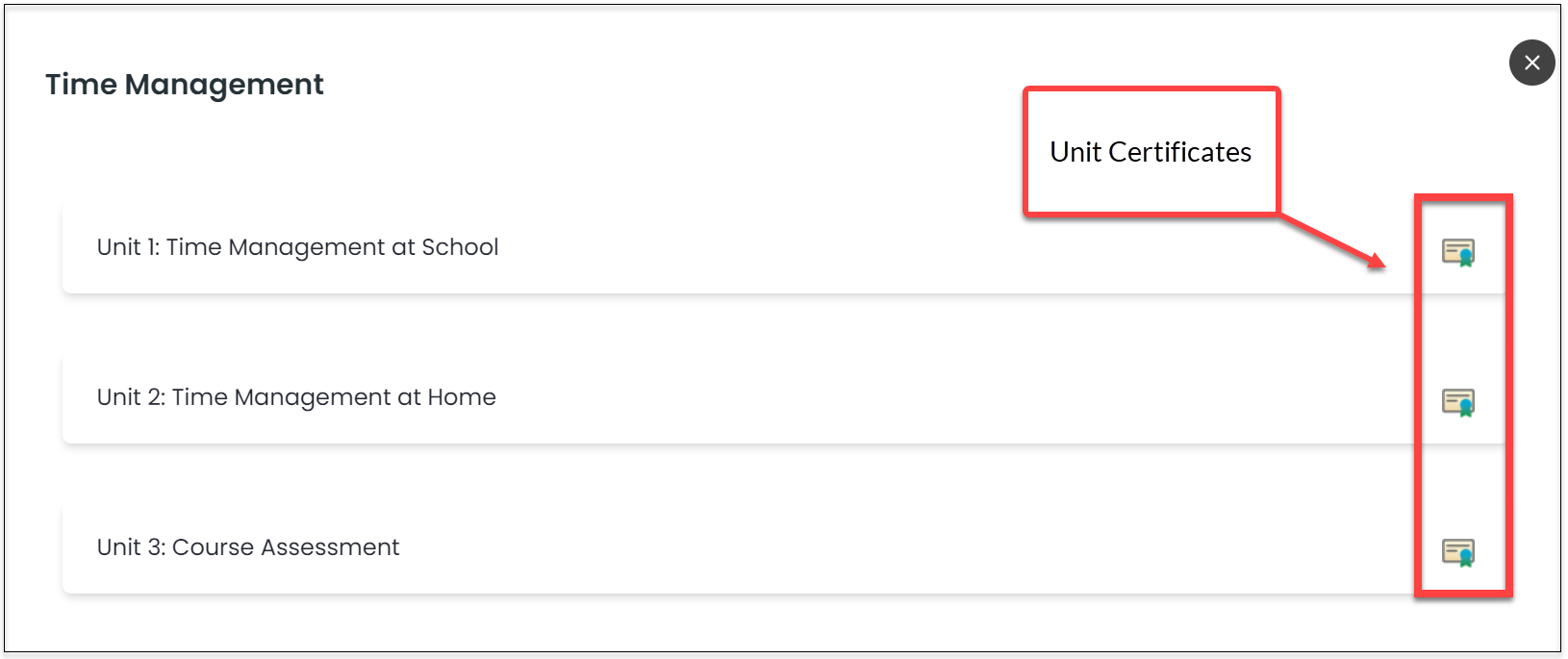
Select View Units to see each unit within a Course.
Select the certificate icon to open the certificate.
Was this helpful?
Still need help? Ask the team