Edit a Requested Session
Quickly edit the details for a requested session.
Last updated About 2 months ago
From the Dashboard, select My Sessions.
Select the Requested tab.
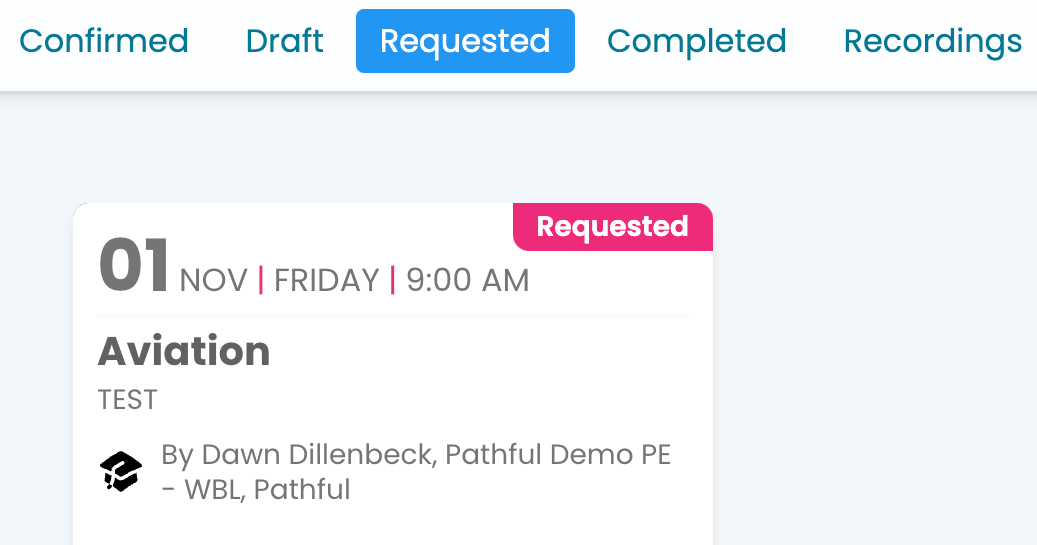
Select the card for the desired session.
Select Edit. Note: To change the date options, you must select a date two weeks into the future. Contact support using the "chat bubble" in the lower right corner for assistance.
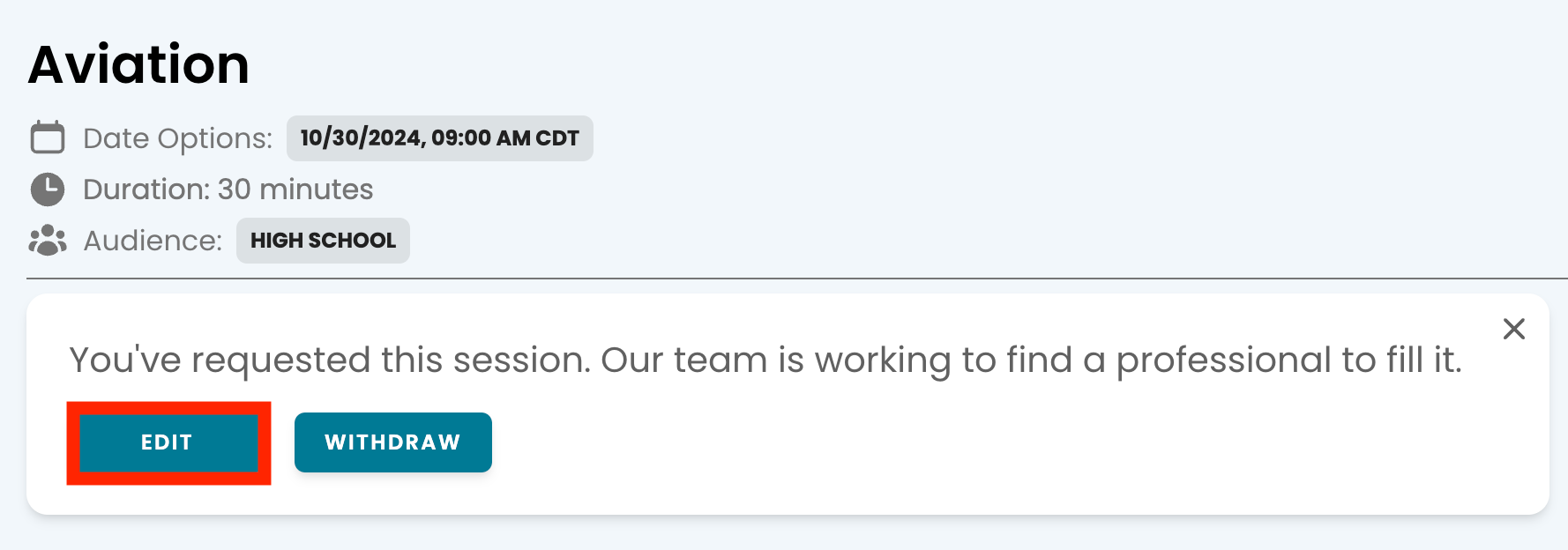
Make the necessary changes and submit your request.
Was this helpful?
Still need help? Ask the team