SkillsUSA Curriculum How To: How to view student course progress detail
Viewing student course progress detail If your students are taking a SkillsUSA course, use these instructions to monitor their progress in detail.
Last updated About 2 months ago
Log in to app.pathful.com. If you need assistance logging in, please contact support@pathful.com.
Using the top navigation bar, hover over My Data, and then select “Reports”.

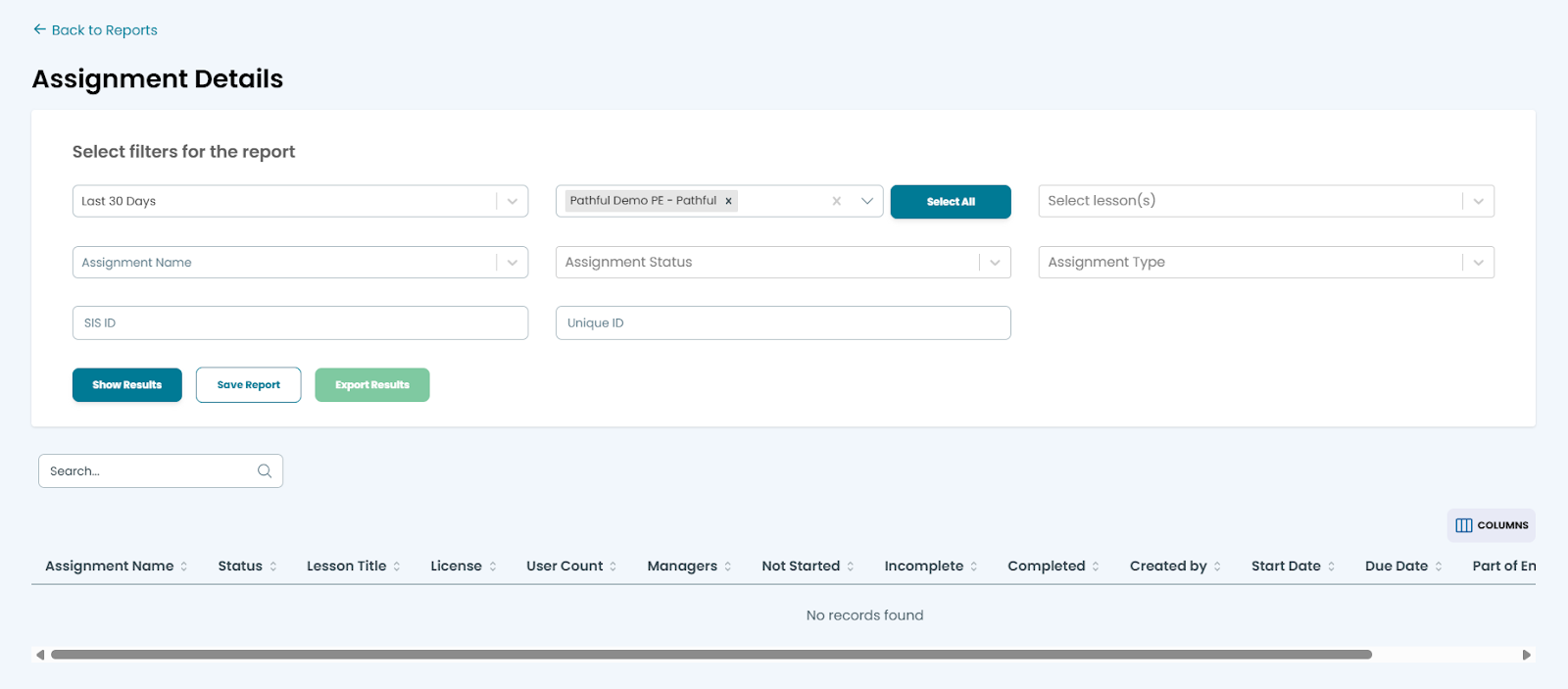
Select the assignment details report to view student progress on all of the lessons within assigned courses.
Was this helpful?
Still need help? Ask the team