Google - How to download metadata XML
Last updated About 2 months ago
Google - How to download metadata XML
This article will describe how to download the metadata XML file from your Google Workspace (G-Suite) system.
Step 1: Go to Google Workspace (G-Suite) and Login. https://workspace.google.com/
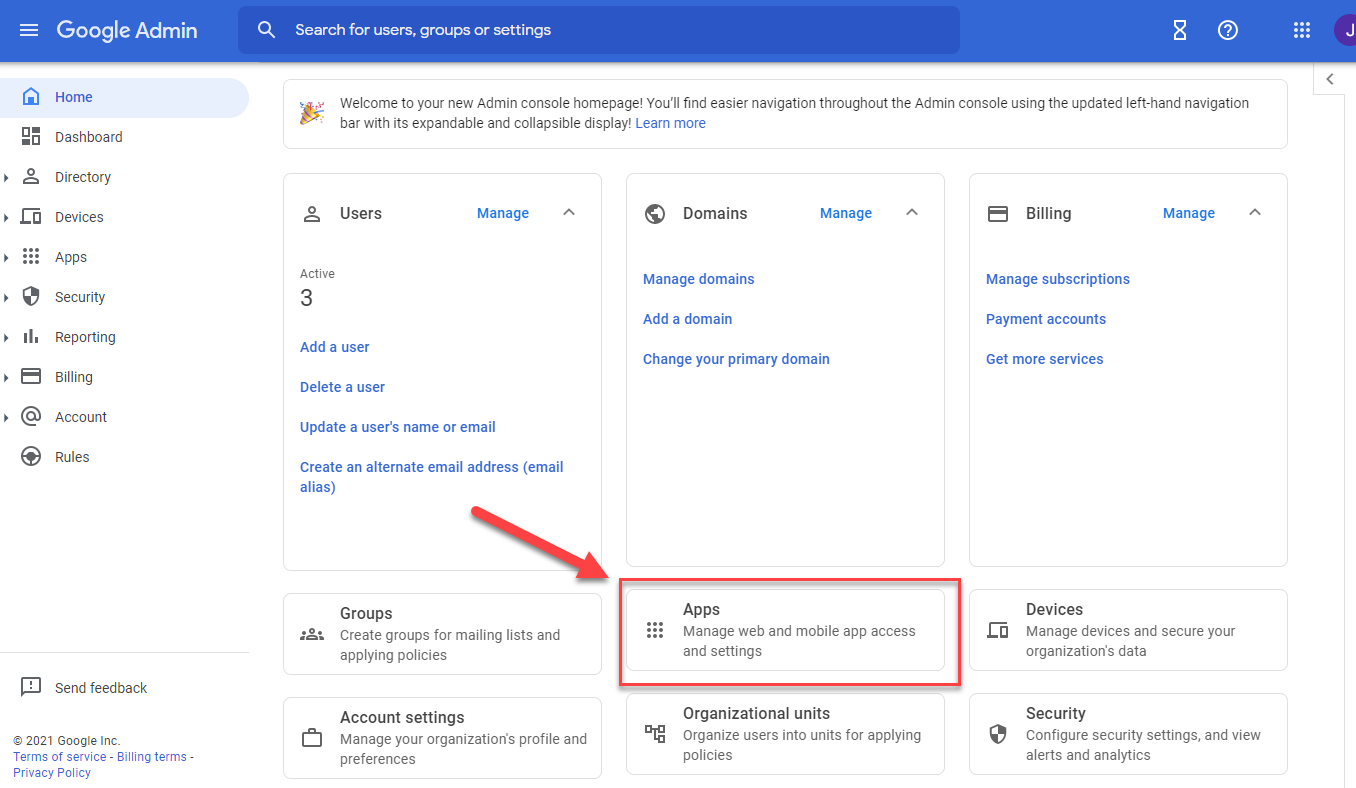
Step 2: Navigate to Apps, on the dashboard.
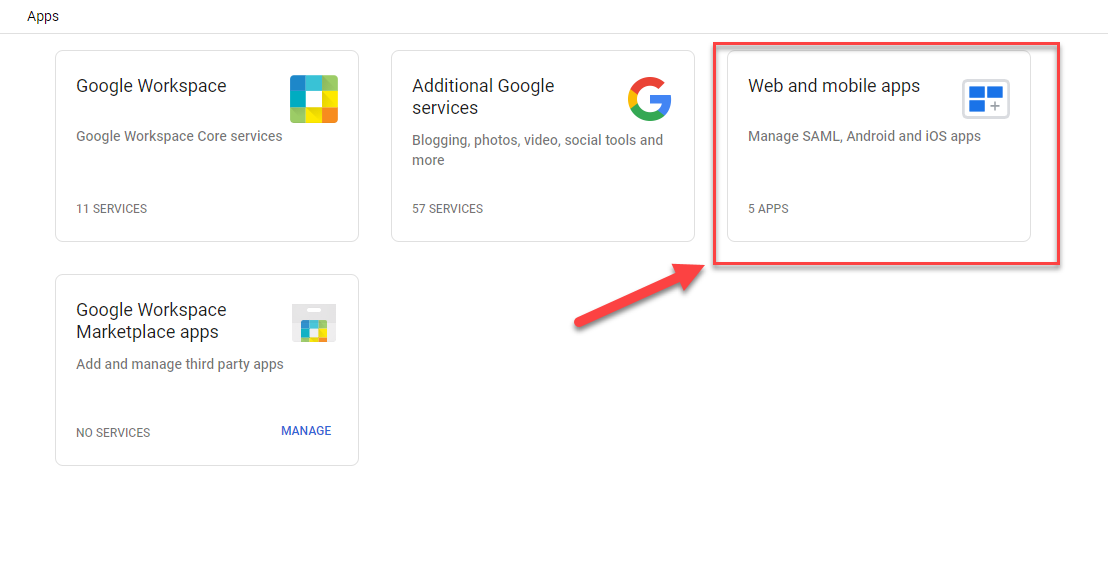
Step 3: Navigate to Web and Mobile Apps. (If using the old system, it would say Custom SAML Apps)
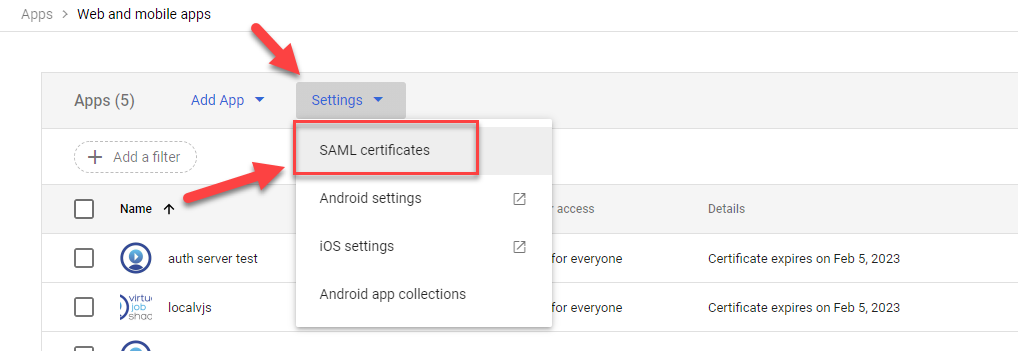
Step 4: Click on Settings dropdown and choose SAML Certificates.
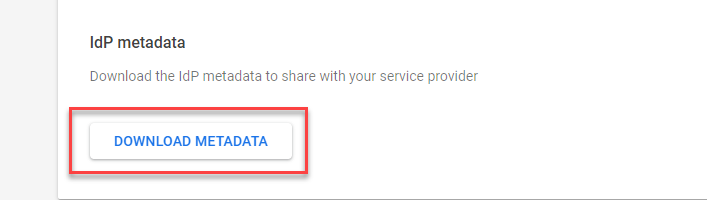
Step 5: Scroll to the bottom of the page, and click Download Metadata.
Step 6: Save the metadata XML file, and send to the Pathful representative.
Was this helpful?
Still need help? Ask the team