NEW! Generate A Report
This article offers an overview of the reports.
Last updated About 1 month ago
NEW! Generate A Report
Locate the Reports tab to the far right of the homepage.

From the overhead, you can search for a report or click the responding header for the report desired.
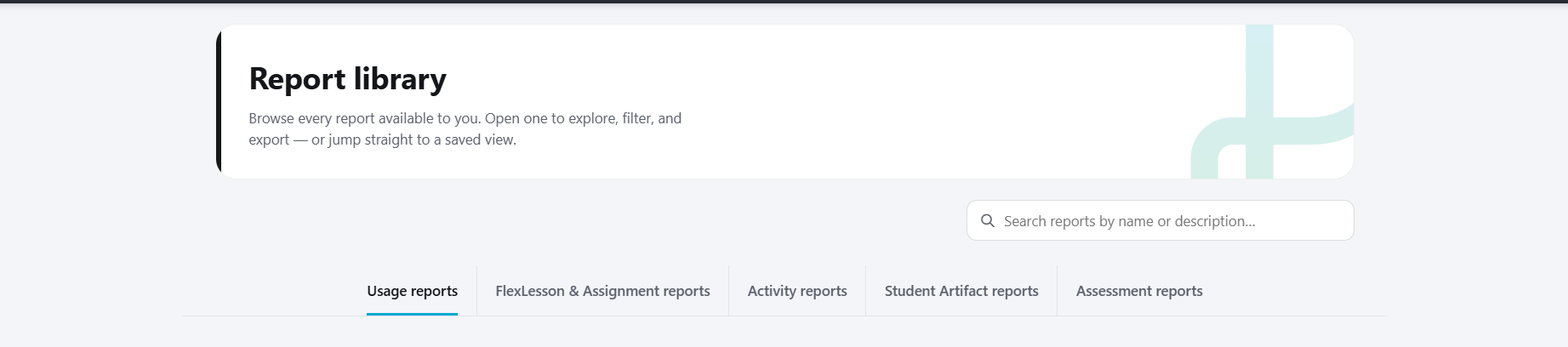
Library Overview
The library is comprised of several reports.
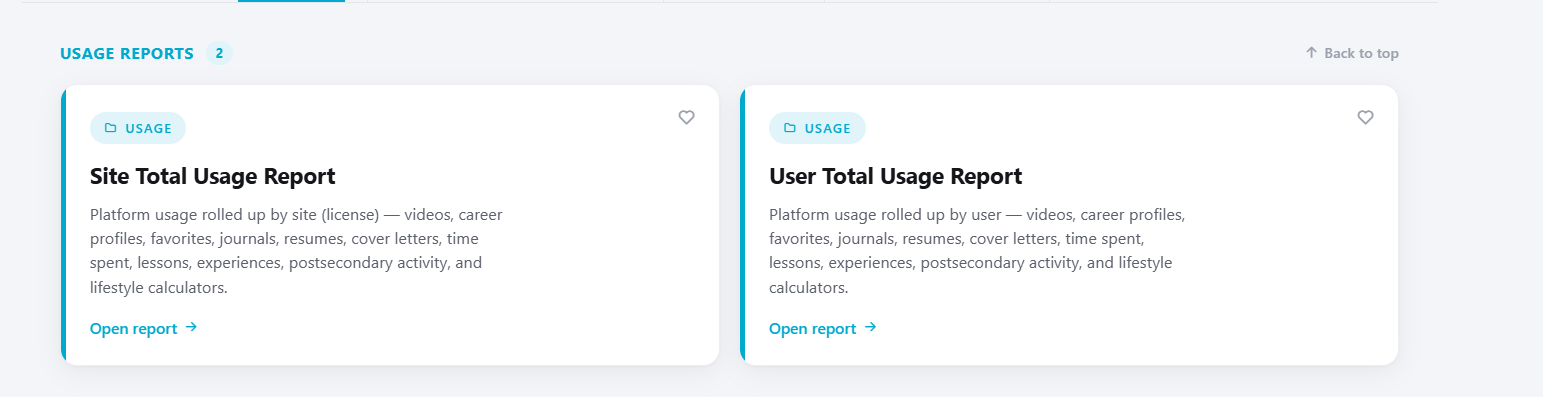
Usage Reports
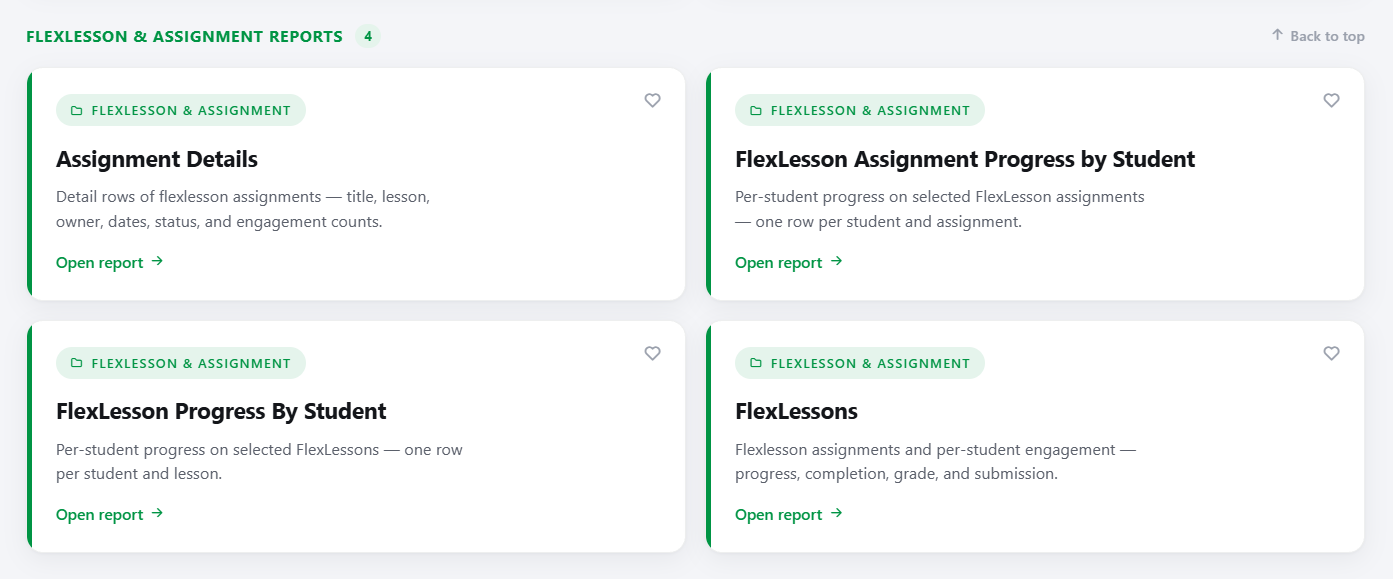
Flexlesson and Assignment Reports
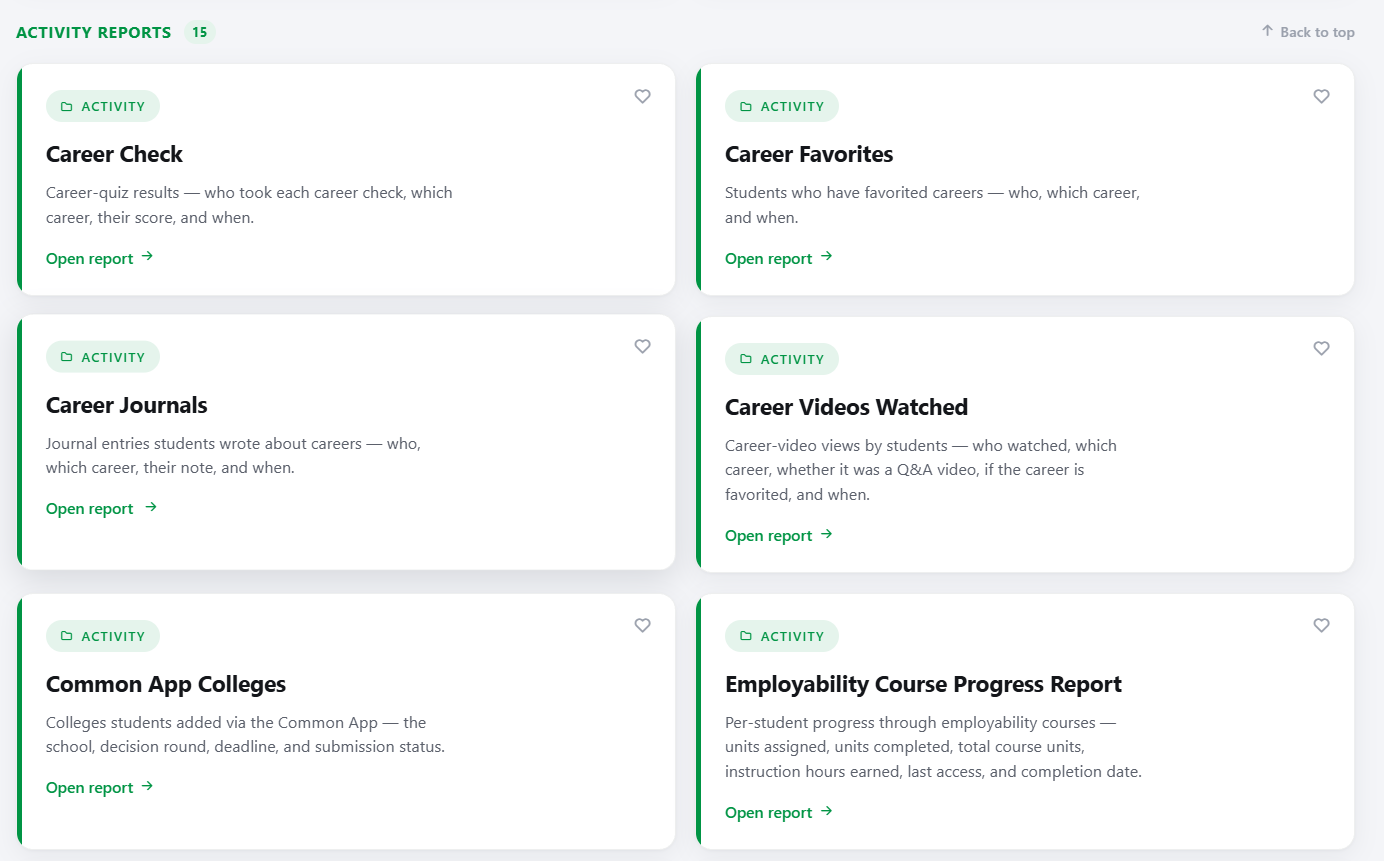
Activity Report
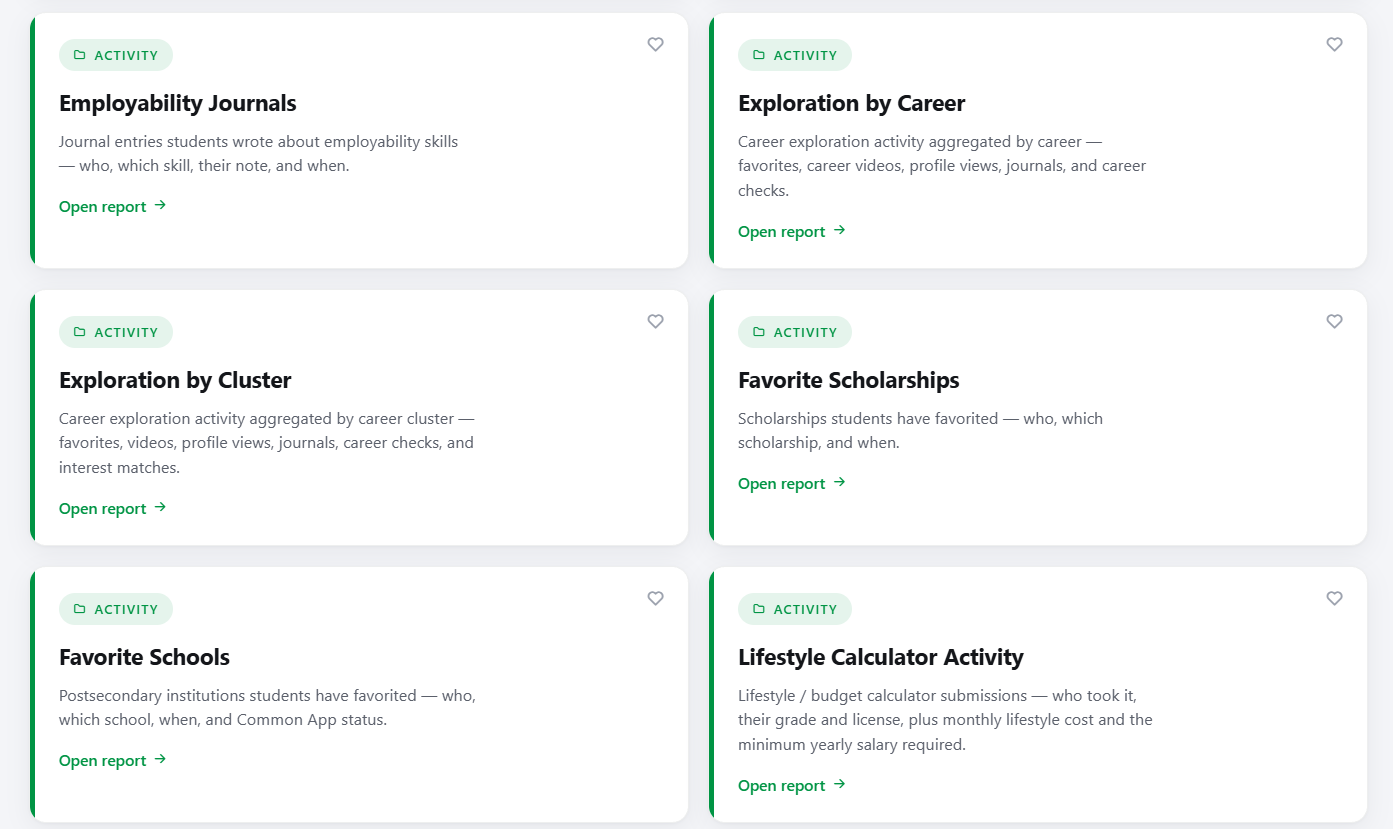
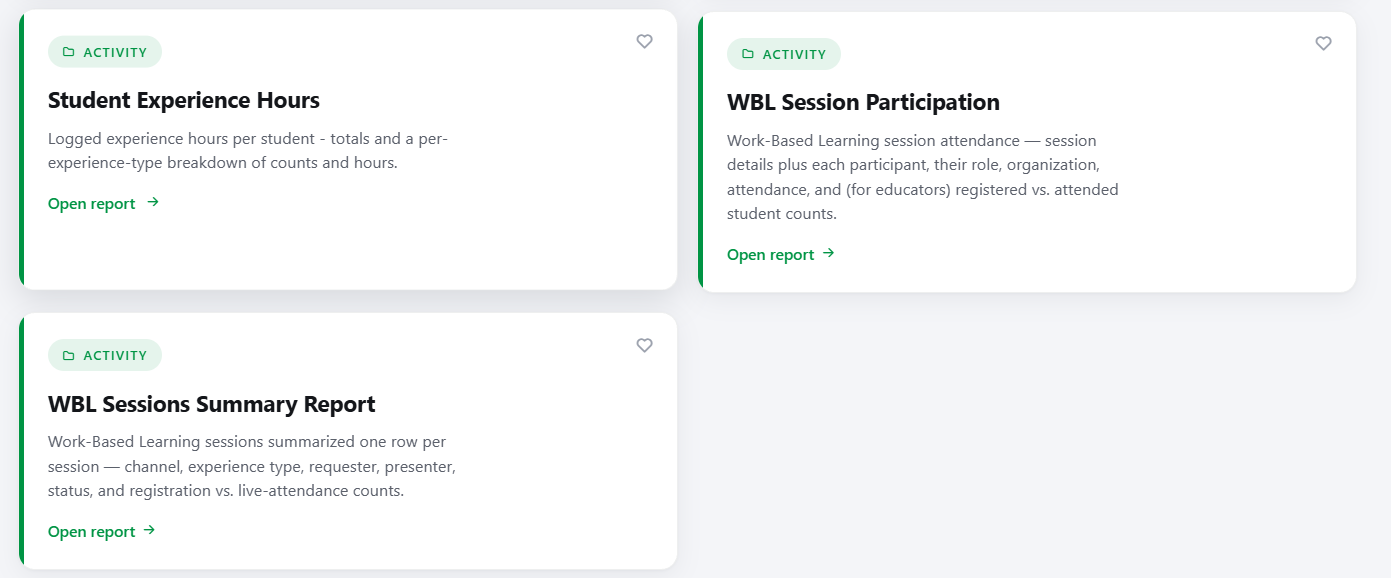
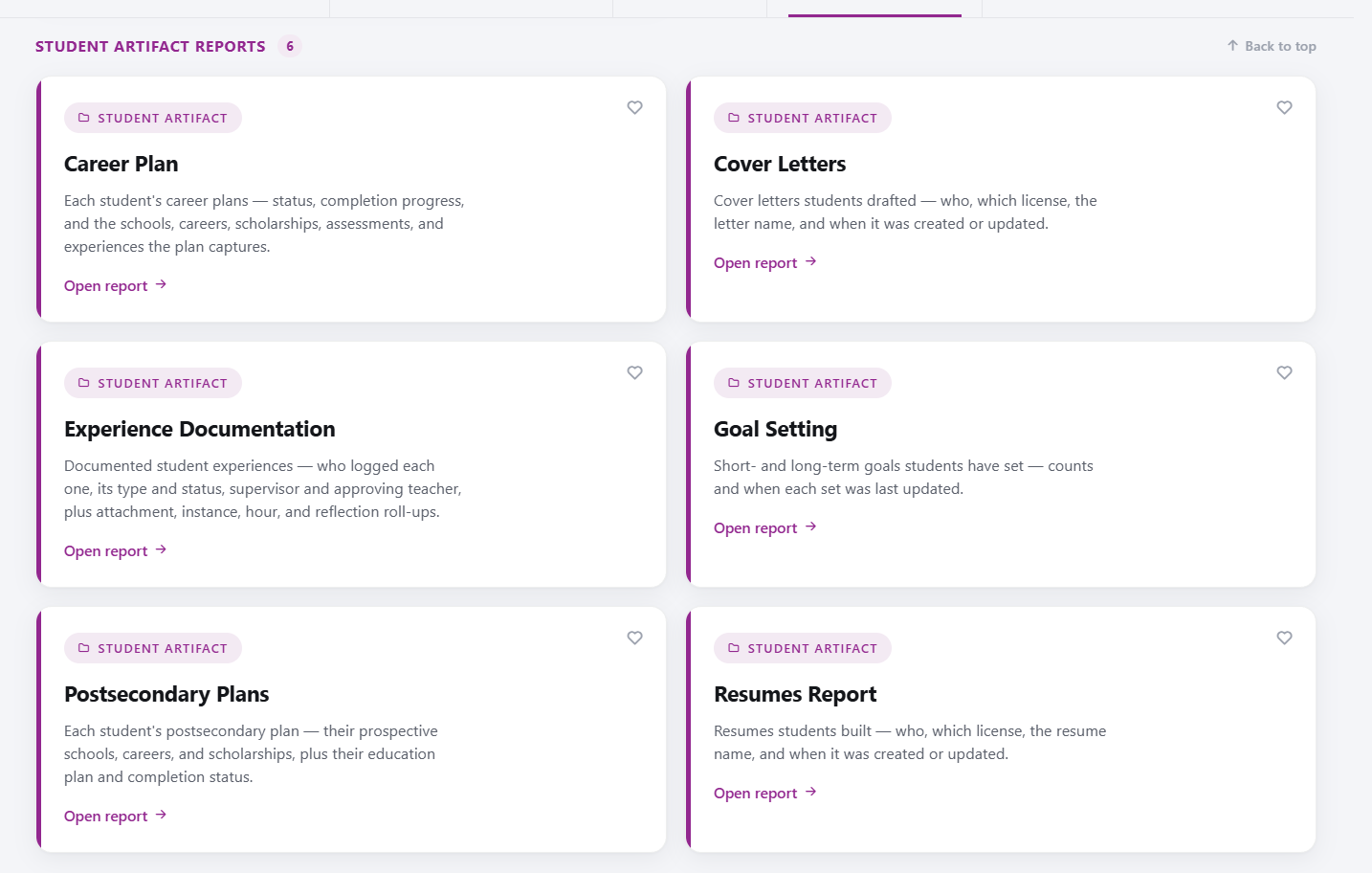
Student Artifact Reports
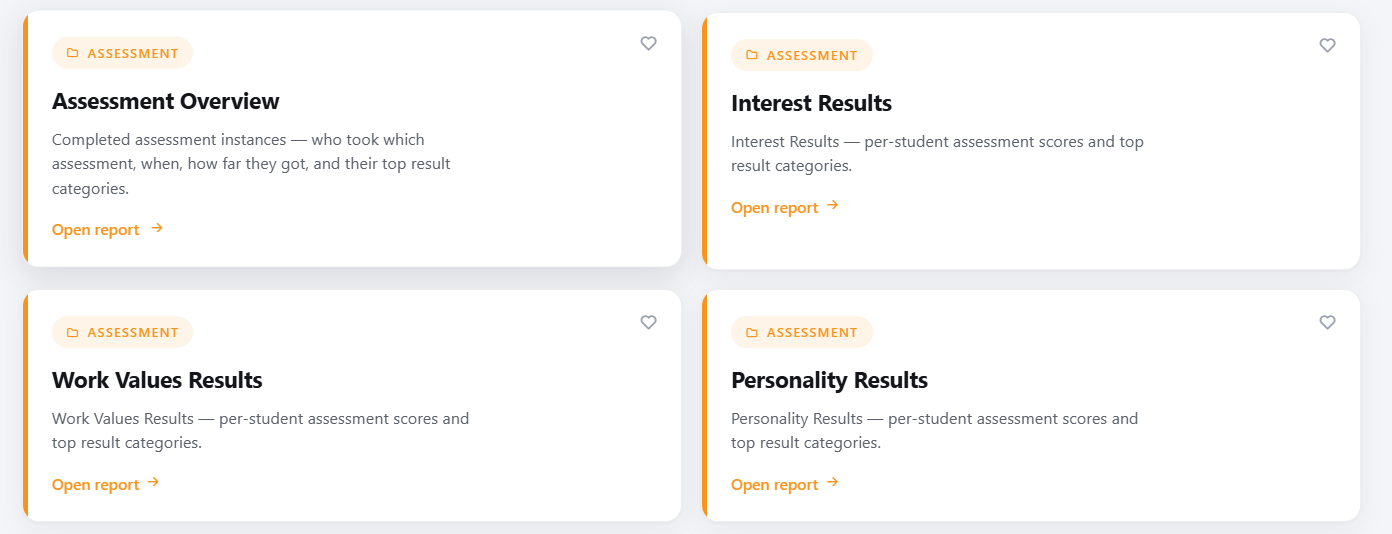
Assessments Reports
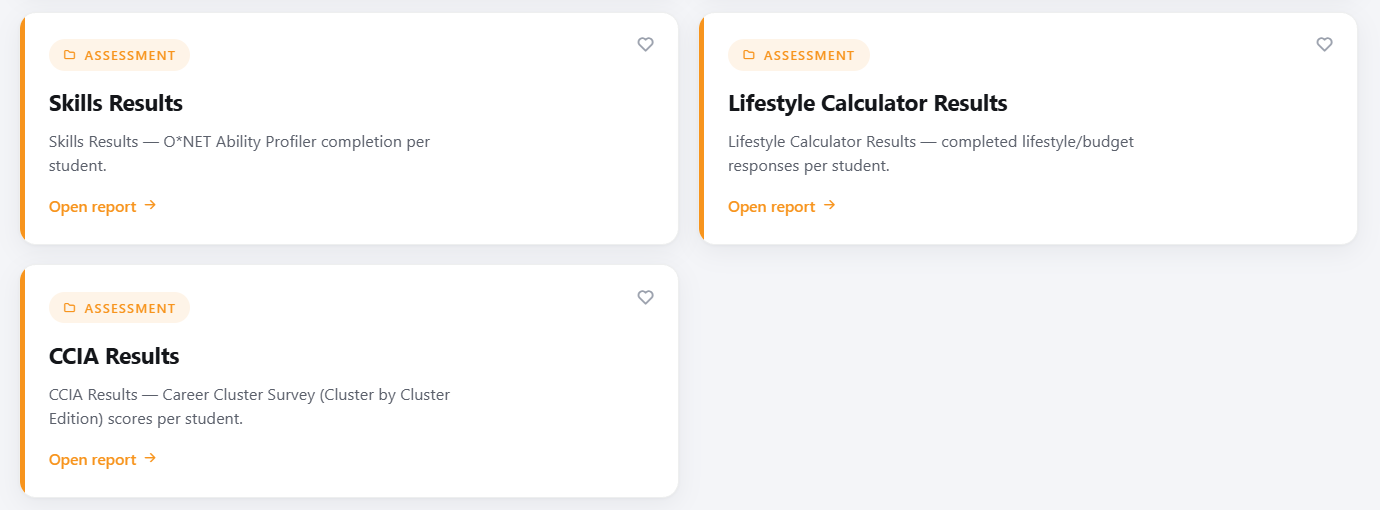
Note: Please see the help articles for the corresponding reports.
Was this helpful?
Still need help? Ask the team