Sharing a Flexlesson
How to share a Flexlesson
Last updated About 2 months ago
To create a custom Flexlesson see: Create a Custom Lesson
To share a custom Flexlesson:
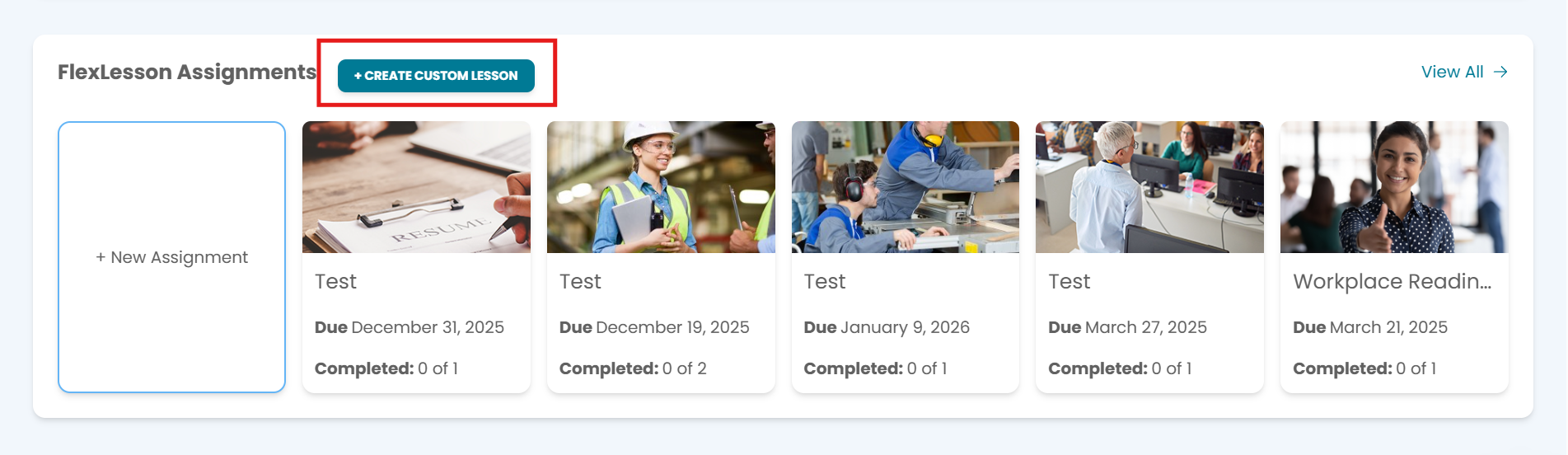
On your main dashboard, scroll down until you see "Create Custom Lesson"
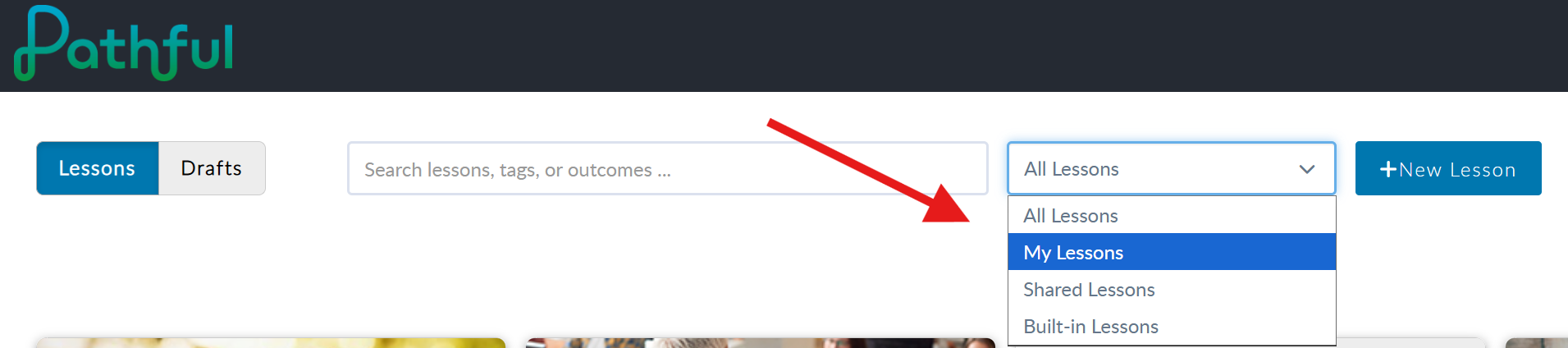
2. Find the Flexlesson you would like to share by changing to the correct category:
3. Search for and click on the Flexlesson you wish to share.4. You will then click on the three dots in the lower right hand corner and select "share". Note: By selecting "share" you will make the lesson viewable by others within your license.
Was this helpful?
Still need help? Ask the team