View your Results on an Assignment
View your comments and results on an assignment.
Last updated About 2 months ago
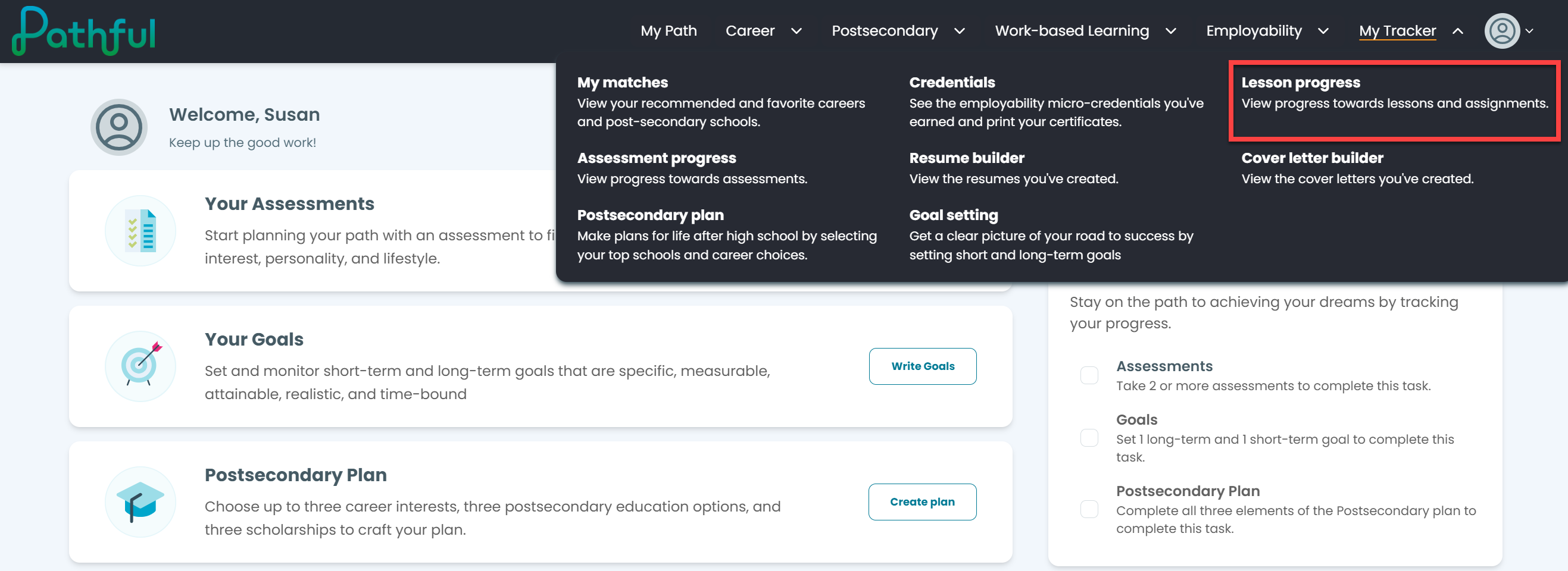
From the My Tracker drop-down menu, select Lesson Progress.
Scroll down the page to view your Completed lessons.
Select See Results.
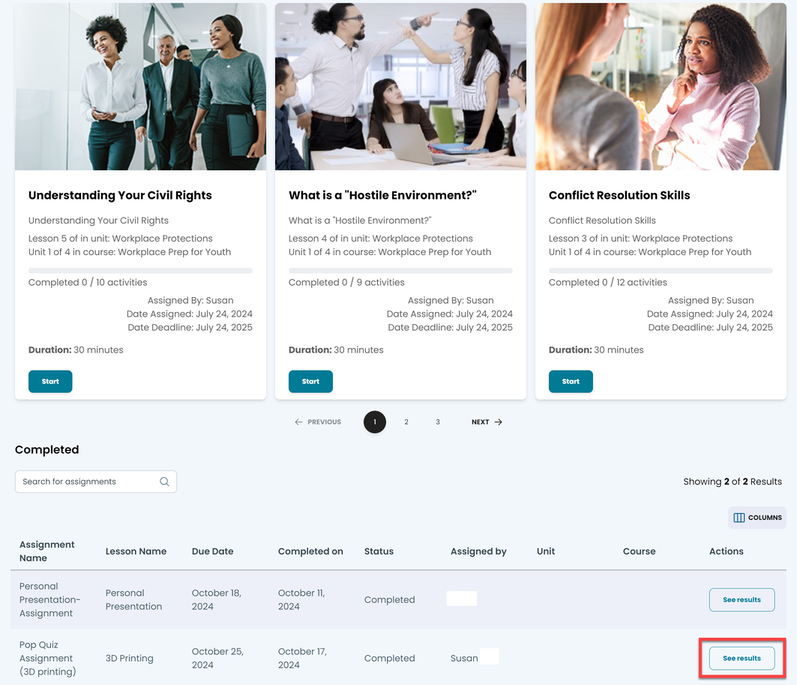
NOTE: the results will be blank until the person who assigned the lesson either grades it or leaves a comment.
Once your assignment has been graded, you can see the grade and your teacher's comments.
Was this helpful?
Still need help? Ask the team