How to message the teacher for your confirmed session
Last updated About 2 months ago
1. Find the teacher by accessing the relevant session here or by logging in and clicking on My Stuff on the top of the page, then selecting My Sessions.

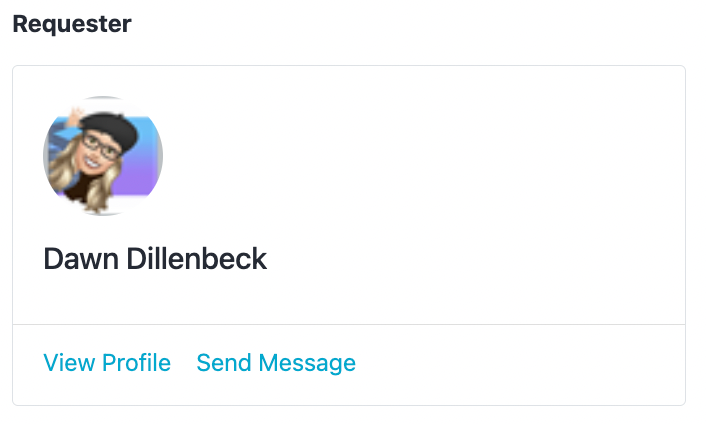
2. Tap over to your sessions, then click Confirmed on the top of the page. Click on the relevant session tile which will take you back to the session request. Click on the Send Message link in the requester tile on the right side of the session page.
If you want to make a scheduling change to an upcoming session, please email support@pathful.com or click on the green chat button on the bottom right of any Pathful webpage so we can contact the educator on your behalf.
Was this helpful?
Still need help? Ask the team