Complete an Assessment
Locate and complete the assessment of your choice.
Last updated 22 days ago
Complete an Assessment
Click the My Tracker tab on the dashboard, select Assessment Progress.
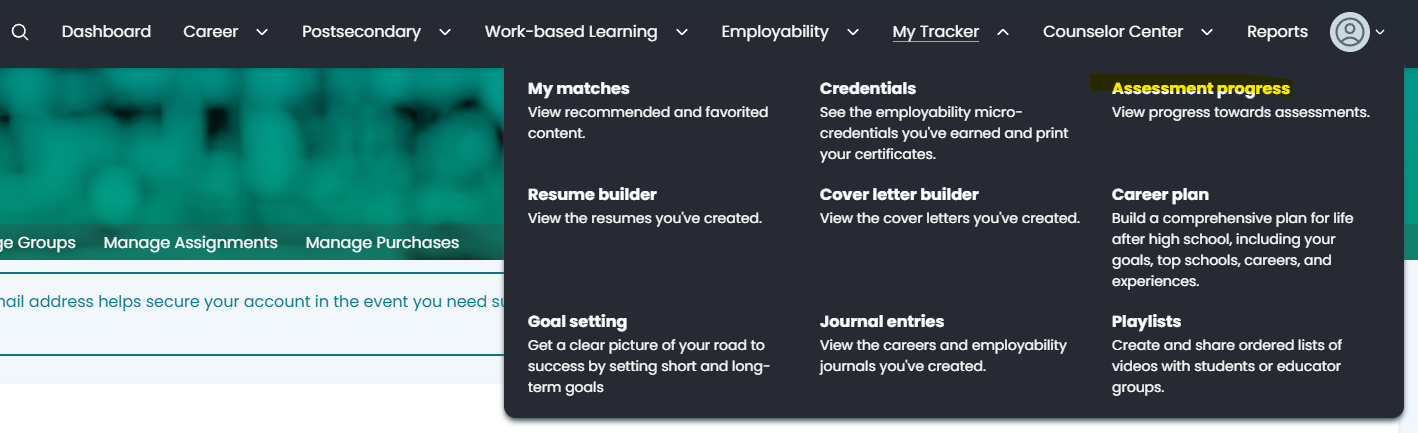
Select the desired assessment tab: Lifestyle, Career Cluster Interest, Work Values, Personality, or Skills.

You can read about each assessment in the Assessments Overview article.
Select Start New.
Some assessments have more detailed instructions or begin with sample questions. Follow the prompts on the screen to start your chosen assessment.
If you have previously started an assessment, follow the steps above, and select Return to continue an assessment.

Student Instructions:
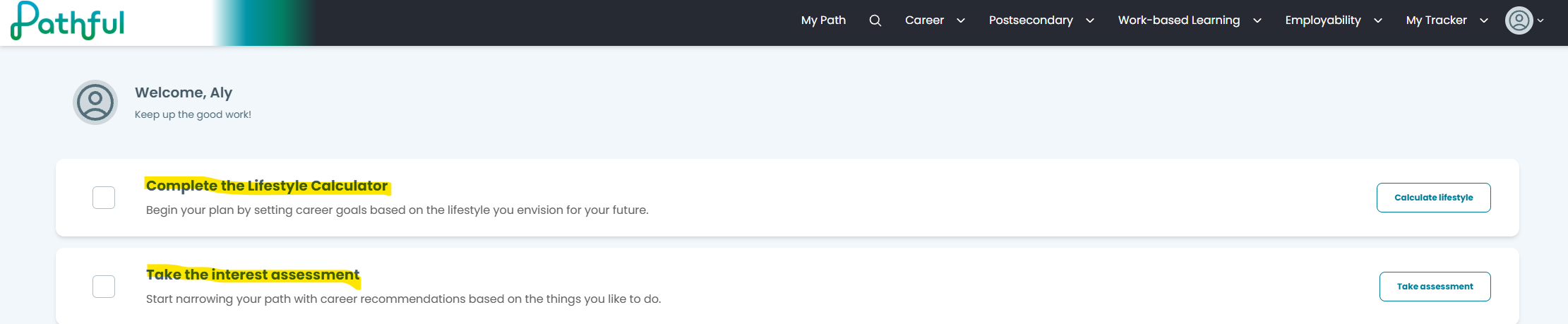
Students can locate Assessments on their homepage
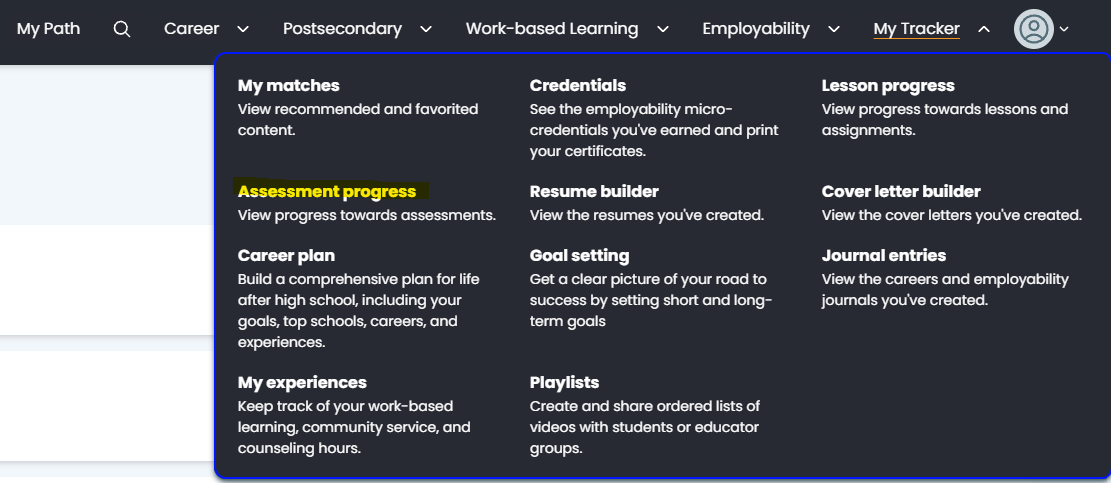
or from their dashboard, clicking My Tracker and then Assessment Progress:
Was this helpful?
Still need help? Ask the team