SkillsUSA Curriculum How To: How to retake an assessment
SkillsUSA Curriculum - How to retake an assessment.
Last updated About 1 month ago
Retaking an assessment with limited attempts.
If you or a student has exceeded the number of attempts on a particular assessment, follow these instructions to retake the assessment.
To retake an assessment after the number of attempts has been exceeded, a new enrollment key for that assessment must be purchased. See these instructions on how to purchase an enrollment key. Once that step is complete, follow the instructions below:
Log in to app.pathful.com. If you need assistance logging in, please ask your advisor for help or contact support@pathful.com.
Enter the enrollment key provided in the section below your SkillsUSA resources.
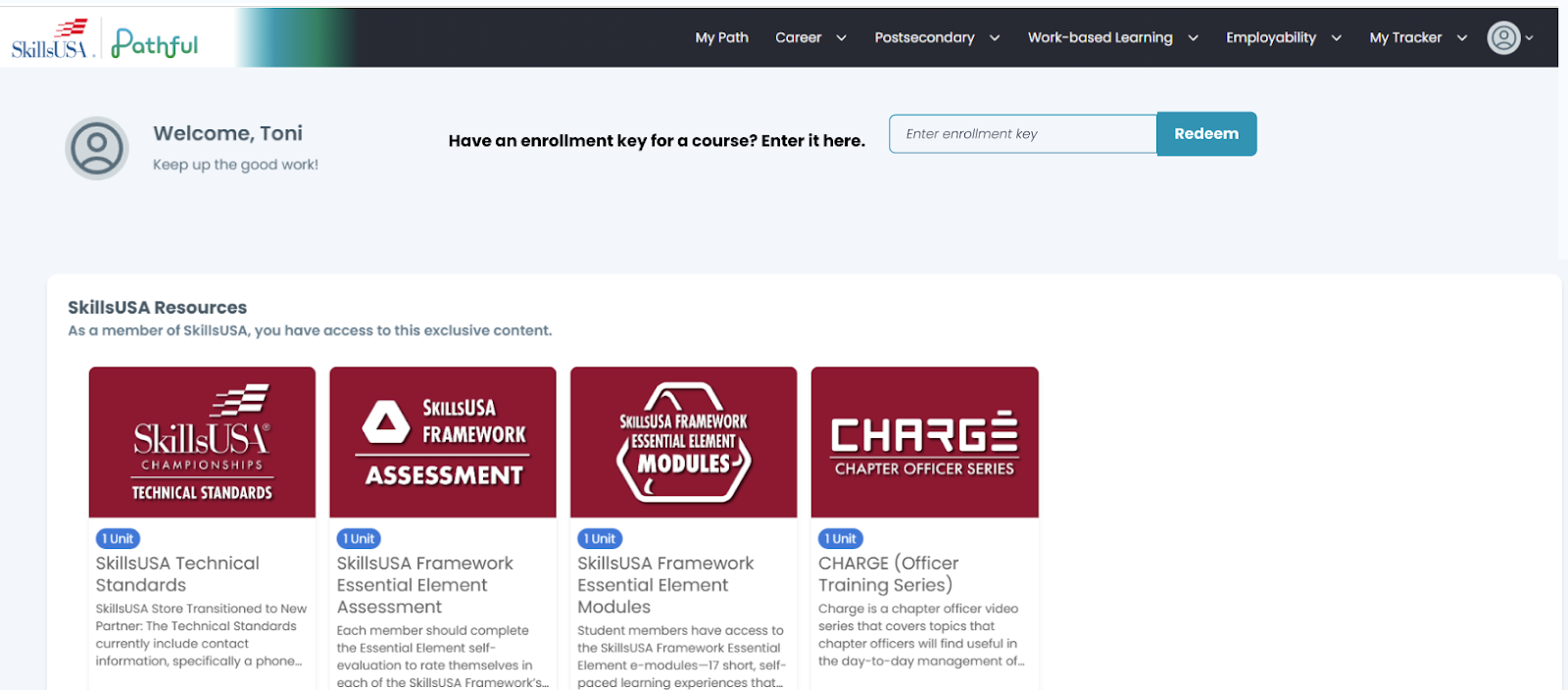
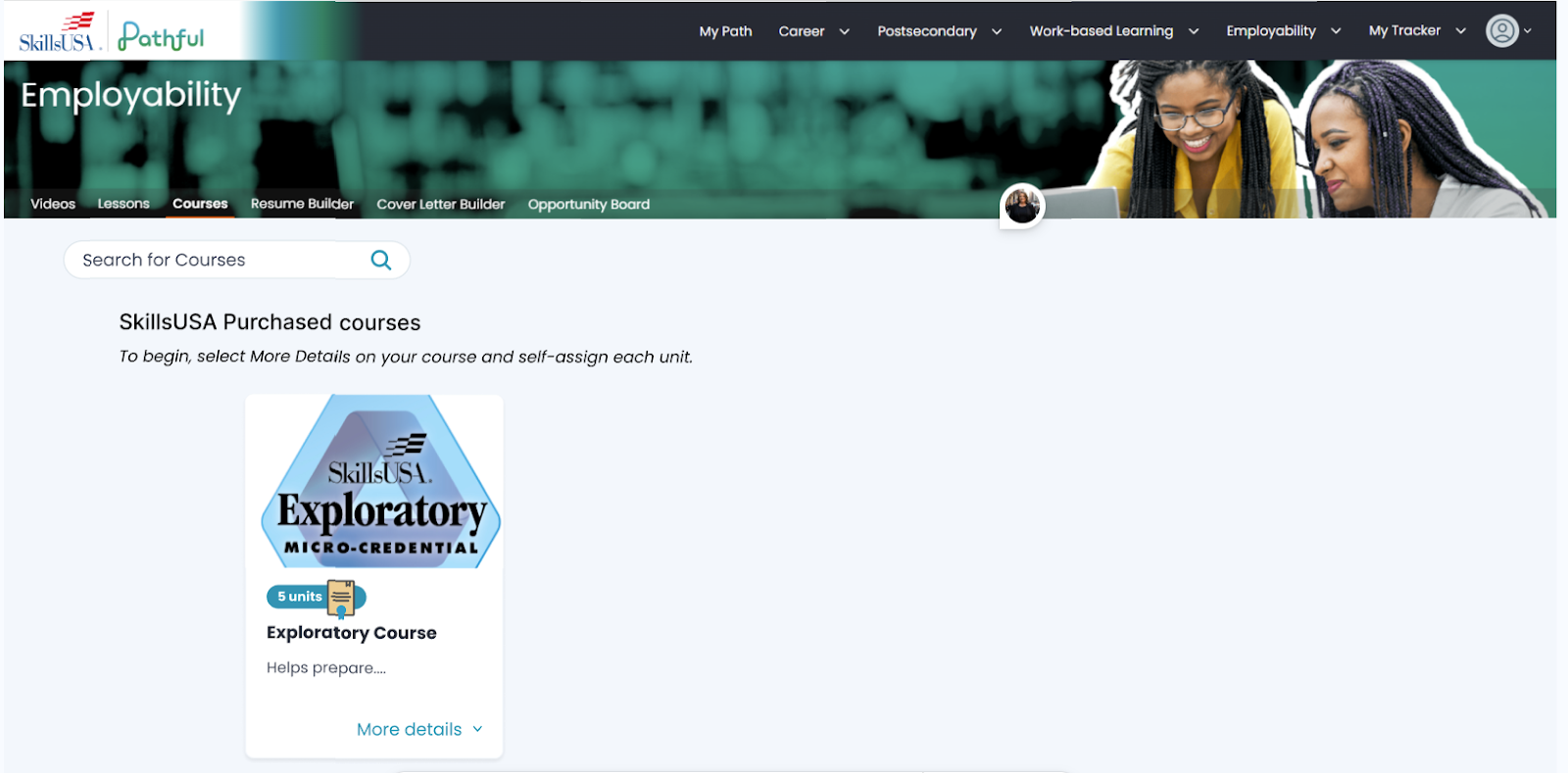
The course or assessment you’ve added will now appear on the Employability tab/ Courses. Select More Details on the course or assessment card.
Was this helpful?
Still need help? Ask the team