Requesting New Dates or Withdrawing a Session Request
How to inform Pathful if you need to make a change to dates, times and status of live sessions. You can always request changes by reaching out to support@pathful.com or use the blue chat bubble that appears in the lower right corner of any Pathful page.
Last updated 25 days ago

Please note: If your session is already confirmed with a presenter, you can not update the dates or withdraw through the system and must reach out to the support team.
Making Changes in Your Account
Sessions can be navigated to in several ways. The easiest way to navigate to Sessions is by clicking the Work Based Learning Tab in your menu and then clicking ‘My Sessions’.

Another way, is from your homepage, in the submenu, locate ‘My Sessions’.

Your sessions will appear to you in the following categories:

If Pathful is still looking for a presenter, and the session appears under Requested in My Sessions, you can update the date options or withdraw. A two week buffer applies to all changes and requests. If you need dates within that buffer, please contact support.
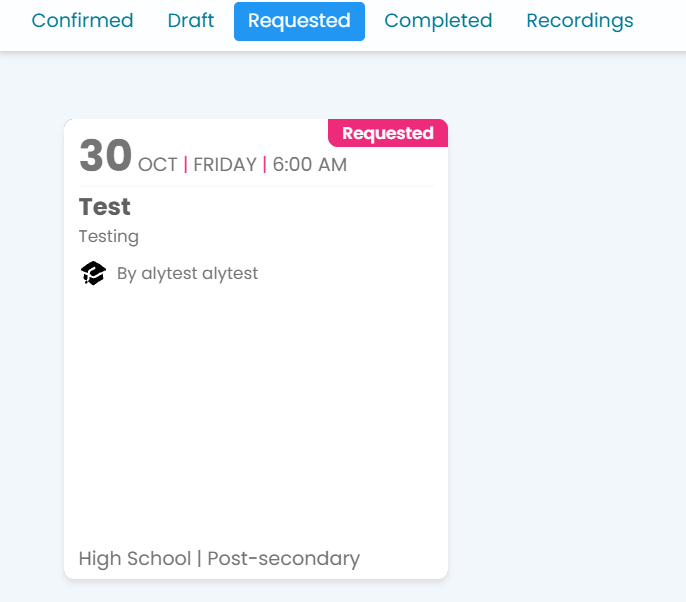
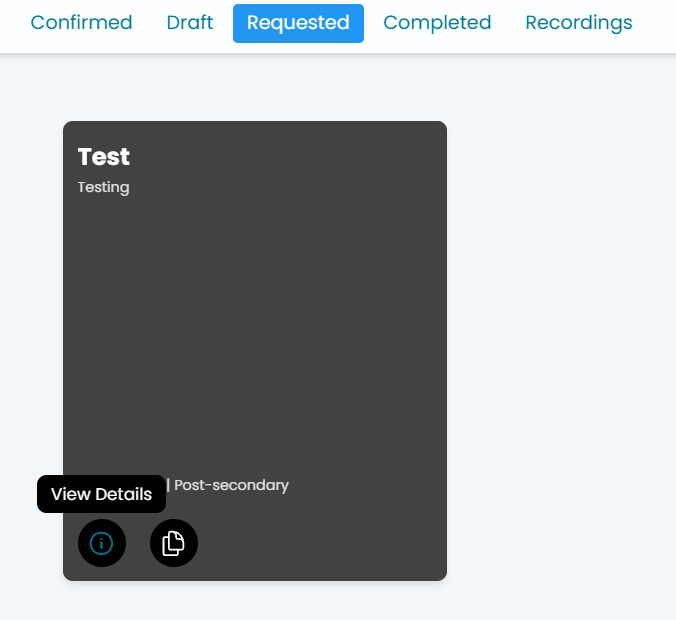
Hover over the requested session, and click View Details to visit the session landing page to make your edits:
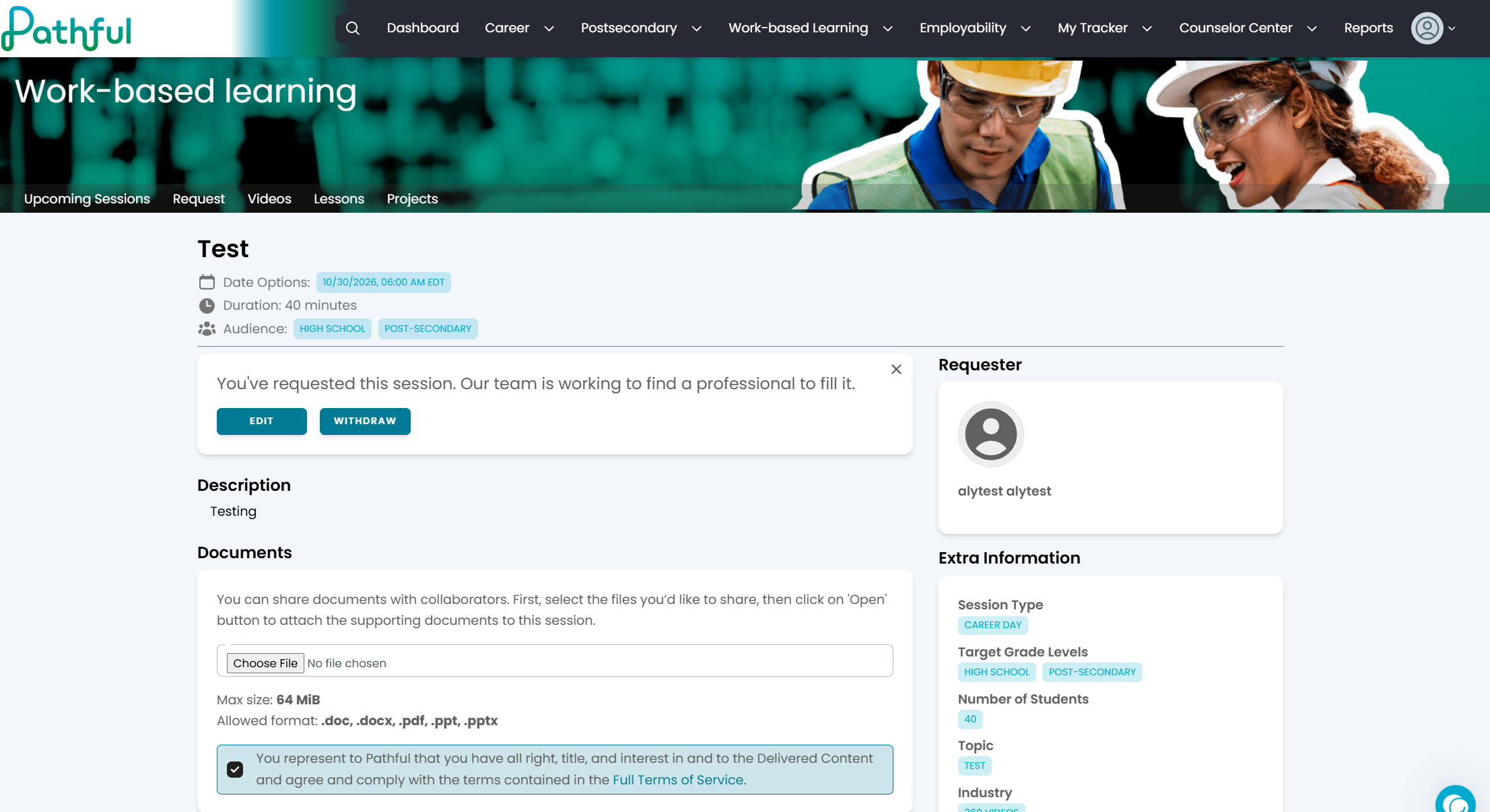
You can Edit or Withdraw your Session here:
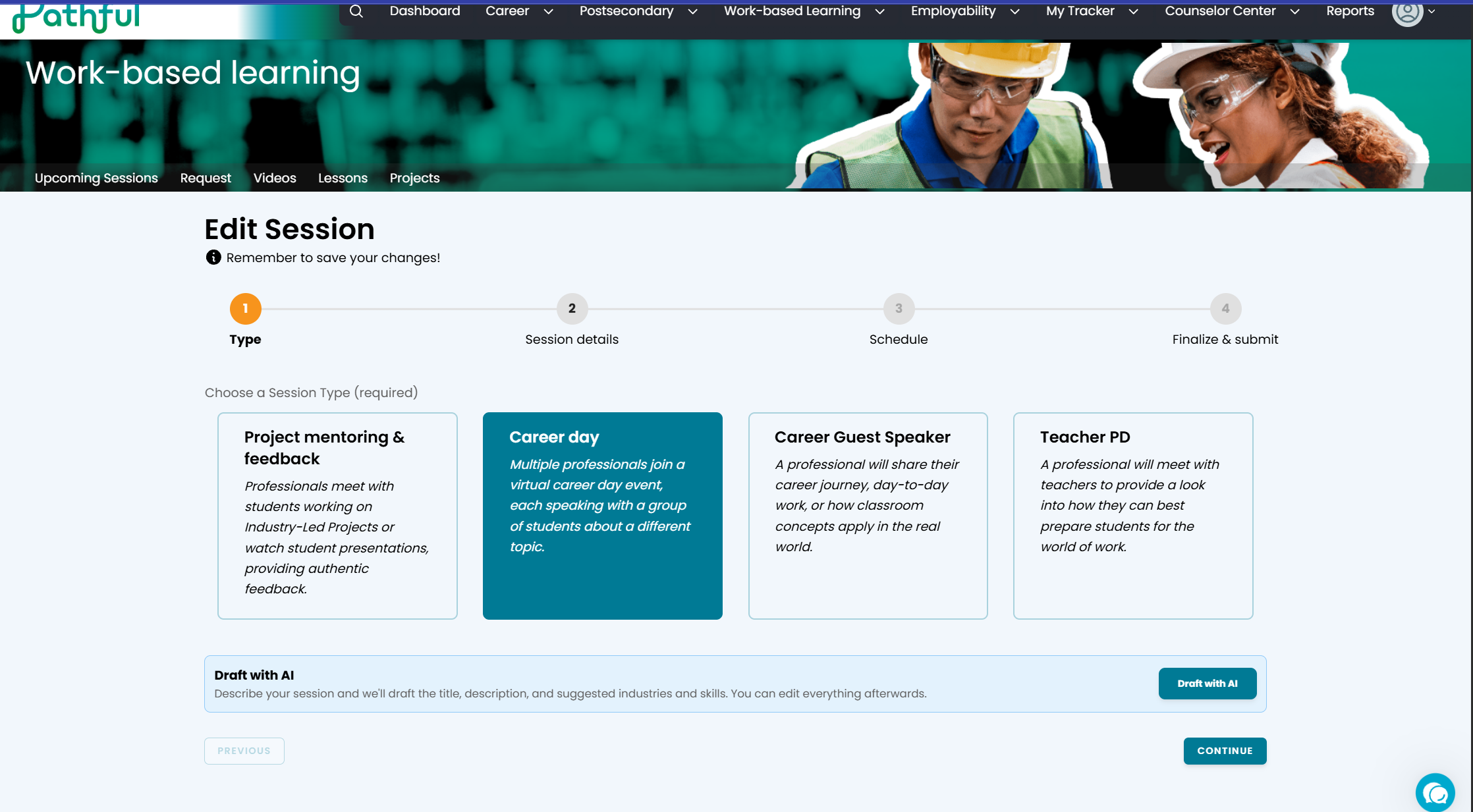
Editing a Session:
By clicking Edit, you’ll be brought back to the session request template. You can make your edits in here and will click Submit when done.
Withdrawing a Session to Draft:
When withdrawing, you can either completely delete the session or you can save as a draft if you’d like to revisit the session at a later time:
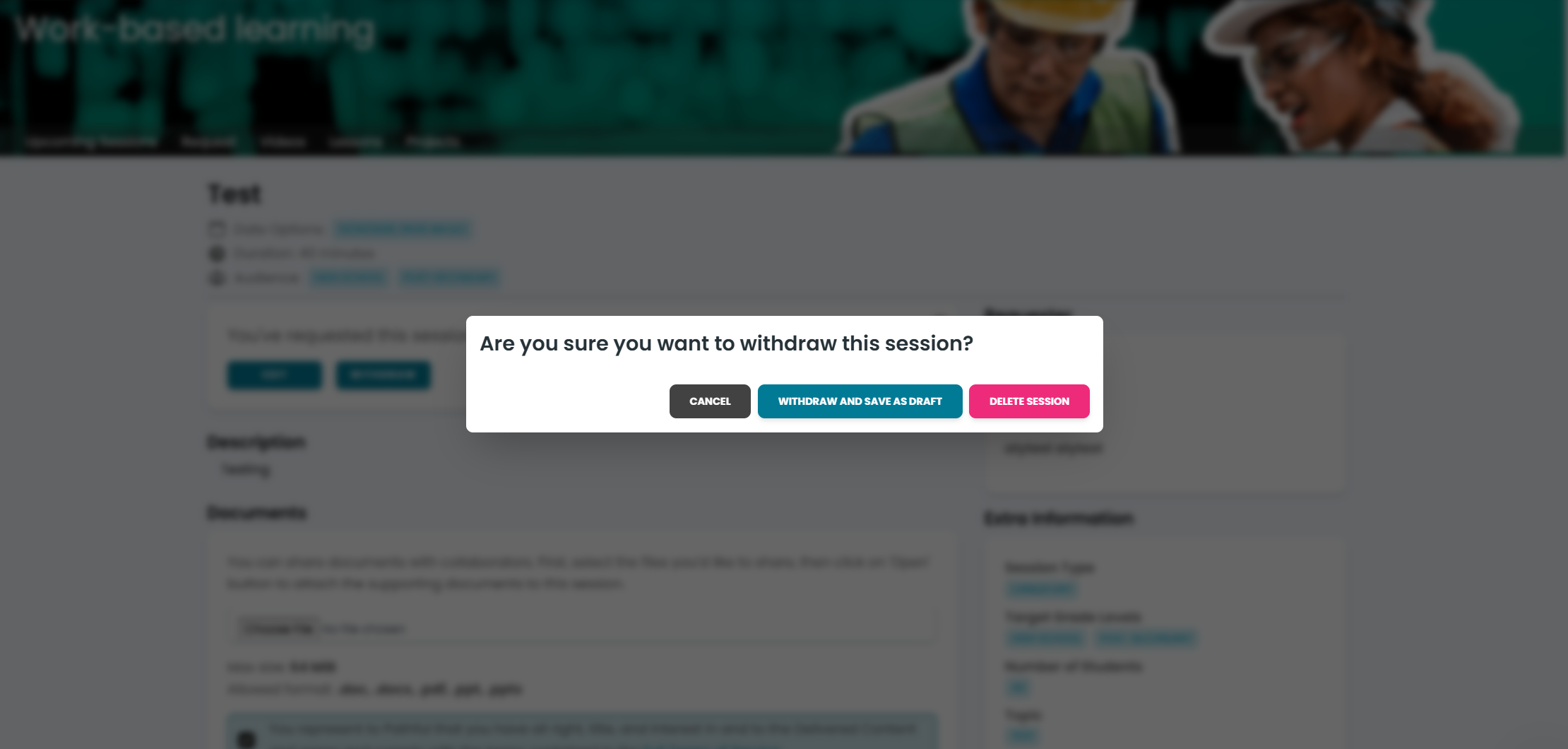
Selecting to save as draft automatically moves the sessions to your Drafts folder, which can be found again under My Sessions > Drafts.
Deleting a Session Request:
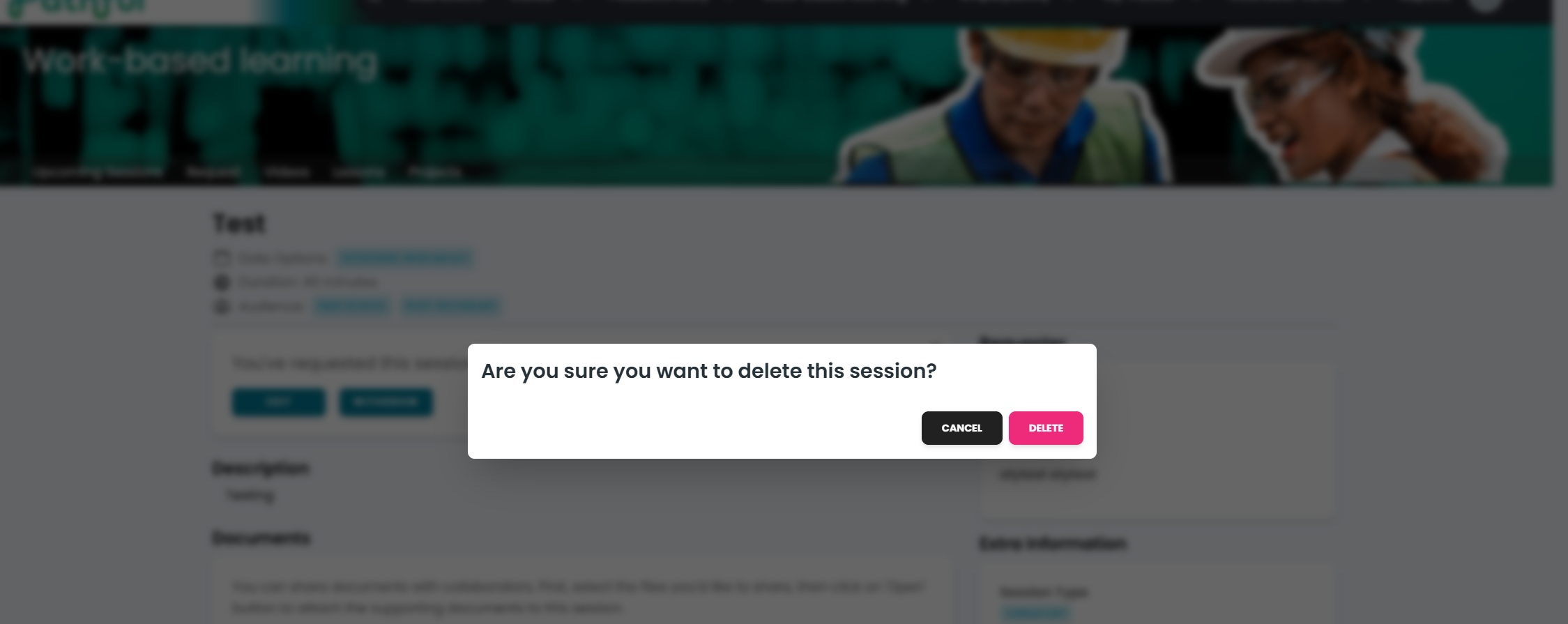
Click Delete Session, and confirm that choice in the pop-up:
Was this helpful?
Still need help? Ask the team