Favorite a Career
Find interesting careers and add them to your favorites.
Last updated 3 months ago
From the Career drop-down menu, select Career Profiles.
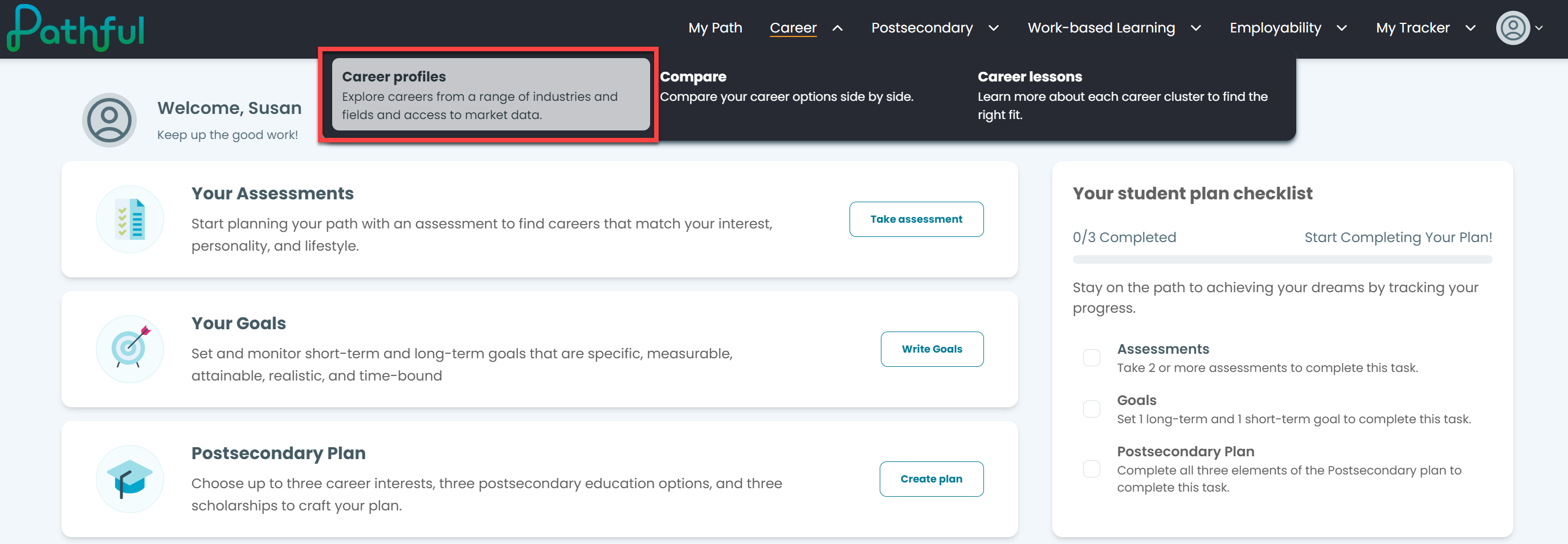
Locate the desired Career.
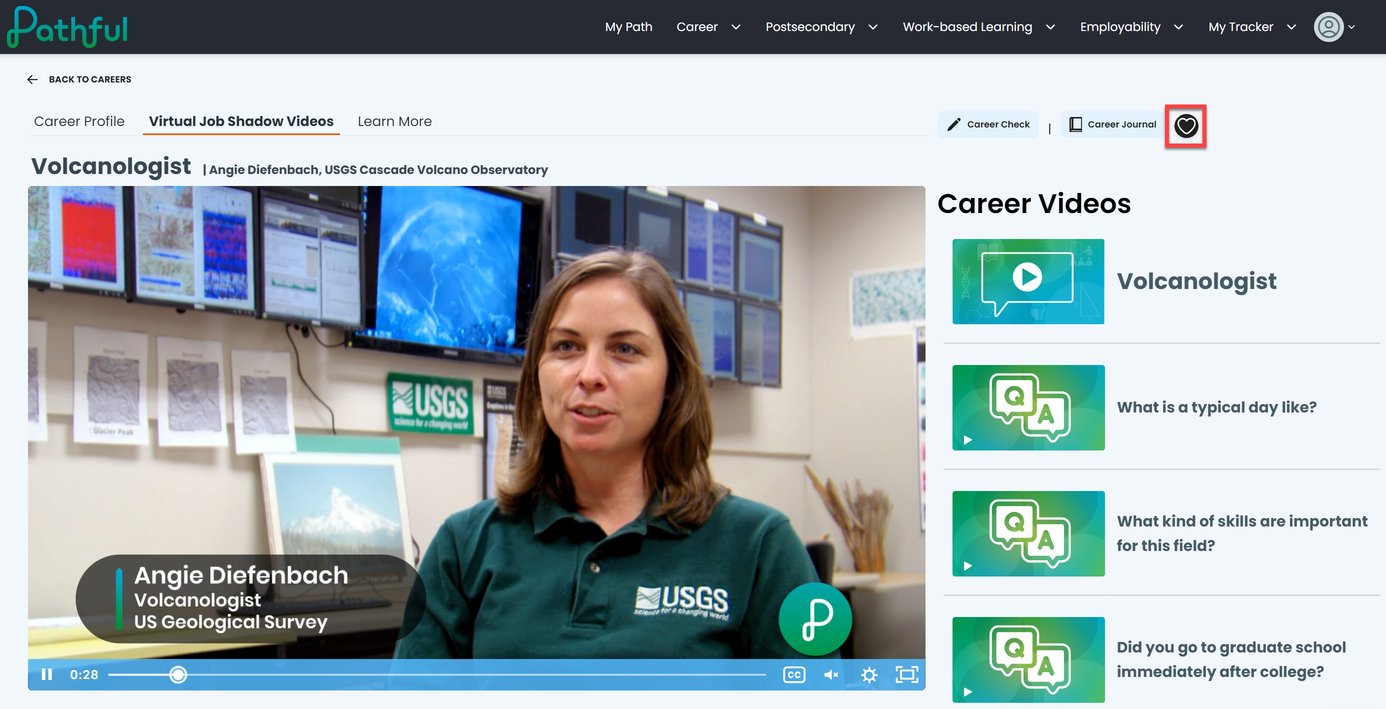
Do either of the following:
Hover over the career card to "flip" the card and select the heart icon.
Click the career card. Select the heart icon at the upper right.
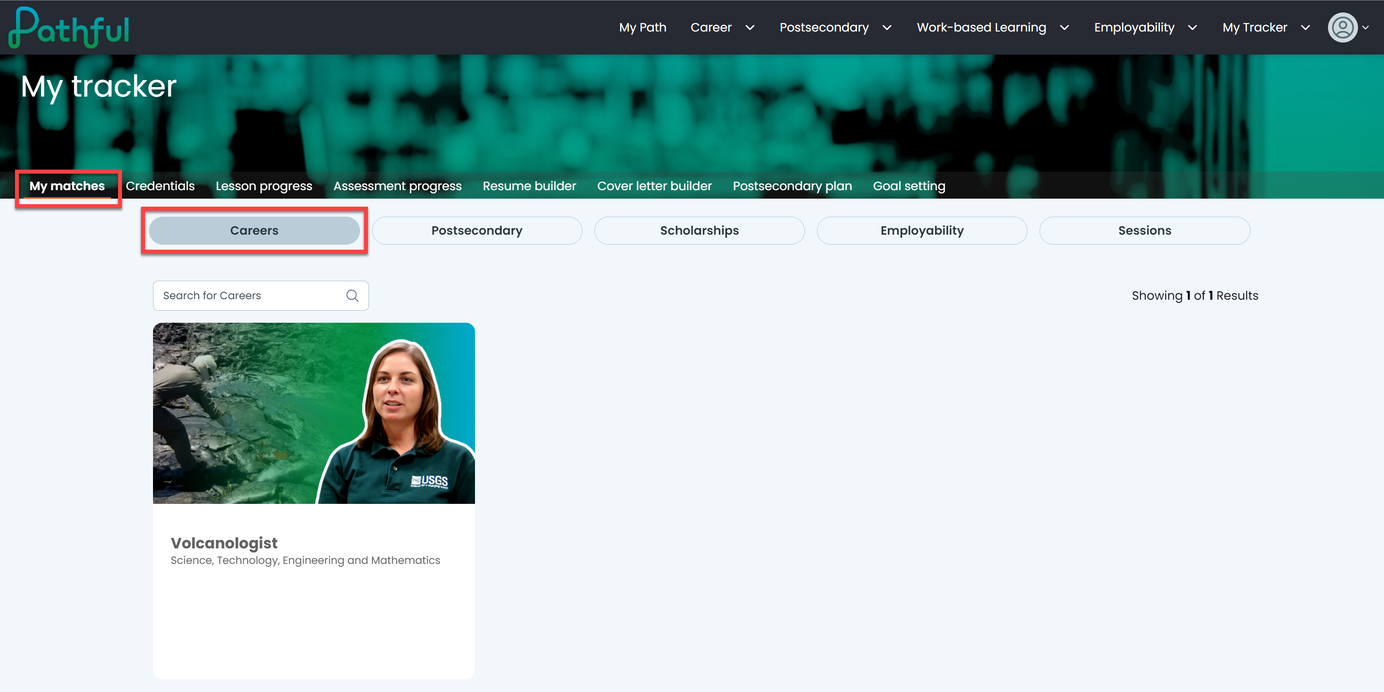
Your favorite careers can be found on My Tracker.
From My Tracker, select My Matches.
Select the Careers tab.
Click on any career to learn more.
Was this helpful?
Still need help? Ask the team