How to Pull an Assessments Report
The report library offers several reports regarding Assessments. The following explains the reports, how to find them and what each report involves.
Last updated About 1 month ago
1. Open the Reports library
From any page in Pathful, click Reports in the top navigation bar.

2. The library loads with reports organized into tabs across the top:
Usage reports
FlexLesson & Assignment reports
Activity reports
Student Artifact reports
Assessment reports
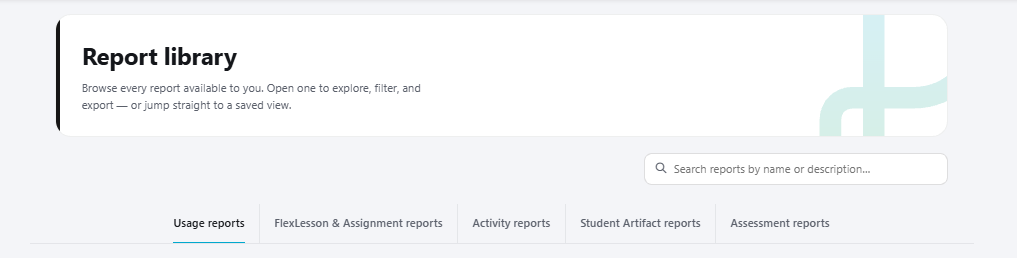
3. By either clicking the category, searching for the article, or simply scrolling to the bottom of the page- the following reports appear:
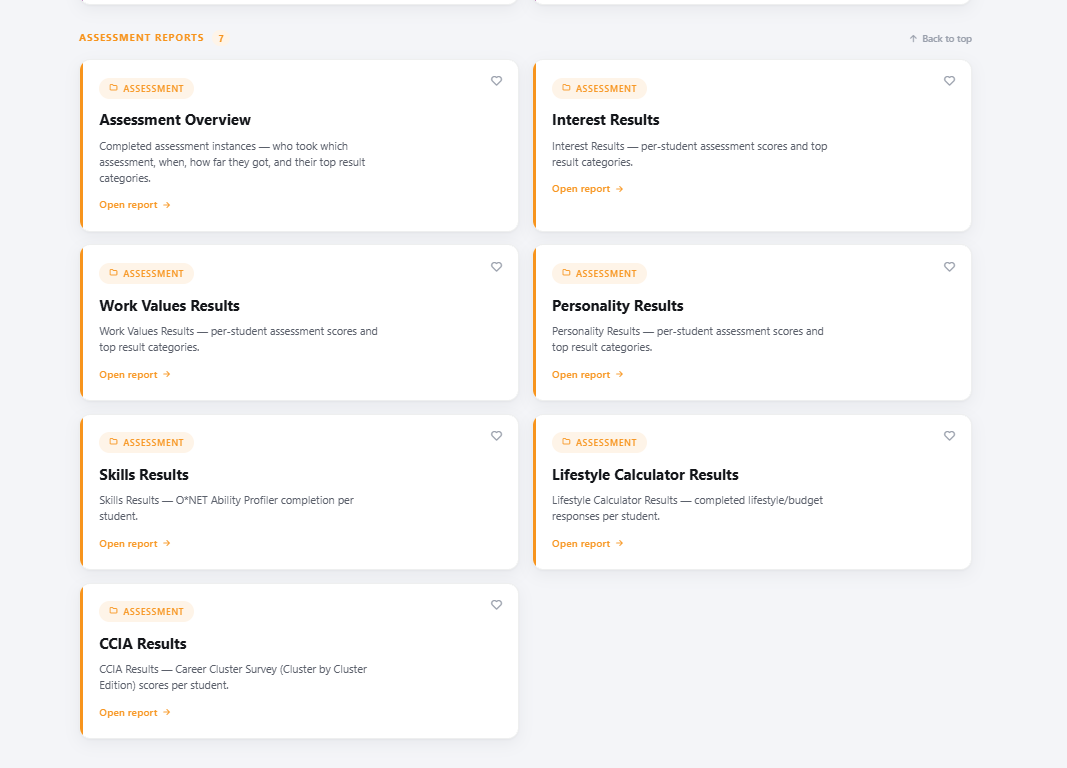
Understanding the Individual Reports
Assessment Overview: Completed assessment instances — who took which assessment, when, how far they got, and their top result categories.
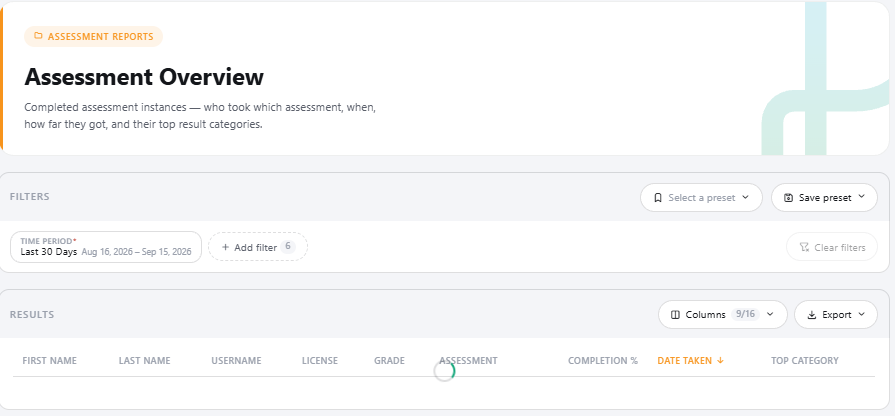
Assessments tied to this report: Lifestyle, Career Cluster Interest, Work Values, Personality, Skills and, if applicable, Interest and Interest Lite Interest Results — per-student assessment scores and top result categories.
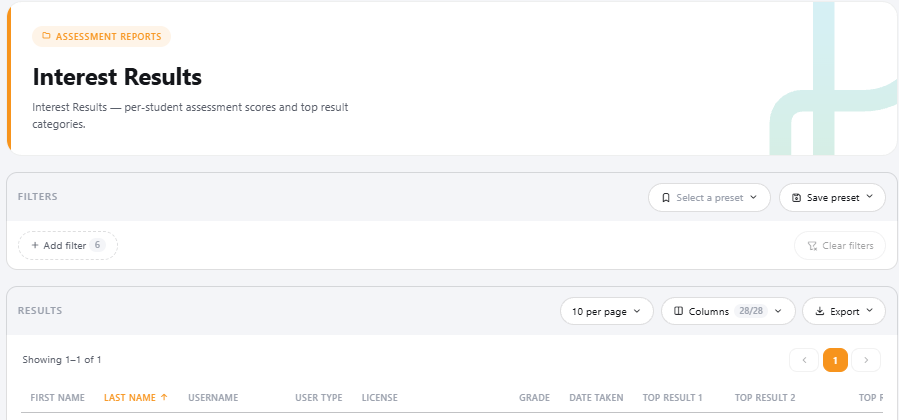
Assessments tied to this report: Work Values Results — per-student assessment scores and top result categories.
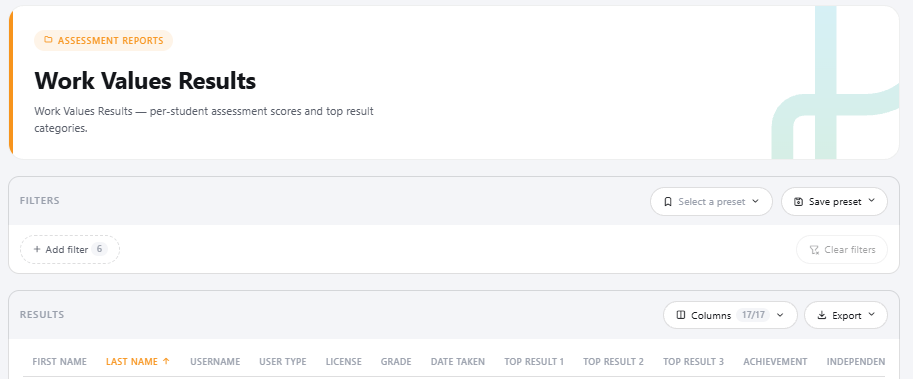
Assessments tied to this report: Work Values Personality Results — per-student assessment scores and top result categories.
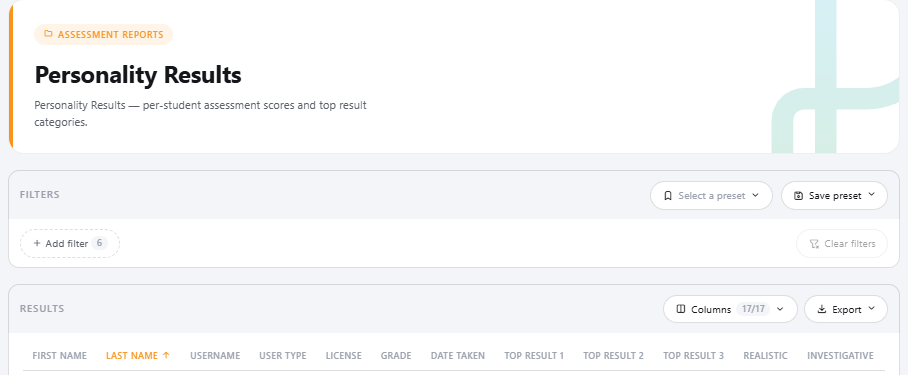
Assessments tied to this report: Personality Skills Results — O*NET Ability Profiler completion per student.
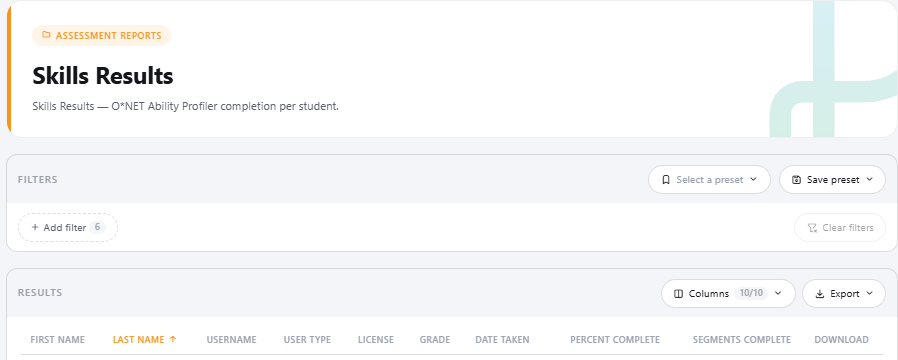
Assessments tied to this report: Skills Lifestyle Calculator Results — completed lifestyle/budget responses per student.
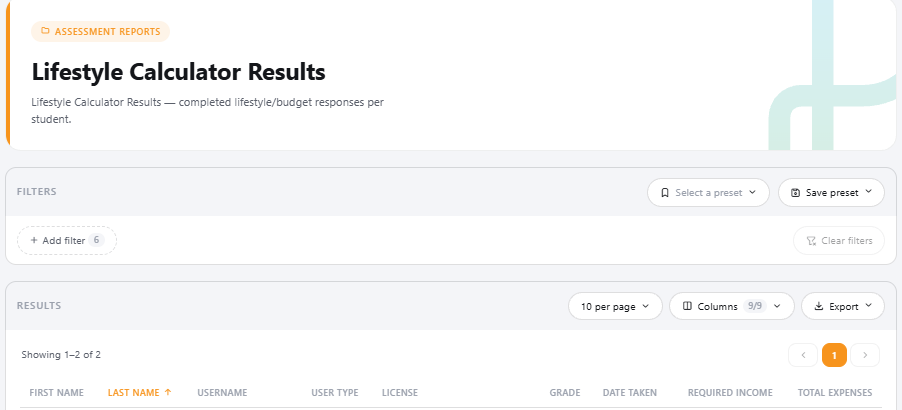
Assessments tied to this report: Lifestyle CCIA Results — Career Cluster Survey (Cluster by Cluster Edition) scores per student.
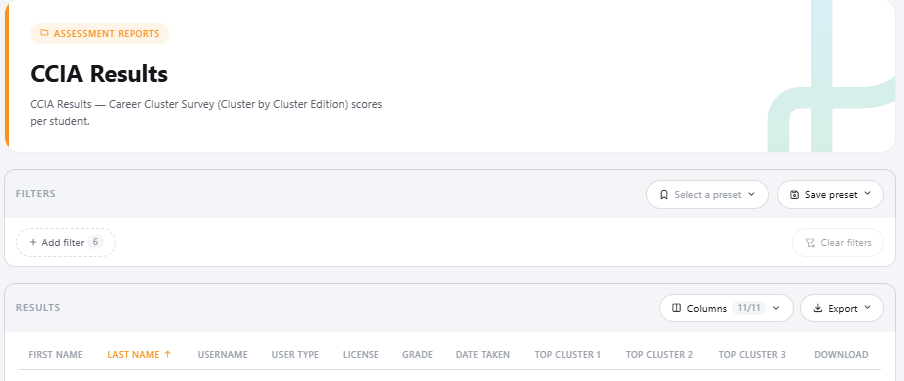
Assessments tied to this report: Career Cluster Interest
Filtering in Reports
The following showcases filter options in reports:
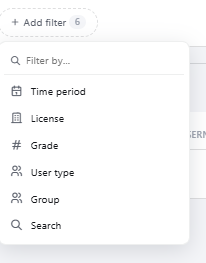
You can also filter by clicking the line item in the ‘Results’ section by ascending or descending order:


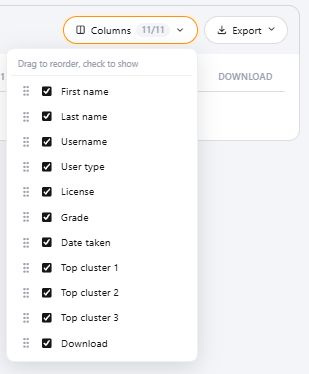
If you wish to hide certain line items, by clicking the Columns dropdown, you can filter out results:
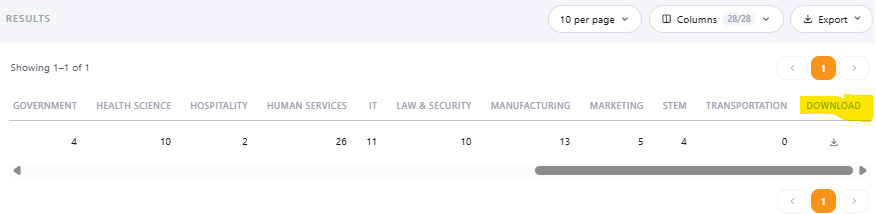
And finally, if you wish to export the results in mass, click Export. Individual download is available by scrolling to the right of the students result and clicking the down arrow:
Was this helpful?
Still need help? Ask the team