Send a Message to a Student
This article explains how to send a message to an individual student.
Last updated About 2 months ago
Send a Message to a Student
In Pathful Planner, you can send a message to an individual student or a group of students.
Refer to Send a Message to a Group of Students for how to send bulk messages.
NOTE: Students cannot respond to nor initiate messages in Pathful Planner.
Send a Message to a Student
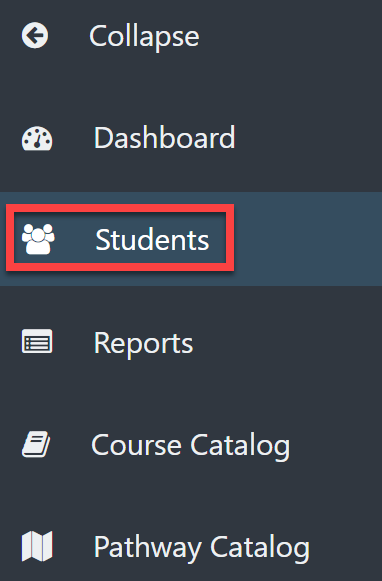
From your Dashboard, select Students.
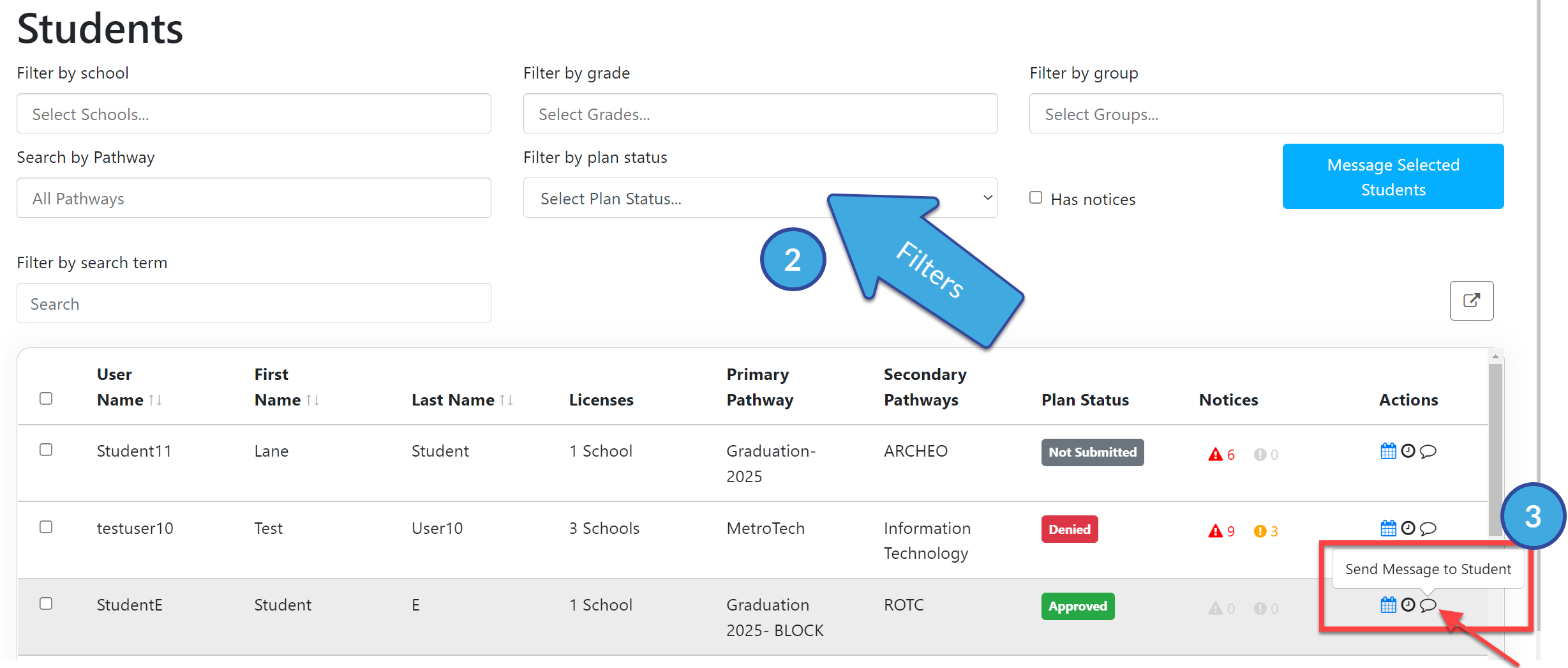
Use the filters to locate the student to whom you want to send a message.
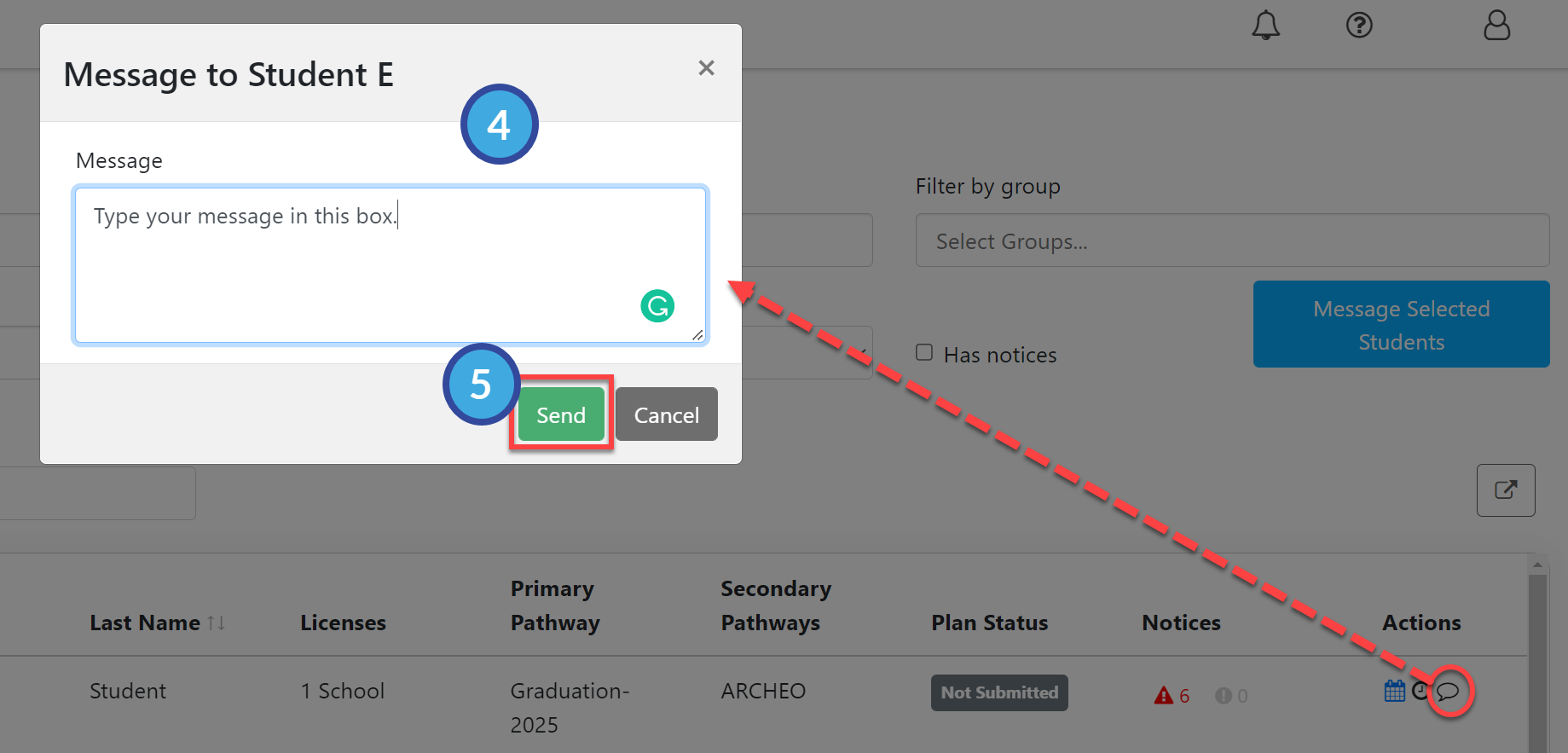
Select the "talk bubble" icon under the Actions menu.
Type your message in the pop-out window.
Select Send.