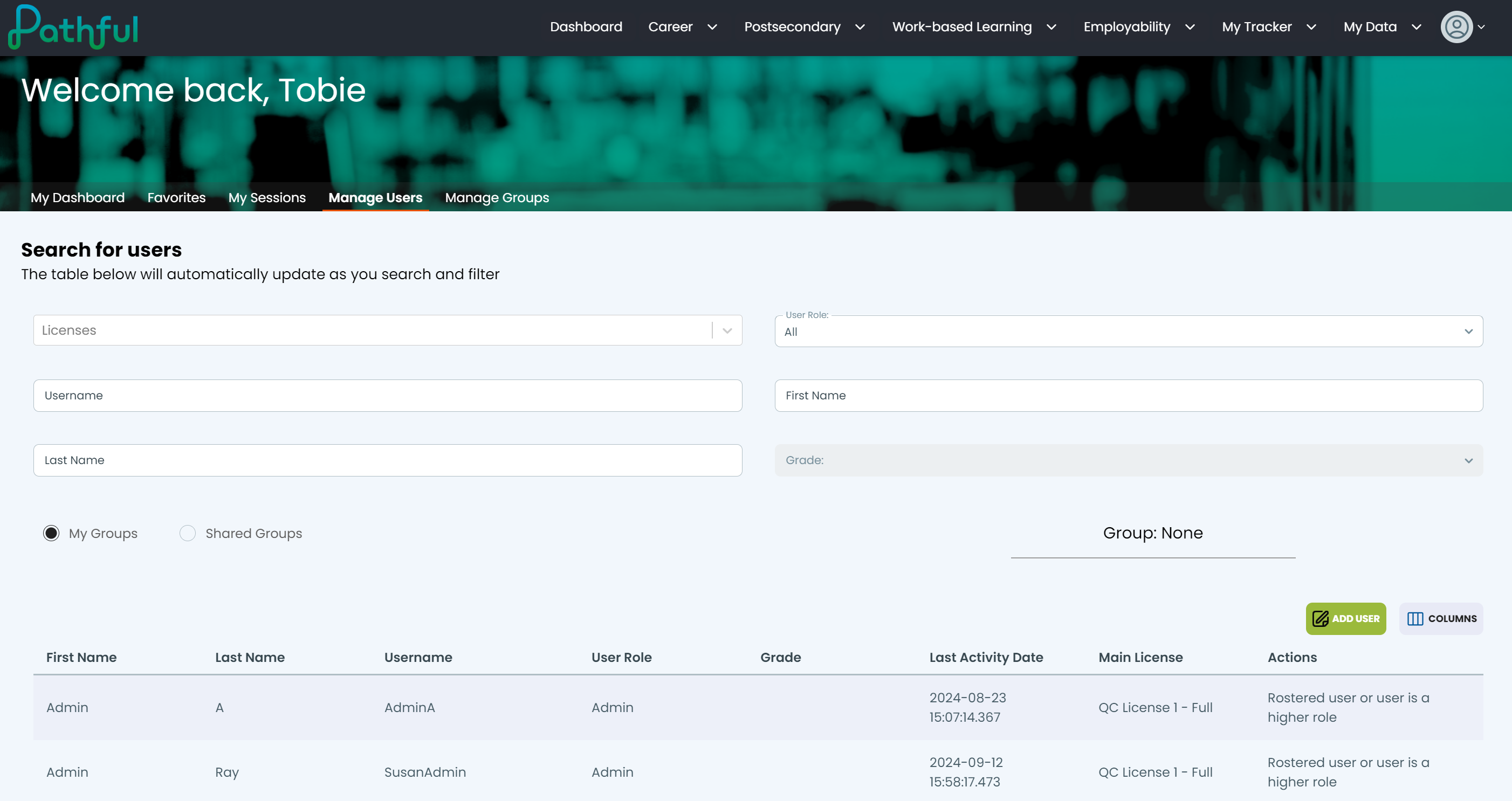
Search for a User
Use filters to quickly locate a user and make changes to their profile.
Last updated About 2 months ago
Search for a User
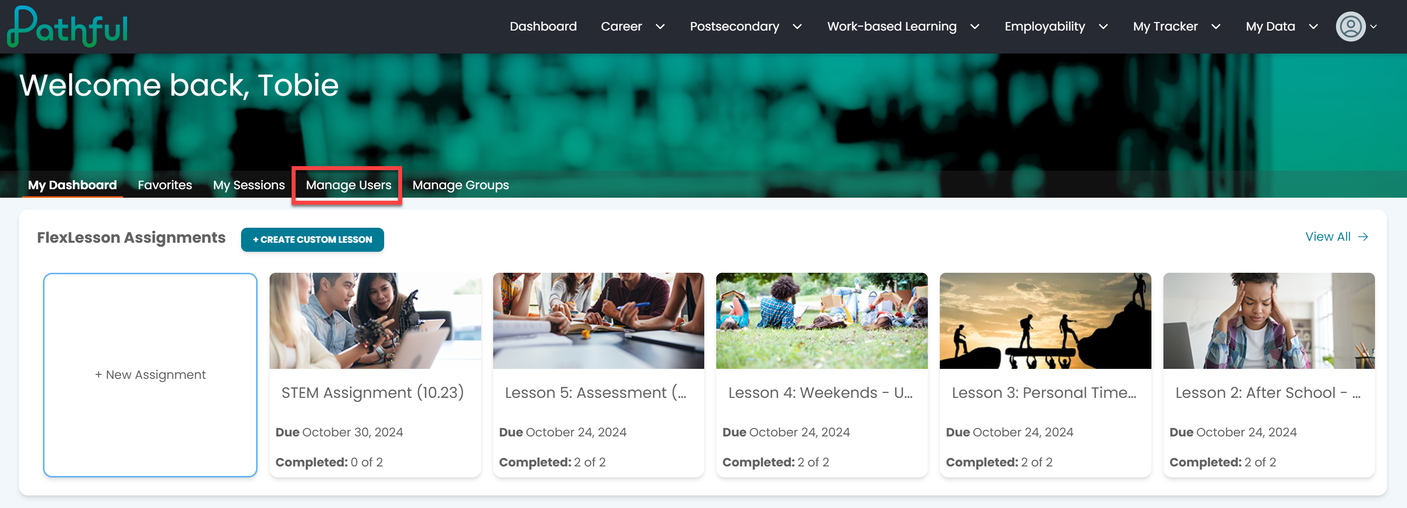
From the Dashboard, select Manage Users.
To locate a specific user, complete as many filters as possible. This will help limit your search results and prevent you from scrolling through long lists.Filters include the following:
License
User Role (All, Users, Staff)
Username (if you know it)
First and Last Name
Grade
Filters are active. The search begins as soon as you type. Optionally, you can press Enter after typing in a filter box.