Edit or Delete an EasyLogin Code
A step-by-step guide for how to edit or delete an EasyLogin Code.
Last updated About 2 months ago
Edit or Delete an EasyLogin Code
You can Edit or Delete EasyLogins as needed.
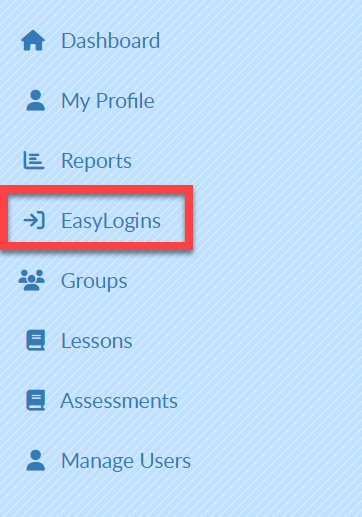
Select EasyLogins on the left menu bar.
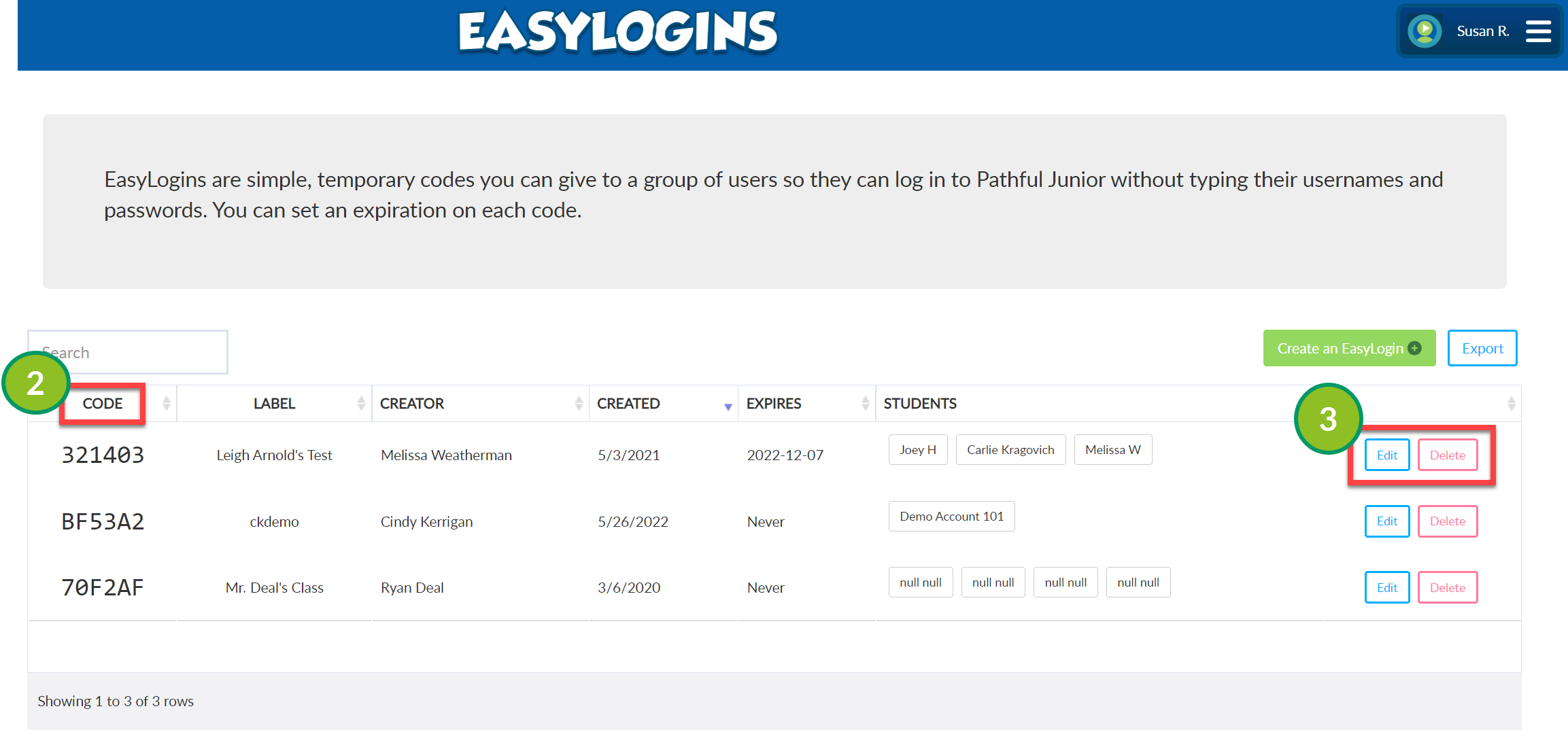
Locate the desired Code on the EasyLogin table.
Select Edit or Delete to the right of the desired Code.
Edit: This takes you to the Edit EasyLogin screen where you can make the necessary changes.
Delete: Select OK to confirm or Cancel to return to the EasyLogins screen.