Edit a User's Information
You can edit information about a user as needed provided they were not created with a rostering system (Clever, Classlink, Google, etc.). This includes Name, Username, Password, License, Role, Grade, and more.
Last updated About 2 months ago
Edit a User's Information
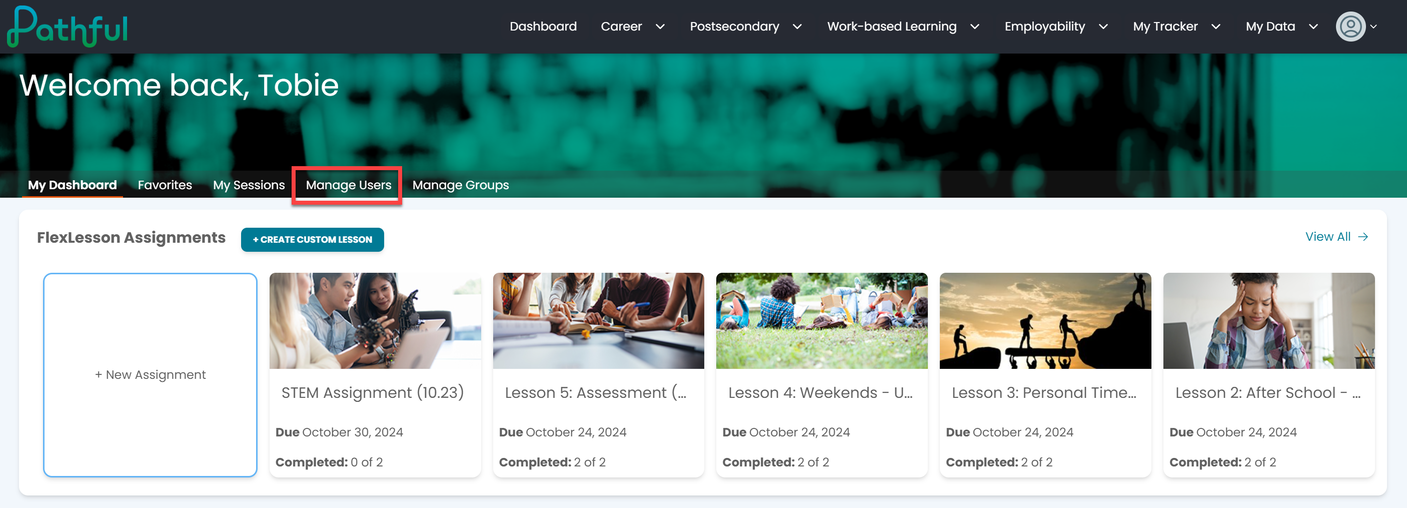
From your Dashboard, select Manage Users.
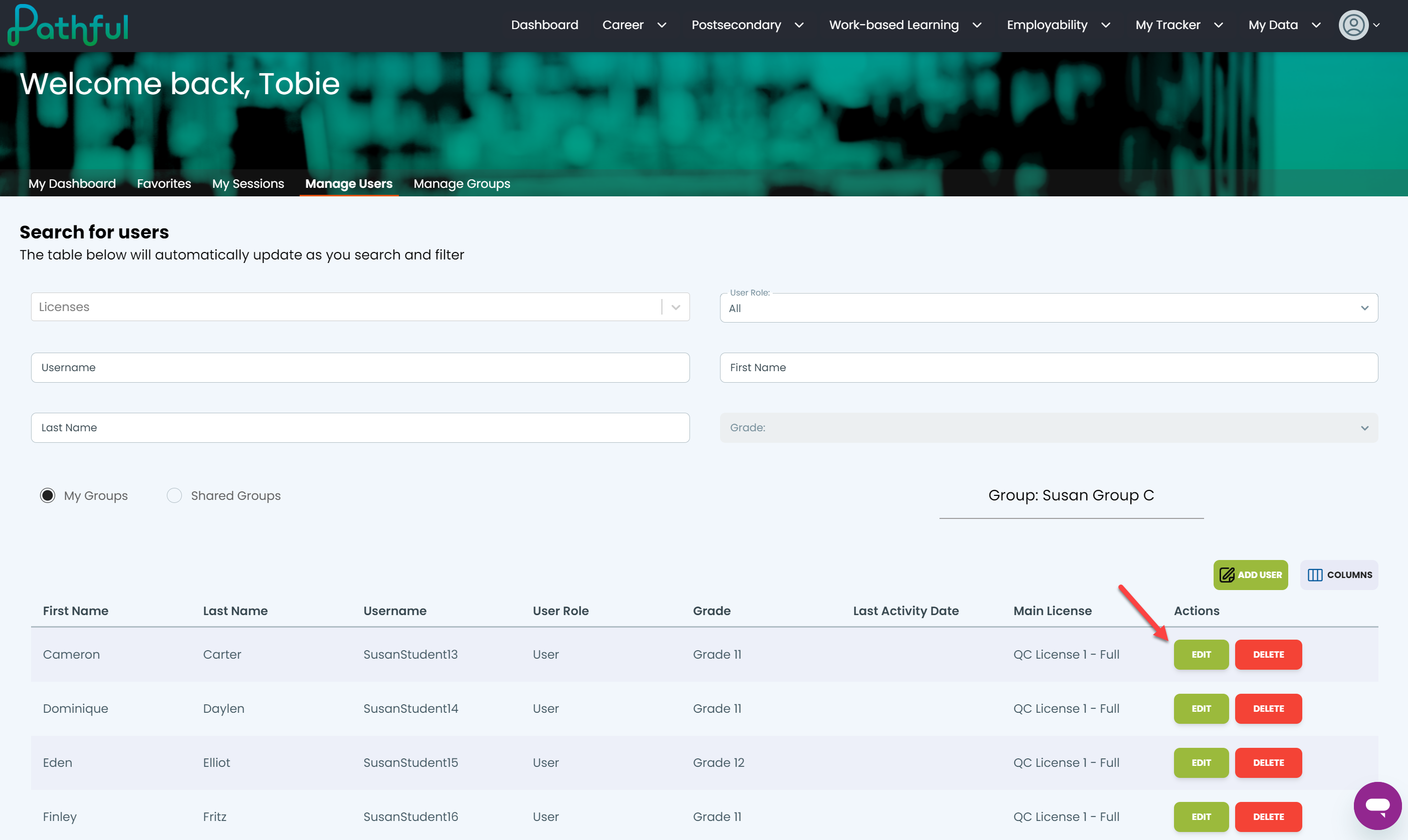
Locate the desired user using the filters. Filters are active, and begin to search as you are typing. Optionally, you can press enter.
Under the Actions column, select Edit.
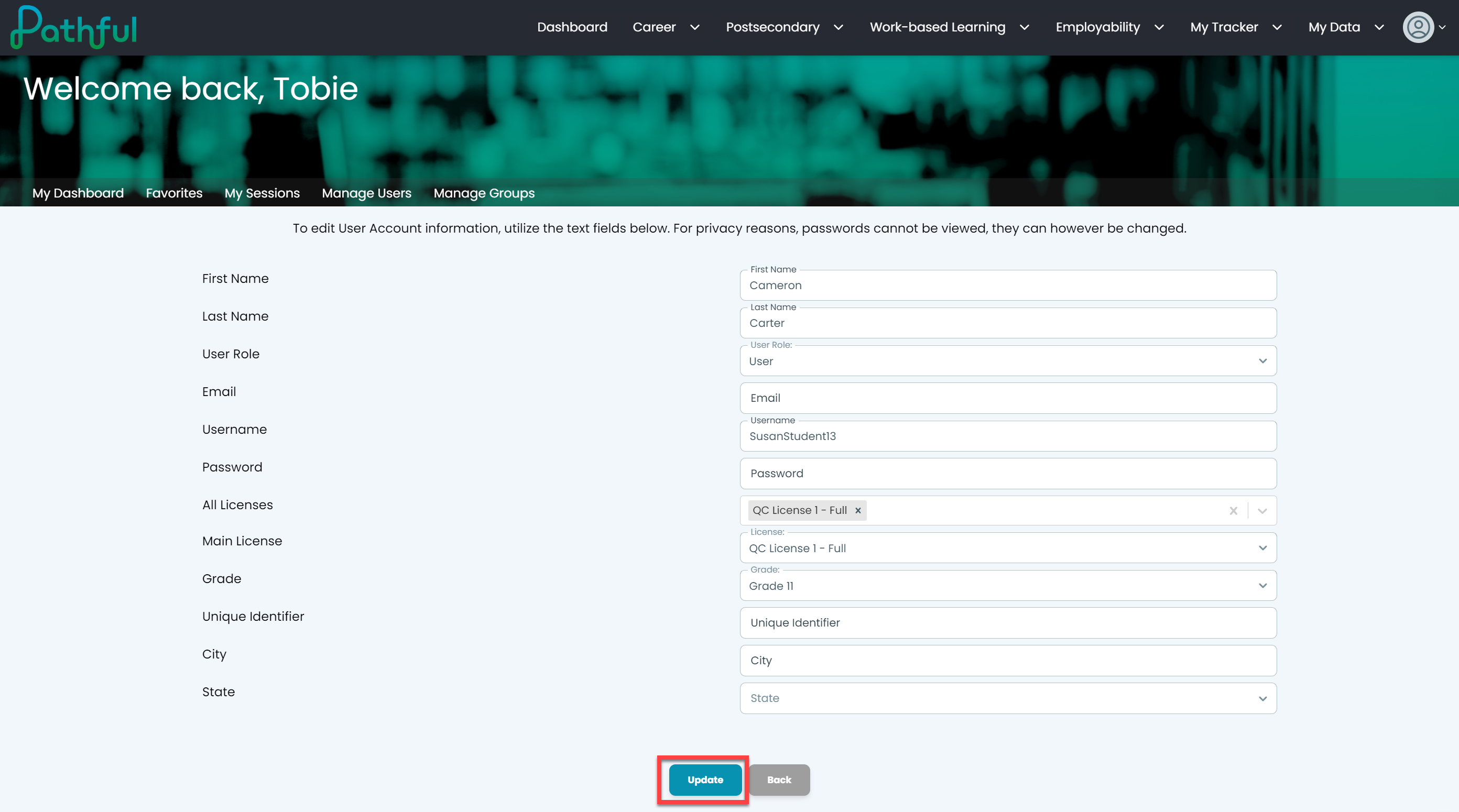
Make the necessary changes.
Select Update to save your changes. It can take up to three hours for changes to be effective.