Assessments- Progress Report
How to create a Assessments- Progress report and export to Excel.
Last updated About 5 hours ago
Assessments- Progress Report
There are two Assessment related reports you can create: Progress and Details.
Assessments- Progress Report
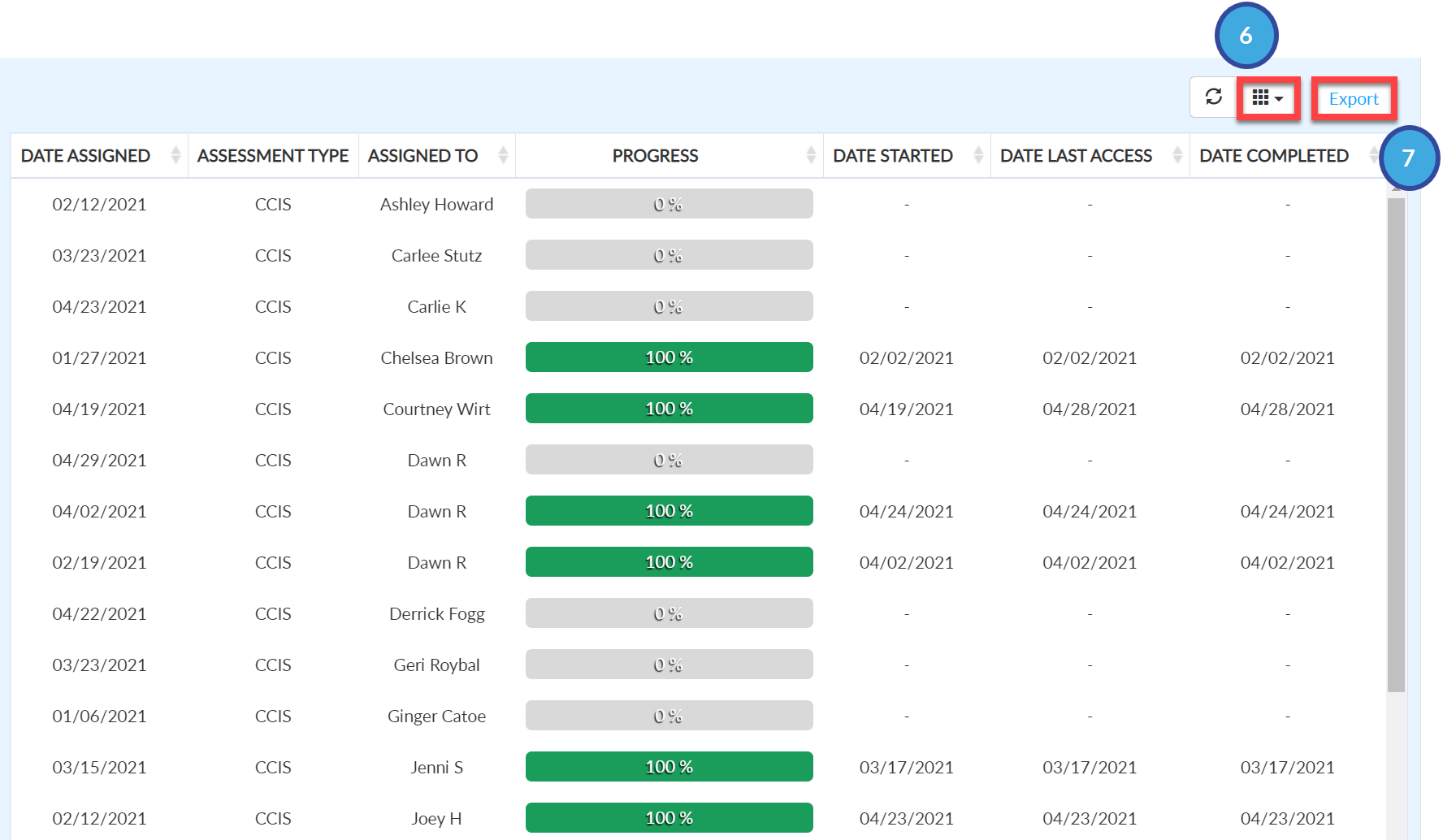
This report is the same as the Lessons- Student Progress Report, except it reports on individual student progress within the assessment (CCIS EZ).
This report provides the following information:
Date Assigned
Assessment Type
Subtitle
Assigned By
Assigned To
Progress
Date Started
Date Last Access
Date Completed
Create a Assessments- Progress Report
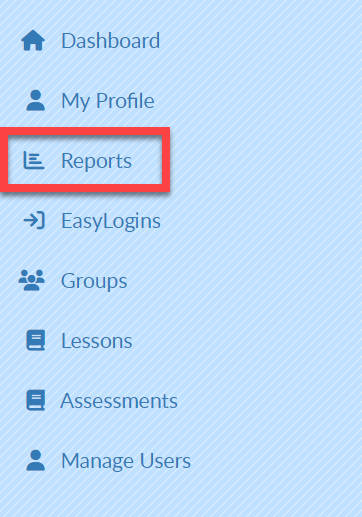
Select Reports on the left menu bar.
Select the Reports Tab.
From the Report drop-down menu, select Assessments- Progress.
Complete the Search Fields as desired.
Select Search.Your report will populate at the bottom of the screen.
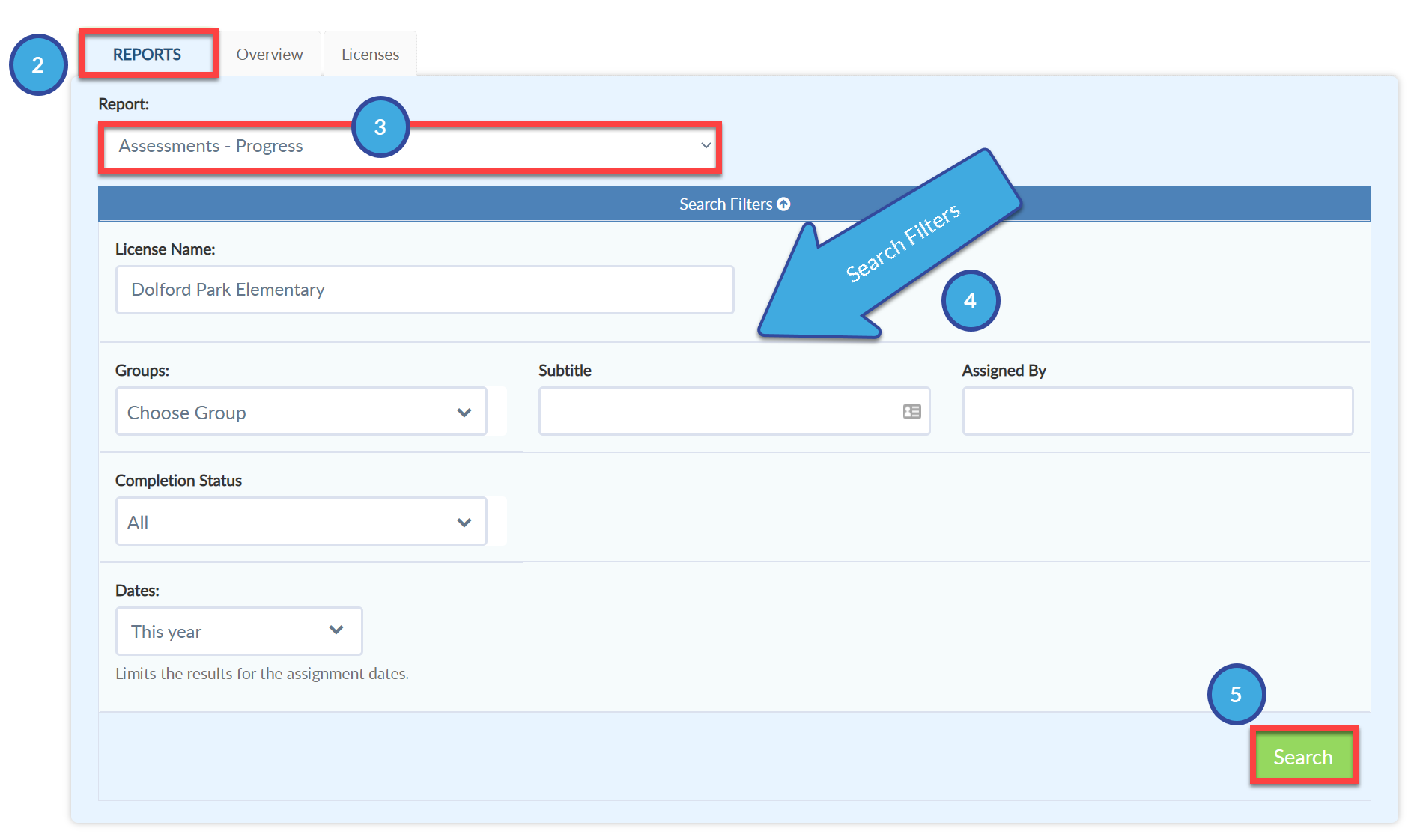

Select the desired license(s) from the License Name dropdown in the Search Filters if you have access to multiple licenses.
Select the grid icon to add or remove fields from the report.
Select Export to create an Excel file of this report.